
 Gameplay
 Utility
 Miscellaneous
 Quality of Life
VeinMining
Updated and Maintained by Riprod
All I have done is migrations / small code changes for aligning with best practices. All original code is not mine
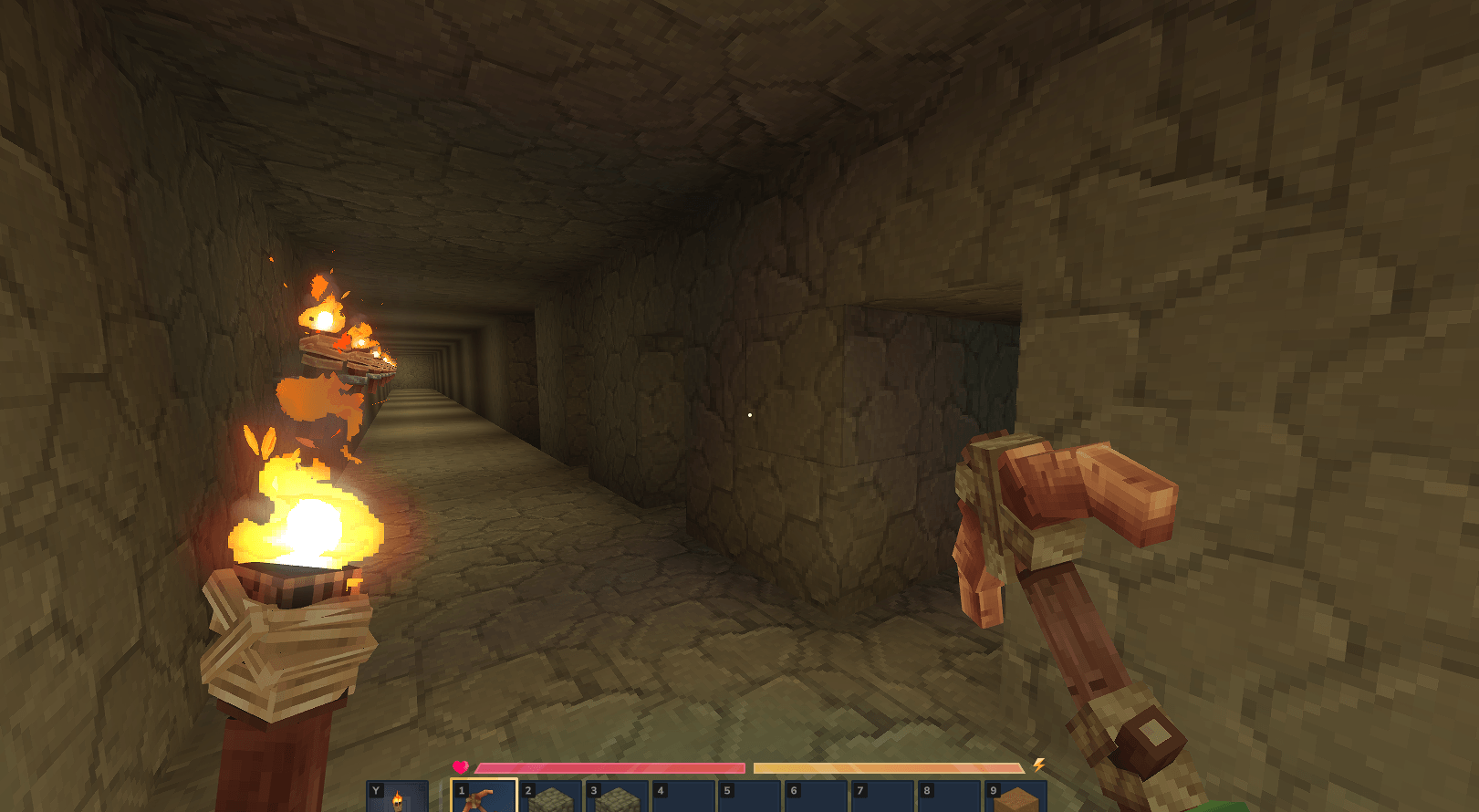
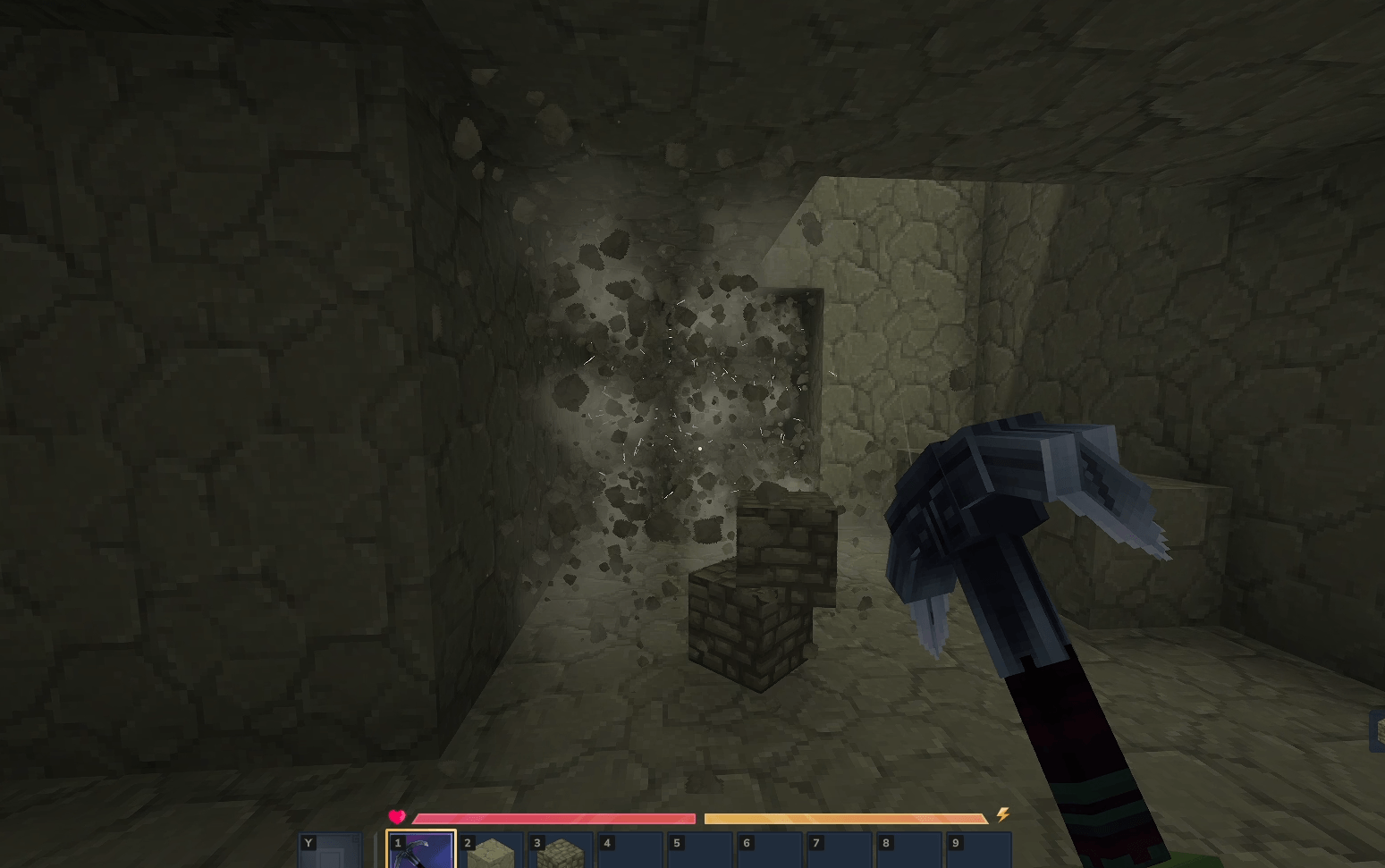
Efficient excavation and ore extraction mod for Hytale. Automatically mine connected blocks using customizable patterns and targeting modes.
Usage
- Activate: Hold the modifier key (Default: LEFT ALT / Walk) while mining.
- Configure: Run
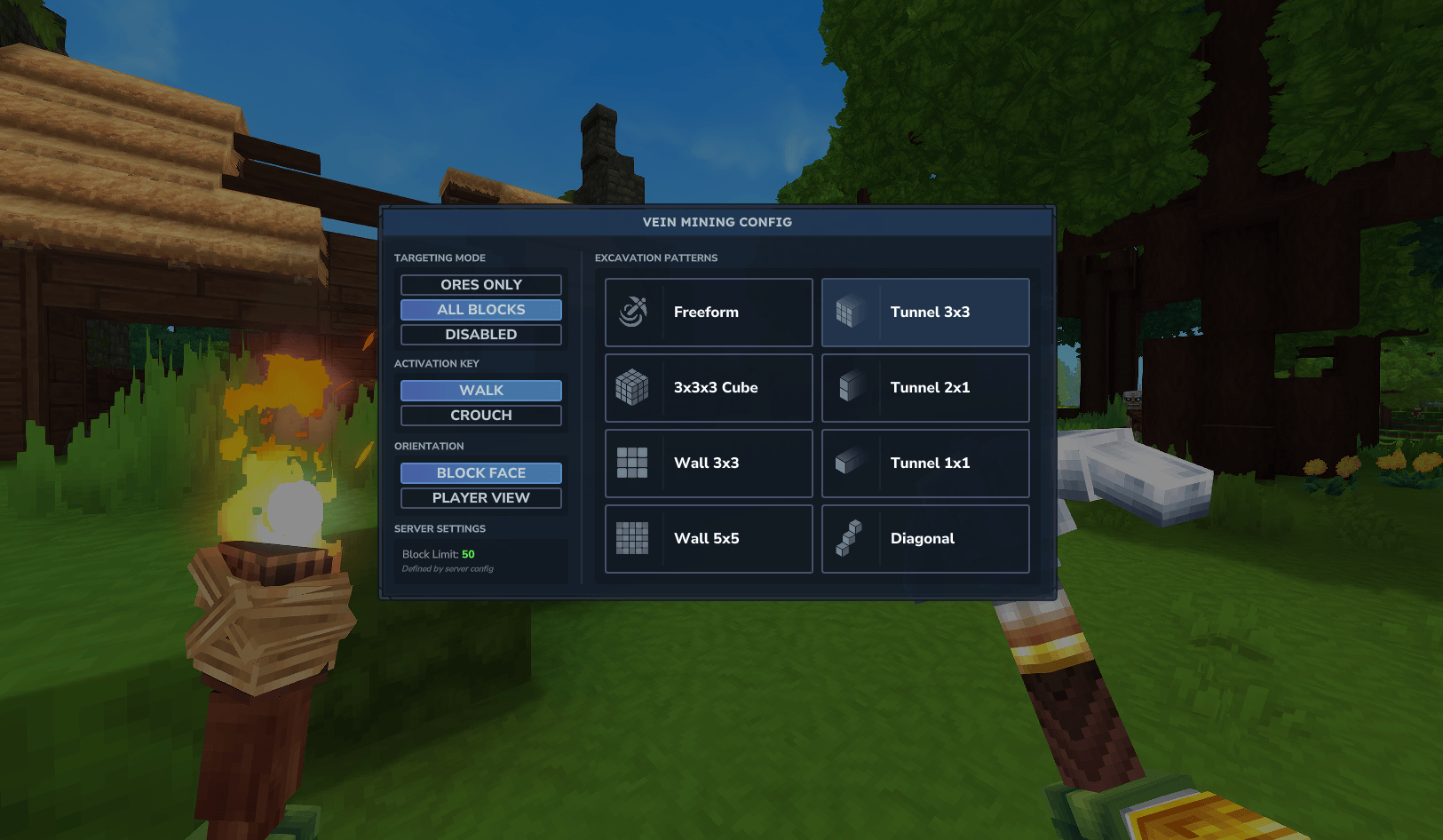
/vmto open the interactive configuration GUI. - Customize: Select targeting modes and patterns via the UI or chat commands.
Commands & Arguments
Aliases: /veinmining, /vm, /vein, /veinminer
Player Commands
Adjust personal preferences via flags:
--mode:all,ores,off--pattern:freeform,cube,tunnel1,tunnel2,tunnel3,wall3,wall5,diagonal--orientation:block,player--key:walk,crouch,always
Example: /vm --mode ores --pattern tunnel3 --key crouch
Admin Commands
Requires veinmining.admin permission. Used to manage other players:
--target: Player Name or UUID.--limit: Sets a session-specific block limit for the target.--enable: Force enable/disable the mod functionality (true/false).--allowed_modes: CSV list of modes (e.g.,"ores,off").--allowed_patterns: CSV list of patterns.
Example: /vm --target PlayerName --limit 500 --enable true
Functionality Reference
Targeting Modes
- Ores Only (
ores): Detects and mines connected ore veins. Ignores cracked/decorative variants. - All Blocks (
all): Mines all connected blocks matching the ID of the block initially broken. - Disabled (
off): Suspends all mod functionality.
Excavation Patterns
- Freeform: Follows the natural shape of the vein or cluster.
- Tunnel 1x1 / 2x1 / 3x3: Creates straight shafts in the targeted direction.
- Cube: Excavates a 3x3x3 area around the target.
- Wall 3x3 / 5x5: Clears flat surfaces.
- Diagonal: Mines a 1-block diagonal chain (useful for staircases).
Orientation Settings
- Block Face: Aligns the excavation pattern based on the side of the block hit.
- Player View: Aligns the pattern based on the player's camera direction.
Permission System
Permissions are used to control access to specific features and group-based settings.
| Node | Description |
|---|---|
veinmining.admin |
Access to admin commands and bypasses all restrictions. |
veinmining.group.<name> |
Links a player to a specific GroupSettings entry in the config. |
veinmining.mode.<mode> |
Allows specific modes: all, ores. Use * for both. |
veinmining.pattern.<id> |
Allows specific patterns (e.g., veinmining.pattern.cube). |
Configuration (VeinMining.json)
Master Settings
MasterModEnabled: Global toggle for the entire mod.MasterMaxLimit: Hard cap for the number of blocks broken in one event.MasterSoundEnabled: Toggles UI and mining sound effects.InstantBreak: If true, blocks vanish instantly; if false, they break in a sequential ripple.
Group Settings
Define rank-based limits by adding objects to the Groups array.
Name: Matches the permission nodeveinmining.group.<name>.Priority: Higher numbers take precedence if a player has multiple group nodes.MaxVeinSize: The maximum blocks this group can mine.AllowedModes/AllowedPatterns: Lists of permitted functionality.
Player Overrides
Specifically target individual UUIDs to apply custom limits or restrictions regardless of their group.
Drop & Durability
DropMode: Determines where items spawn.player: Spawns all consolidated loot directly at the player's position.break: Spawns all consolidated loot at the location of the first block broken.block: Spawns drops at their original block locations (automatically disablesBundleDrops).
BundleDrops: If true, identical items merge into a single stack to optimize performance.DurabilityMultiplier: Adjusts the cost of vein mining to tool durability.RequireValidTool: If true, requires a Pickaxe, Hatchet, Shovel, or Shears to function.
Troubleshooting
- World Load Failure: If the world fails to start after an update, delete the
EineNT_VeinMiningfolder in your world'smodsdirectory to regenerate the configuration. - Mod Inactive: Ensure only one version of the
.jarexists in theUserData/Modsfolder.