
 Miscellaneous
 Utility
Hytale-Takaro Integration
This mod connects your Hytale server to Takaro, giving you:
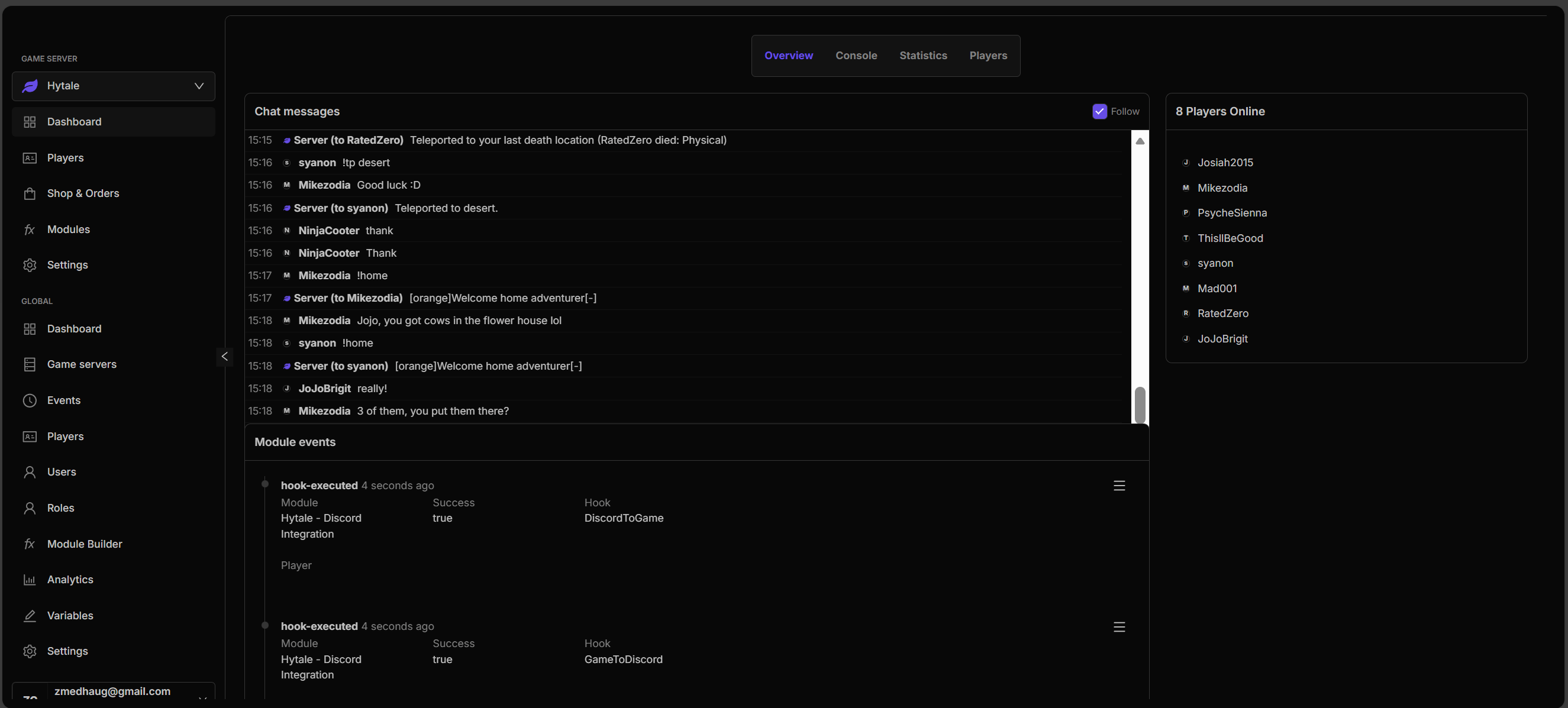
- Discord Integration - Player join/leave notifications, chat relay
- Remote Management - Execute commands, give items, teleport players
- Advanced Automation - Hooks, cronjobs, and custom commands
- Player Tracking - Real-time player locations and statistics
- Item Management - Complete item database integration
Features
Events
- ✅ Player join/leave notifications
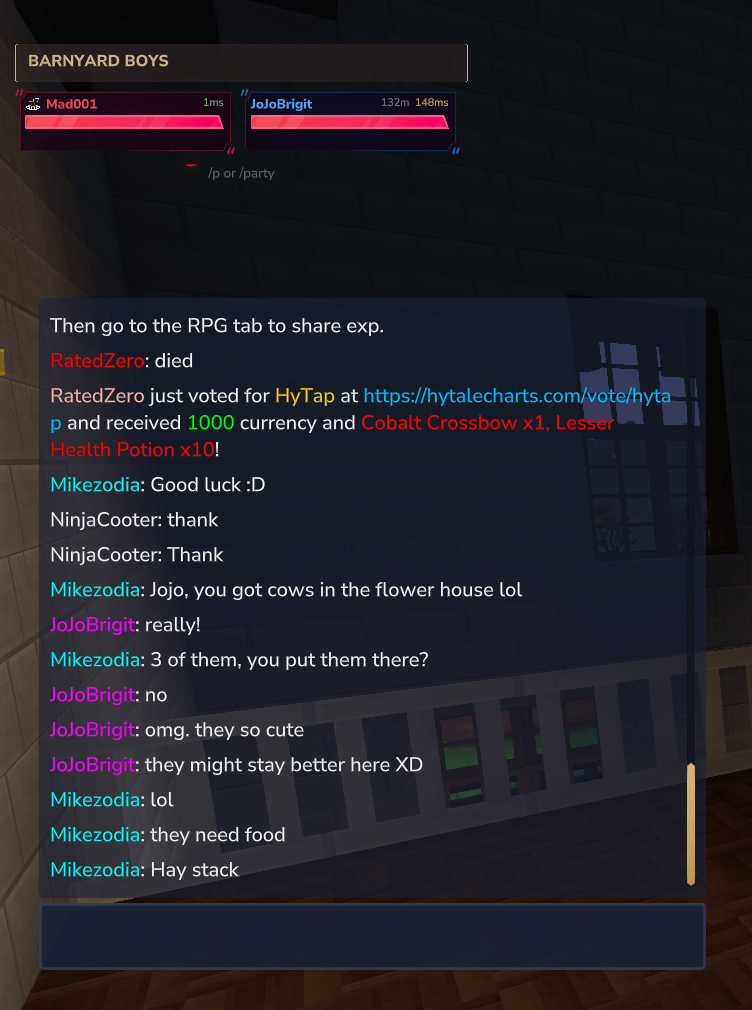
- ✅ Chat message relay
- ✅ Real-time player tracking
Commands
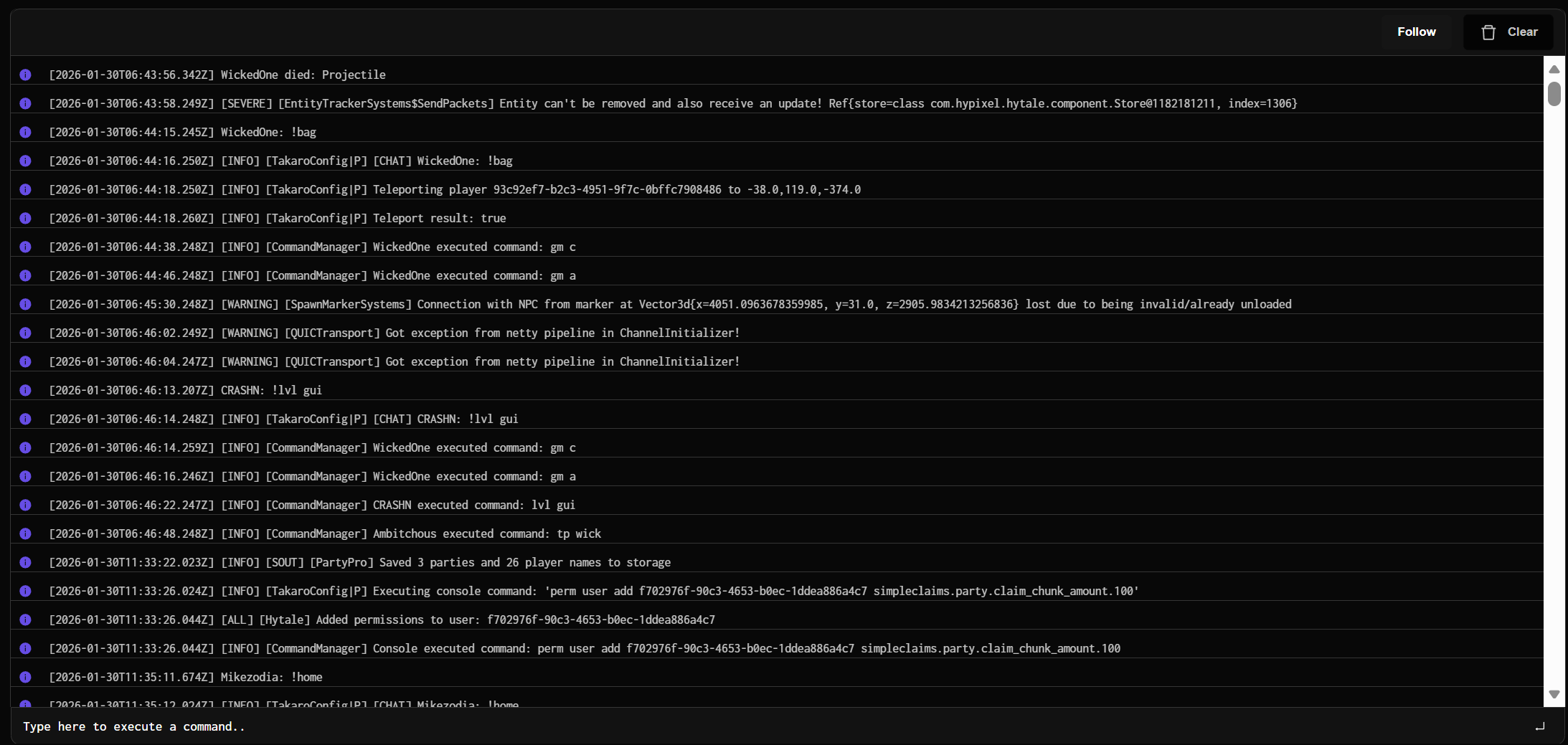
- ✅ Execute console commands remotely
- ✅ Send messages to players
- ✅ Give items to players
- ✅ Teleport players
- ✅ Kick/ban/unban players
- ✅ Execute ANY console command
Information
- ✅ Player list with locations
- ✅ Server info and status
- ✅ Complete items database
- ✅ Player inventory viewing
Installation
Prerequisites
- Hytale dedicated server
- Takaro account (free)
Get a Takaro Account
Server Setup
- Download the mod JAR file
- Copy to your Hytale server's
modsfolder - Start your server to generate the config file
- Stop the server
Configuration
Edit \Hytale\Server\mods\dev.takaro_HytaleTakaroIntegration\config.properties:
# Get these from your Takaro dashboard
IDENTITY_TOKEN=NAME-YOUR-SERVER-WHATEVER-YOU-WANT
REGISTRATION_TOKEN=GET_THIS_FROM_THE_DIRECTIONS_BELOW
Where to get tokens:
- Go to your Takaro dashboard
- Navigate to Settings → Game Servers
- Click "Add Game Server"
- Select "Generic" as the game type
- Copy the Registration Token
- Paste into
dev.takaro_HytaleTakaroIntegrationand replaceGET_THIS_FROM_THE_DIRECTIONS_BELOW
Start Server
Start your Hytale server and the mod will automatically connect to Takaro!
Support
- Issues/Bugs: GitHub Issues
- Discord: Takaro Discord
- Documentation: Takaro Docs
Links
- Takaro Platform: https://takaro.io/pricing/?via=zach550
- Source Code: https://github.com/mad-001/Hytale-Takaro-Integration
- Takaro Documentation: https://docs.takaro.io
Credits
Developed by the Takaro team for the Hytale community.