
 Miscellaneous
 Utility
Souza Plot
A plot world plugin for Hytale servers - claim plots, build, and protect your creations. Inspired by PlotSquared and PlotMe from Minecraft.

Features
- Plot Claiming System - Players can claim plots and own land in a dedicated plot world
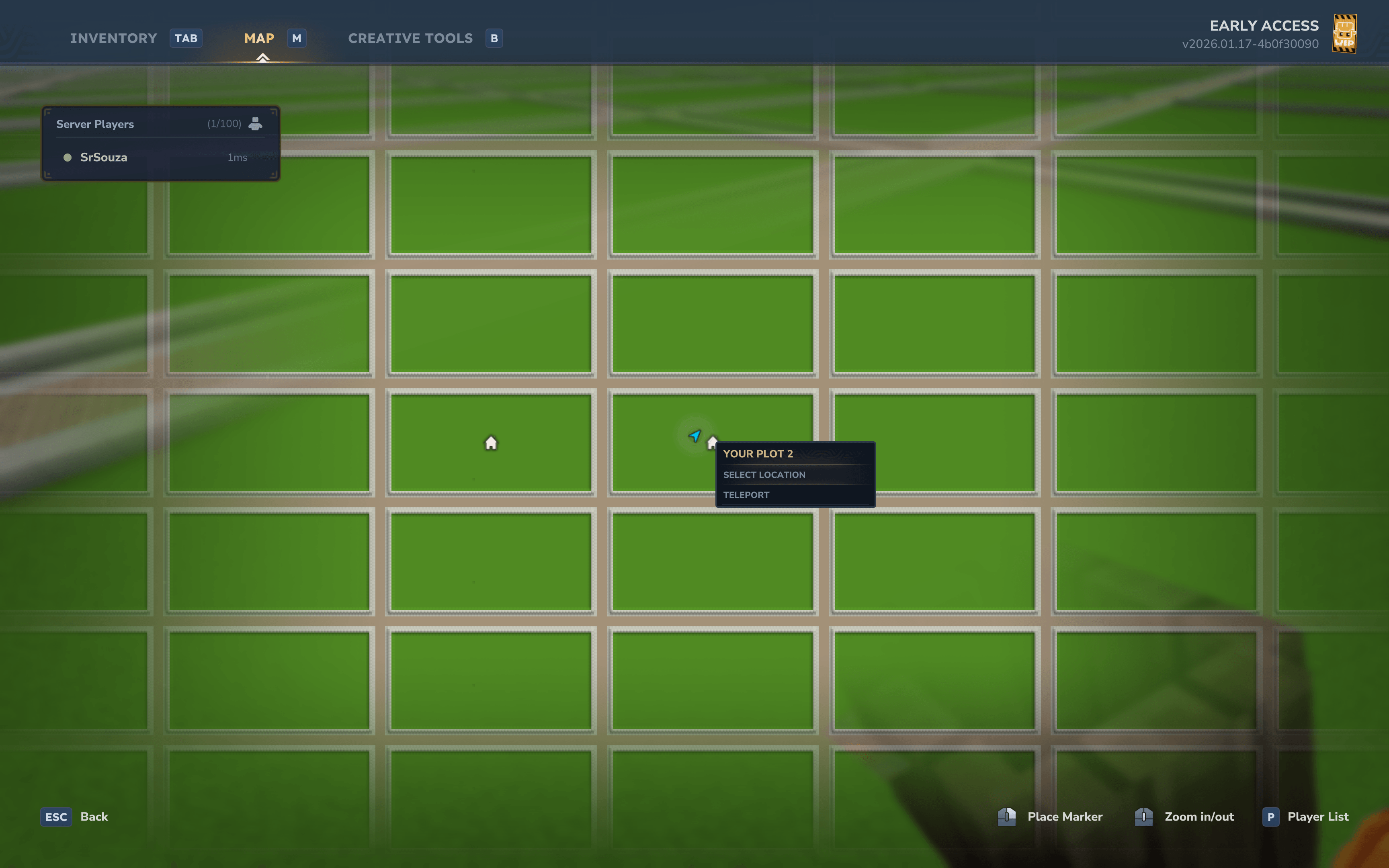
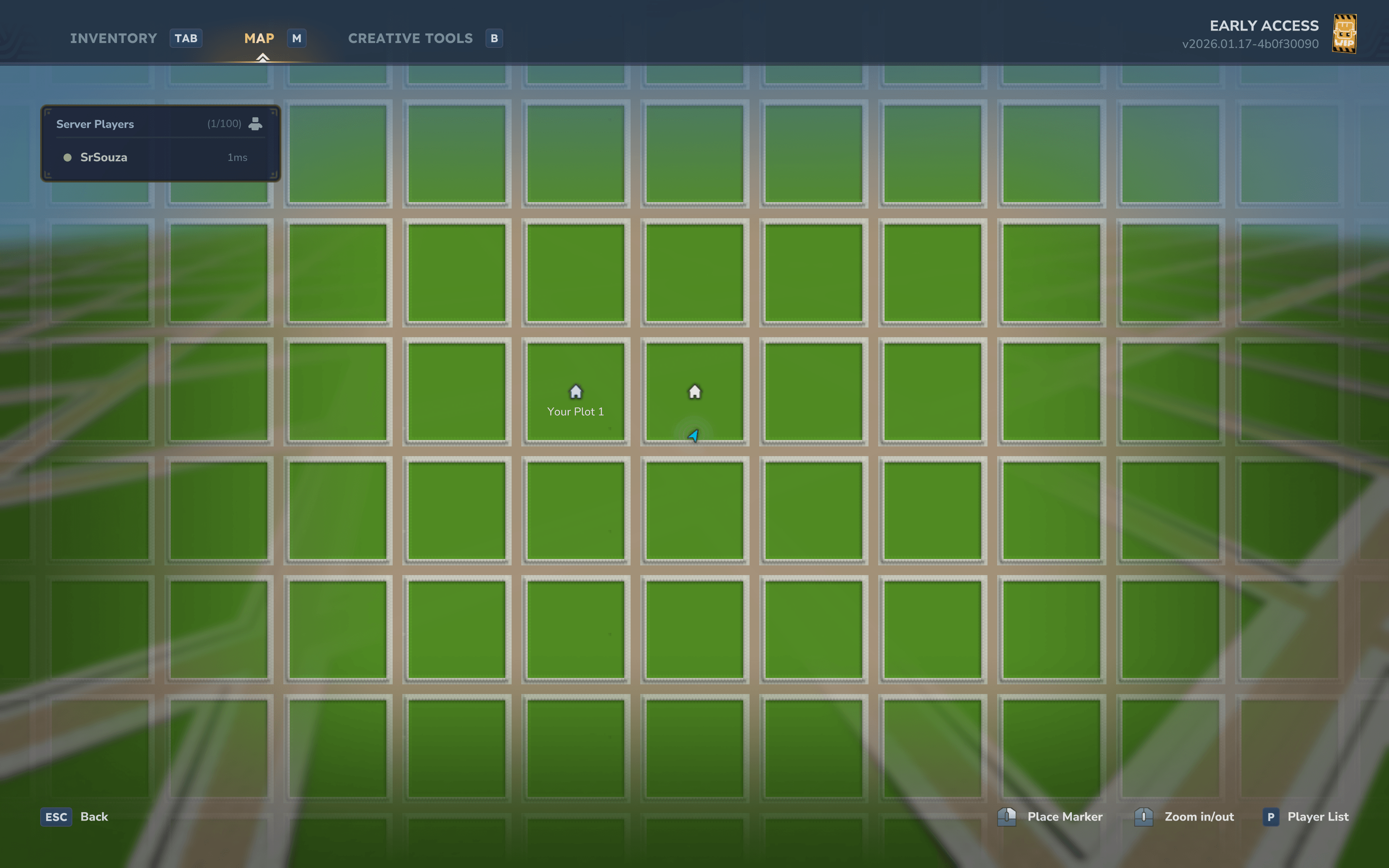
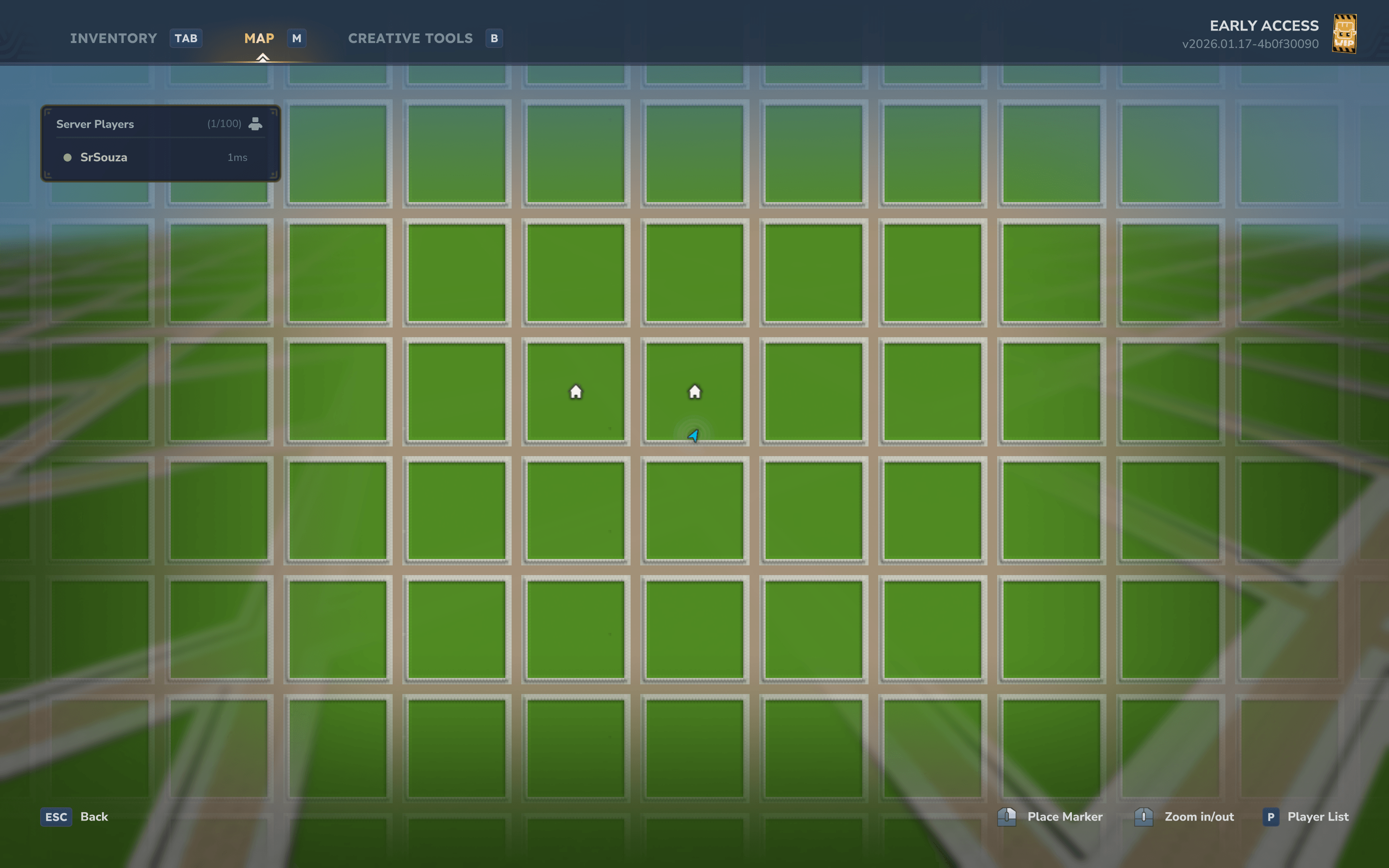
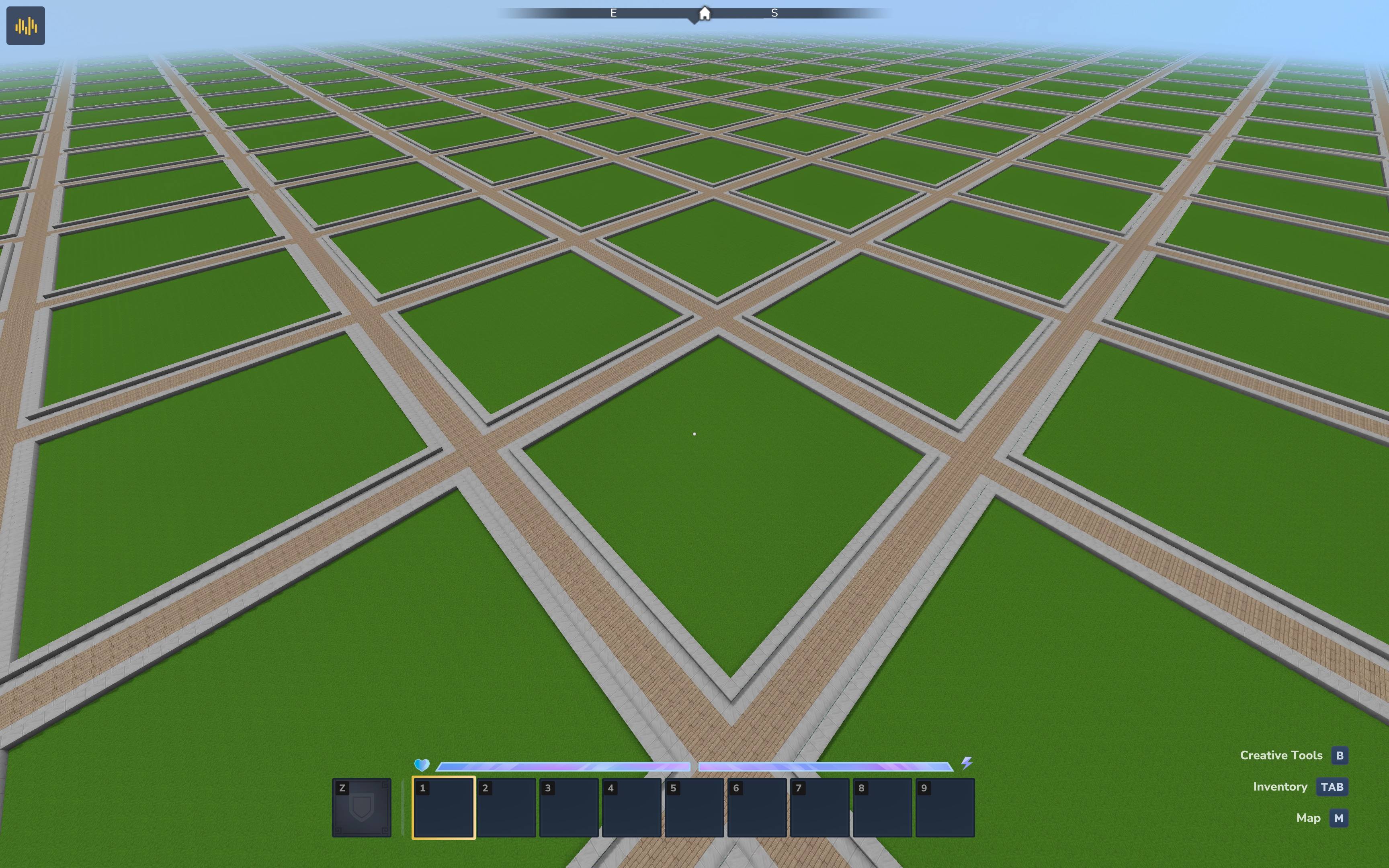
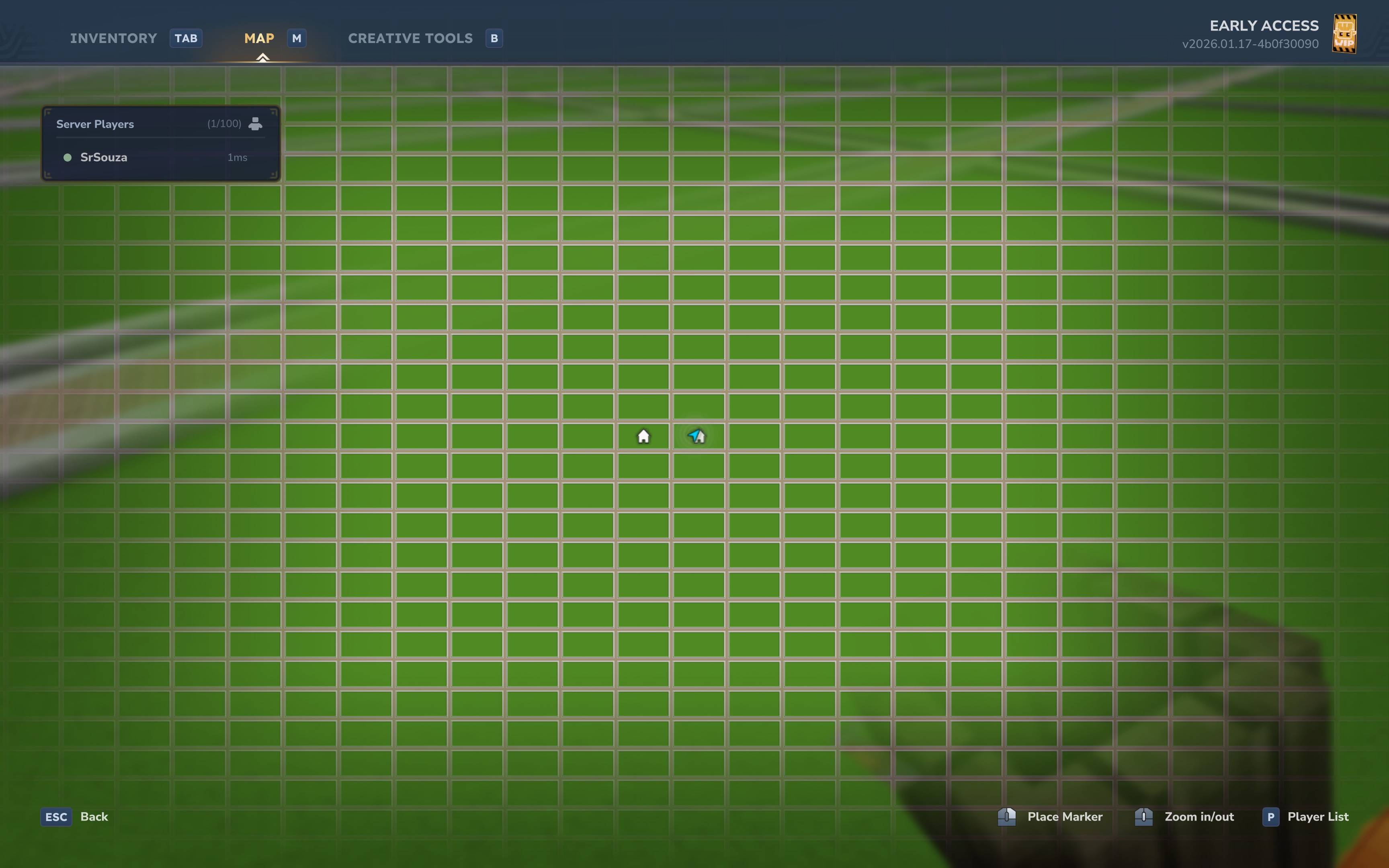
- Custom World Generation - Flat world with configurable plots, roads, and borders
- Block Protection - Only plot owners and trusted members can build on plots
- Member Management - Add members with different trust levels (Trusted, Helper, Visitor)
- Deny System - Ban specific players from entering or building on your plot
- Teleportation - Easily teleport to your plots, visit other players, or return to previous locations
- Admin Plots - Server-owned plots for spawn areas or public builds
- Permission-Based Limits - Configure plot limits per player or permission group
- Fully Configurable - Customize plot sizes, block types, messages, and more
Requirements
- Hytale Server (with modding API)
- Java 25+
Installation
- Download the latest release JAR from the releases page
- Place the JAR file in your server's
Modsfolder - Start the server - the plugin will generate default configuration
- Configure the plugin in
plugins/Hytale/Plot/config.json - Restart the server to apply changes
Building from Source
# Build the plugin
./gradlew build

# The JAR will be in build/libs/souza-plot-1.0.0-SNAPSHOT.jar
Commands
| Command | Description |
|---|---|
/plot claim |
Claim the plot you're standing in |
/plot auto |
Automatically claim a random unclaimed plot |
/plot home [index] |
Teleport to your plot (or specify index if you own multiple) |
/plot visit <player> |
Visit another player's plot |
/plot info |
Show information about the current plot |
/plot list |
List all your claimed plots |
/plot add <player> |
Add a member to your plot |
/plot remove <player> |
Remove a member from your plot |
/plot deny <player> |
Deny a player from entering your plot |
/plot undeny <player> |
Remove a player from your deny list |
/plot tpback |
Teleport back to your previous location |
/plot help |
Show command help |
Admin Commands
| Command | Description |
|---|---|
/plot admin claim |
Claim a plot for the server (admin plot) |
/plot admin delete |
Delete/unclaim a plot |
/plot admin setspawn |
Set the plot world spawn point |
Configuration
The plugin configuration is stored in plugins/Hytale/Plot/config.json:
{
  "WorldName": "plotworld",
  "PlotSize": 32,
  "RoadWidth": 5,
  "GroundHeight": 64,
  "DefaultPlotLimit": 1,
  "MaxPlotLimit": 10,
  "PlotBlockType": "Soil_Grass",
  "RoadBlockType": "Rock_Stone_Cobble",
  "BedrockBlockType": "Rock_Volcanic",
  "BorderBlockType": "Rock_Stone_Cobble_Half",
  "FillBlockType": "Rock_Stone",
  "DirtBlockType": "Soil_Dirt",
  "DirtDepth": 4,
  "BedrockDepth": 3,
  "BorderEnabled": true,
  "Environment": "Surface",
  "EnableMerging": true,
  "EnableReset": true,
  "ClaimFromRoad": false,
  "AutoCreateWorld": true,
  "ProtectBottomLayer": true,
  "ProtectedLayerHeight": 1
}
Configuration Options
| Option | Description | Default |
|---|---|---|
WorldName |
Name of the plot world | plotworld |
PlotSize |
Size of each plot (blocks) | 32 |
RoadWidth |
Width of roads between plots | 5 |
GroundHeight |
Y-level of the ground surface | 64 |
DefaultPlotLimit |
Default number of plots per player | 1 |
MaxPlotLimit |
Maximum plot limit (for permissions) | 10 |
BorderEnabled |
Enable plot border walls | true |
AutoCreateWorld |
Automatically create plot world on startup | true |
ProtectBottomLayer |
Prevent breaking bedrock layer | true |
Trust Levels
When adding members to your plot, they receive different permission levels:
| Level | Build | Use Containers |
|---|---|---|
| Trusted | Yes | Yes |
| Helper | Yes | No |
| Visitor | No | No |
Permissions
| Permission | Description |
|---|---|
souza.plot.command.* |
Access to all plot commands |
souza.plot.admin |
Access to admin commands |
souza.plot.limit.<number> |
Set plot limit for player (e.g., souza.plot.limit.5) |
souza.plot.bypass |
Bypass plot protection |
World Generation
The plugin generates a flat plot world with the following structure:
+-----+--------------------------------+-----+
|ROAD |            ROAD                |ROAD |
+-----+---+------------------------+---+-----+
|     | B |                        | B |     |
|ROAD | O |         PLOT           | O |ROAD |
|     | R |        (0,0)           | R |     |
|     | D |                        | D |     |
|     | E |                        | E |     |
|     | R |                        | R |     |
+-----+---+------------------------+---+-----+
Layer Structure (Y-axis):
Y=65+  Air (empty)
Y=65   Border wall (slabs, only at plot edges)
Y=64   Surface: Grass (plots) / Cobble (roads)
Y=60-63 Subsurface: Dirt (plots) / Stone (roads)
Y=3-59  Fill: Stone (everywhere)
Y=0-2   Bedrock (everywhere)
Database
The plugin uses an embedded H2 database by default, stored in plugins/Hytale/Plot/data/. You can configure external database connections (MySQL, PostgreSQL, etc.) in the configuration:
{
  "Database": {
    "JdbcUrl": "jdbc:mysql://localhost:3306/plots",
    "DriverClassName": "com.mysql.cj.jdbc.Driver",
    "Username": "root",
    "Password": "password",
    "MaximumPoolSize": 10
  }
}
Project Structure
src/main/kotlin/dev/srsouza/hytale/plot/
├── PlotPlugin.kt              # Main plugin entry point
├── commands/
│   ├── PlotCommand.kt         # Main /plot command collection
│   └── subcommands/           # Individual subcommands
│       ├── PlotClaimCommand.kt
│       ├── PlotAutoCommand.kt
│       ├── PlotHomeCommand.kt
│       ├── PlotVisitCommand.kt
│       ├── PlotInfoCommand.kt
│       ├── PlotListCommand.kt
│       ├── PlotAddCommand.kt
│       ├── PlotRemoveCommand.kt
│       ├── PlotDenyCommand.kt
│       ├── PlotUndenyCommand.kt
│       ├── PlotTpbackCommand.kt
│       ├── PlotAdminCommand.kt
│       └── PlotHelpCommand.kt
├── config/
│   ├── PlotConfig.kt          # Plugin configuration
│   └── PlotMessages.kt        # Configurable messages
├── database/
│   ├── DatabaseManager.kt     # Database connection management
│   ├── PlotRepository.kt      # Plot data access
│   ├── PlayerLastLocationRepository.kt
│   └── tables/
│       └── PlotTables.kt      # Database schema
├── listener/
│   ├── BlockProtectionListener.kt  # Block break/place protection
│   └── PlayerListener.kt      # Player events
├── manager/
│   ├── PlotManager.kt         # Core plot operations
│   └── PlotProtectionManager.kt
├── model/
│   ├── Plot.kt                # Plot data model
│   ├── PlotId.kt              # Plot coordinate system
│   ├── PlotMember.kt          # Member trust levels
│   ├── PlotSettings.kt        # Plot-specific settings
│   └── PlayerLastLocation.kt  # Teleport history
├── util/
│   ├── PlayerExtensions.kt    # Player utility functions
│   └── PlotCoordUtil.kt       # Coordinate utilities
└── worldgen/
    ├── PlotWorldGen.kt        # World generator implementation
    ├── PlotWorldGenProvider.kt # World generator registration
    └── PlotWorldManager.kt    # Plot world management
Tech Stack
- Language: Kotlin 2.3
- Build: Gradle with Shadow plugin
- Database: Jetbrains Exposed ORM + HikariCP connection pool
- Default DB: H2 embedded database
Contributing
Contributions are welcome! Please feel free to submit a Pull Request.
License
This project is licensed under the MIT License - see the LICENSE file for details.