
 Utility
 Quality of Life
Hytale Schematic Loader
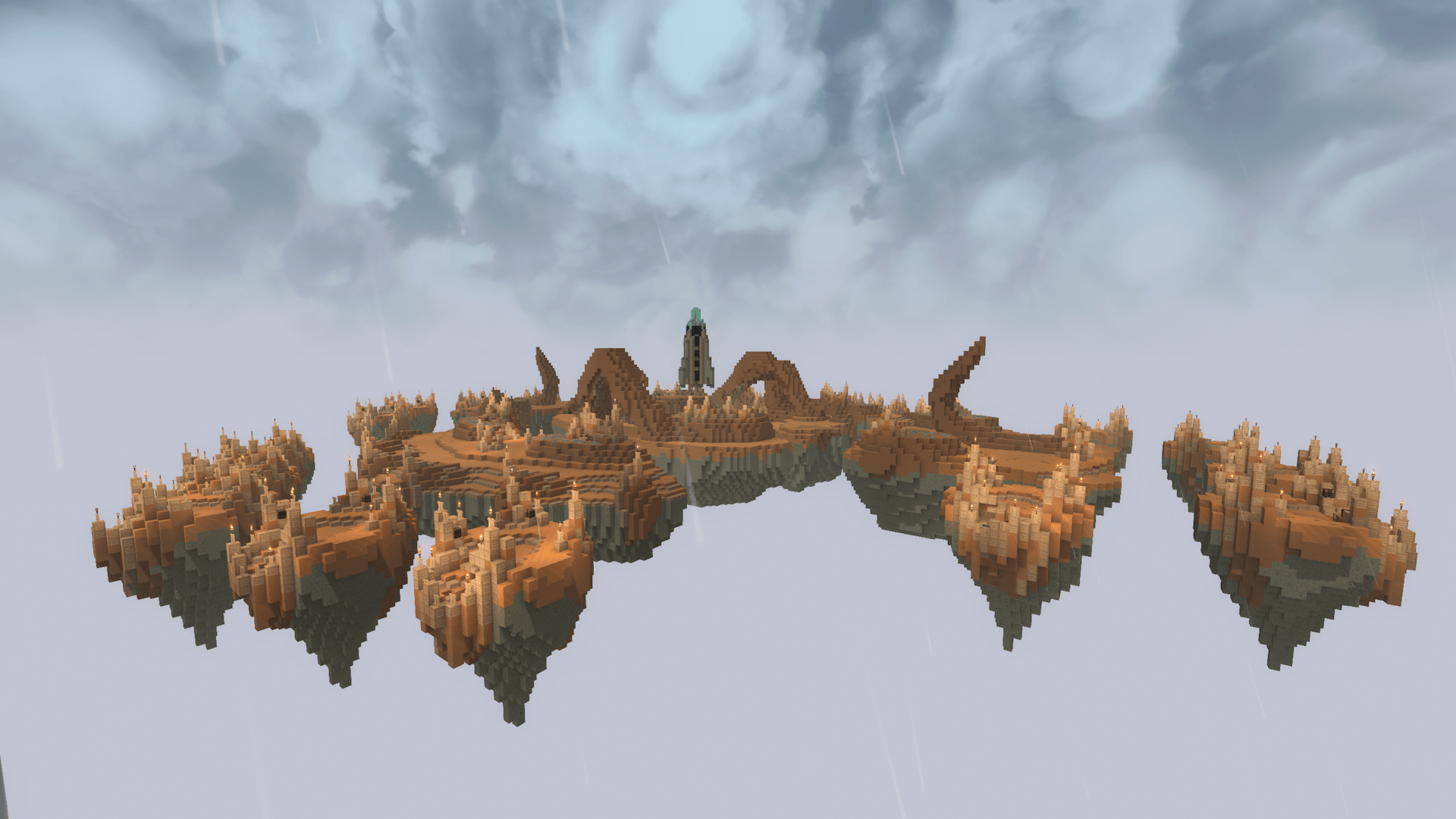
A basic plugin that loads and pastes worldedit schematics in Hytale
Commands
/schem list- Lists all schematics/schem load <name>- Loads a specific schematic/schem paste- paste recently loaded schematic relative to the player's location
Info
Currently supports schematics created with WorldEdit on Minecraft 1.8 and Sponge V3 schematics.
(.schem and .schematic)
Current Issues:
- Water / Lava aren't created as real liquids, they are liquid 'blocks' that don't flow.
- Not all minecraft blocks are mapped. Feel free to add sensible default mappings as pull requests.
Setup
Add schematics to mods -> cc.invic_schematic-loader -> schematics
Restart server after adding new schematics
Compiling
run shadowJar under Gradlew tasks. Using build will appear to work but schematics will not load.
Material Conversions
Legacy Schematics map from id:data to namespace:itemname.
from there modern minecraft maps from namespace:itemname to a Hytale block string.
Modern schematics directly map from namespace:itemname to Hytale block strings.
Legacy schematics use data for both rotations and color info.
ex. stained clay data is for color, but chest data is for rotation.
When overriding legacy materials that have rotational data, only enter the block id. This makes the parser treat the data as a rotation. Otherwise enter it as blockid:data.
Under mods -> cc.invic_schematic-loader -> you can find hytale_overrides.txt and legacy_overrides.txt.
You can specify override mappings for both legacy -> modern minecraft and modern minecraft -> hytale block string entries.
This overrides the in code mappings, or lets you map modded minecraft items or unmapped items. If a mapping fails, stone will be placed.
If a minecraft block maps to hytale string 'skip' it wont be processed, similiar to worldedits -a argument if used with air. By default, air will be skipped.
If you want air to replace blocks, override minecraft:air=Empty. Empty is Hytale's air block.
Restart the server after editing configs.
