Plots
A dynamic prefab-based land management system. Define grids, load complex structures, and protect your world with intelligent masking.
A simple yet powerful way to manage creative spaces, allowing you to focus on what truly matters: building.
Table of Contents
- Introduction
- Installation
- Dynamic Generation
- Showcase
- Configuration
- Quick Start
- Commands
- The Masking System
- Permissions
- Localization
- Public API
- Data Architecture
Installation
- Place the
.jarfile in your mods folder. - (Optional) Add your
.prefab.jsonfiles tomods/Hytale_Plots/prefabs/. - Start the server to generate the default configuration.
Dynamic Generation
Plots is not just a static grid. It adapts to your specific design.
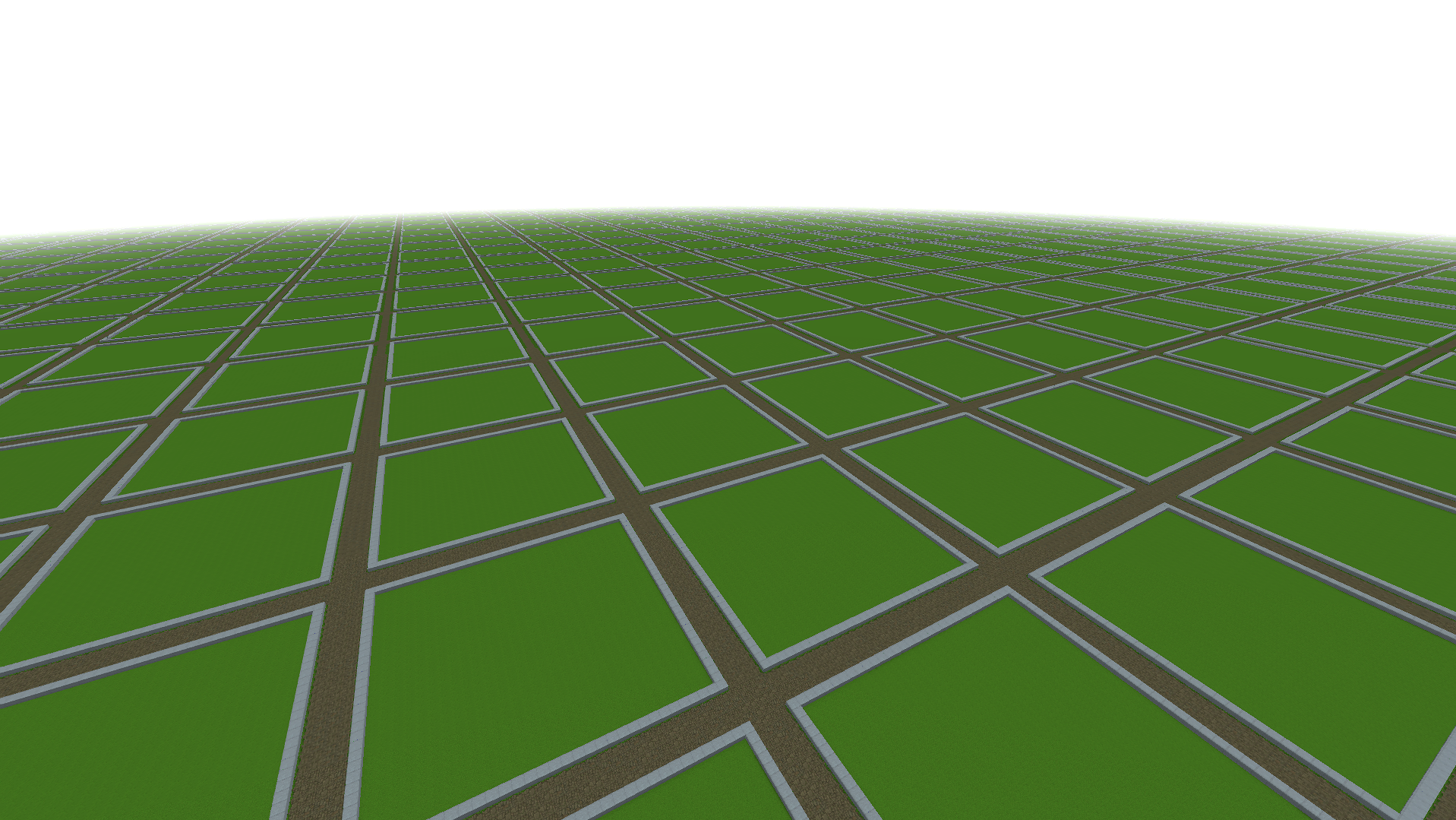
- Adaptive Sizing: The grid automatically adjusts to any road or plot width (whether 4 or 150 blocks wide).
- Islands Mode (Masking): Perfect for floating island worlds. The system understands your construction's shape and prevents expansions that deviate from the original design.
- Vacuum Protection: Prevents players from joining separate islands or building in the "void," keeping your map's aesthetics intact.
- Non-Square Support: Full support for independent width and depth (e.g., 32x64 plots).
Showcase
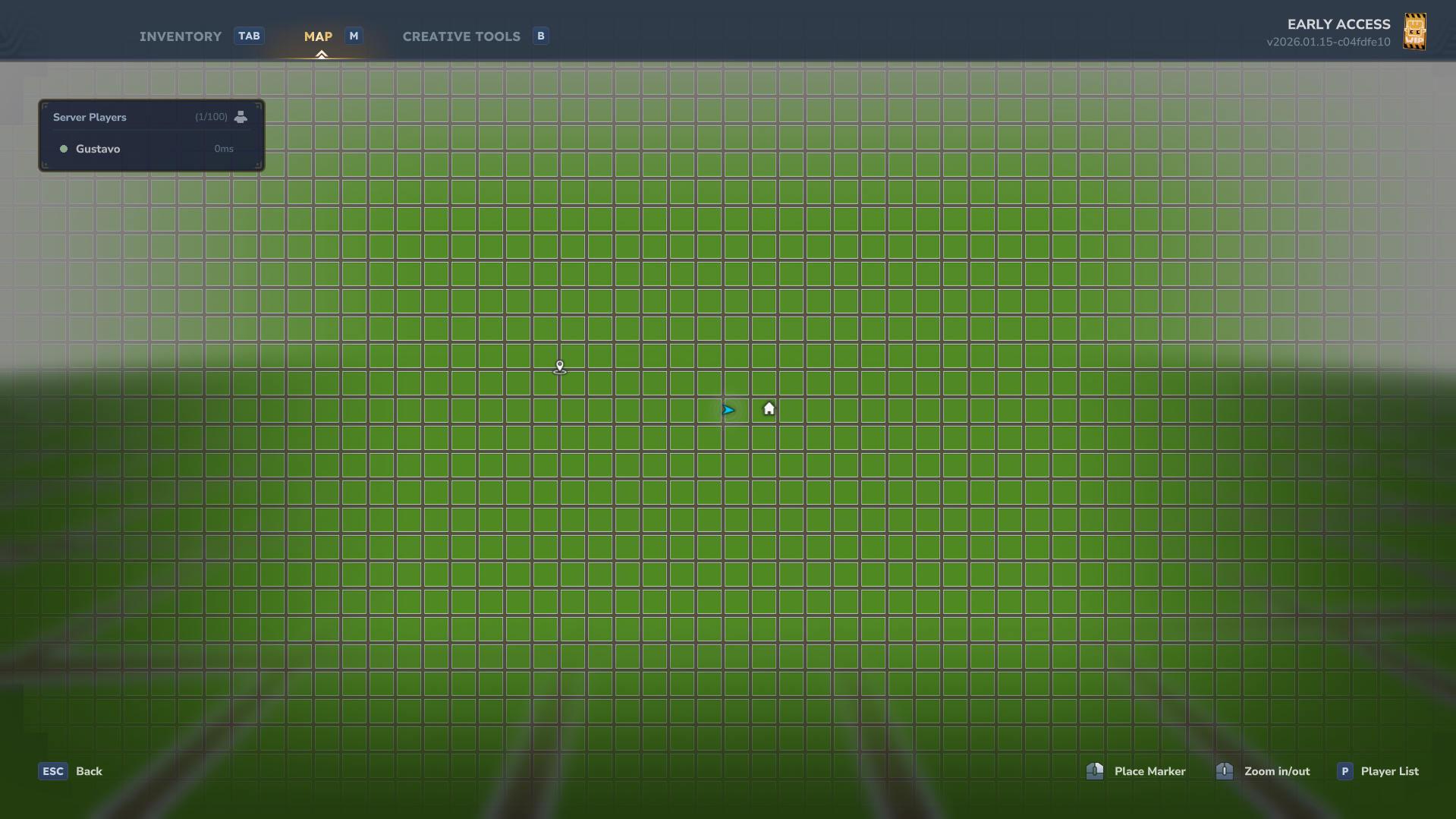
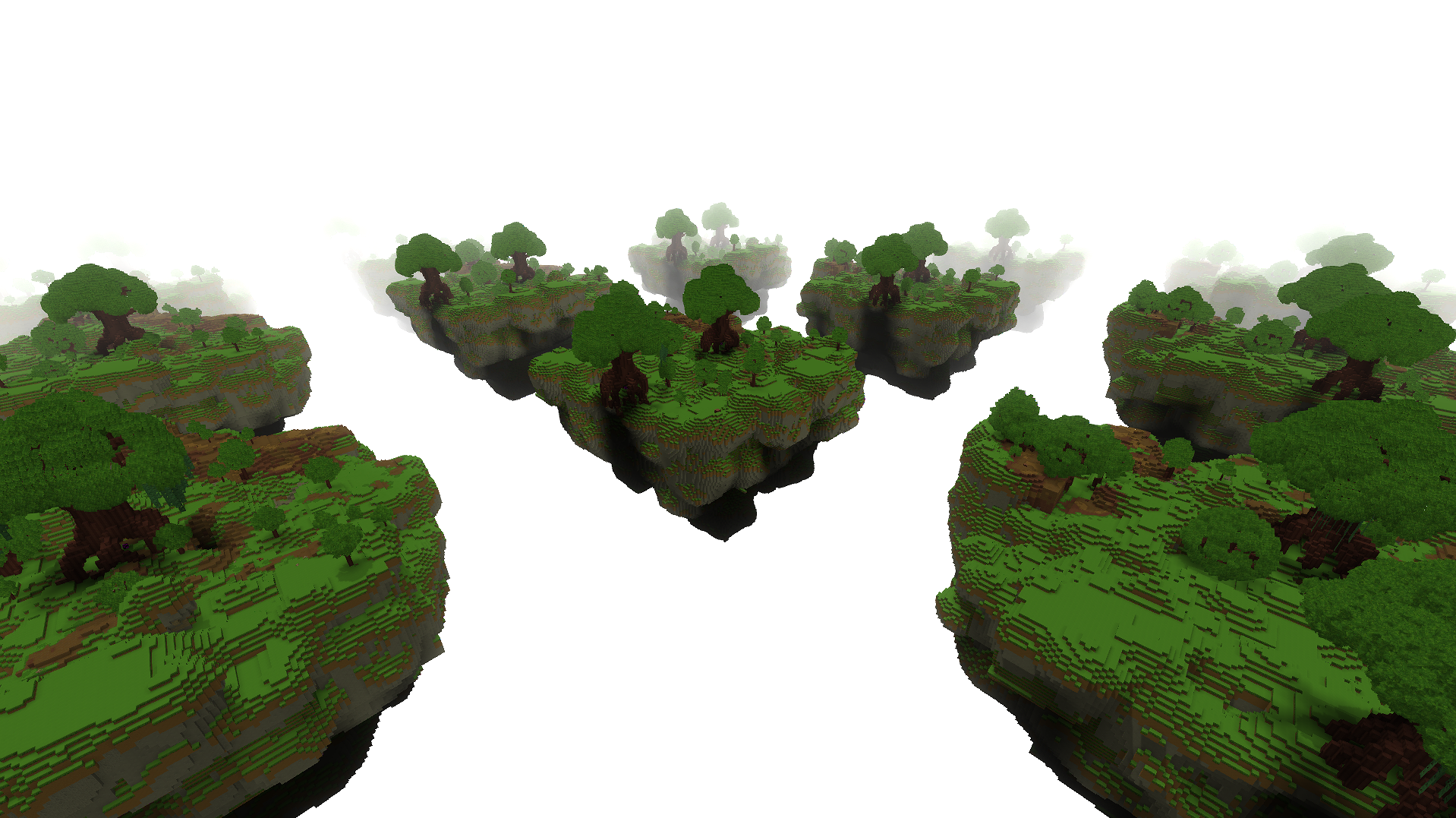
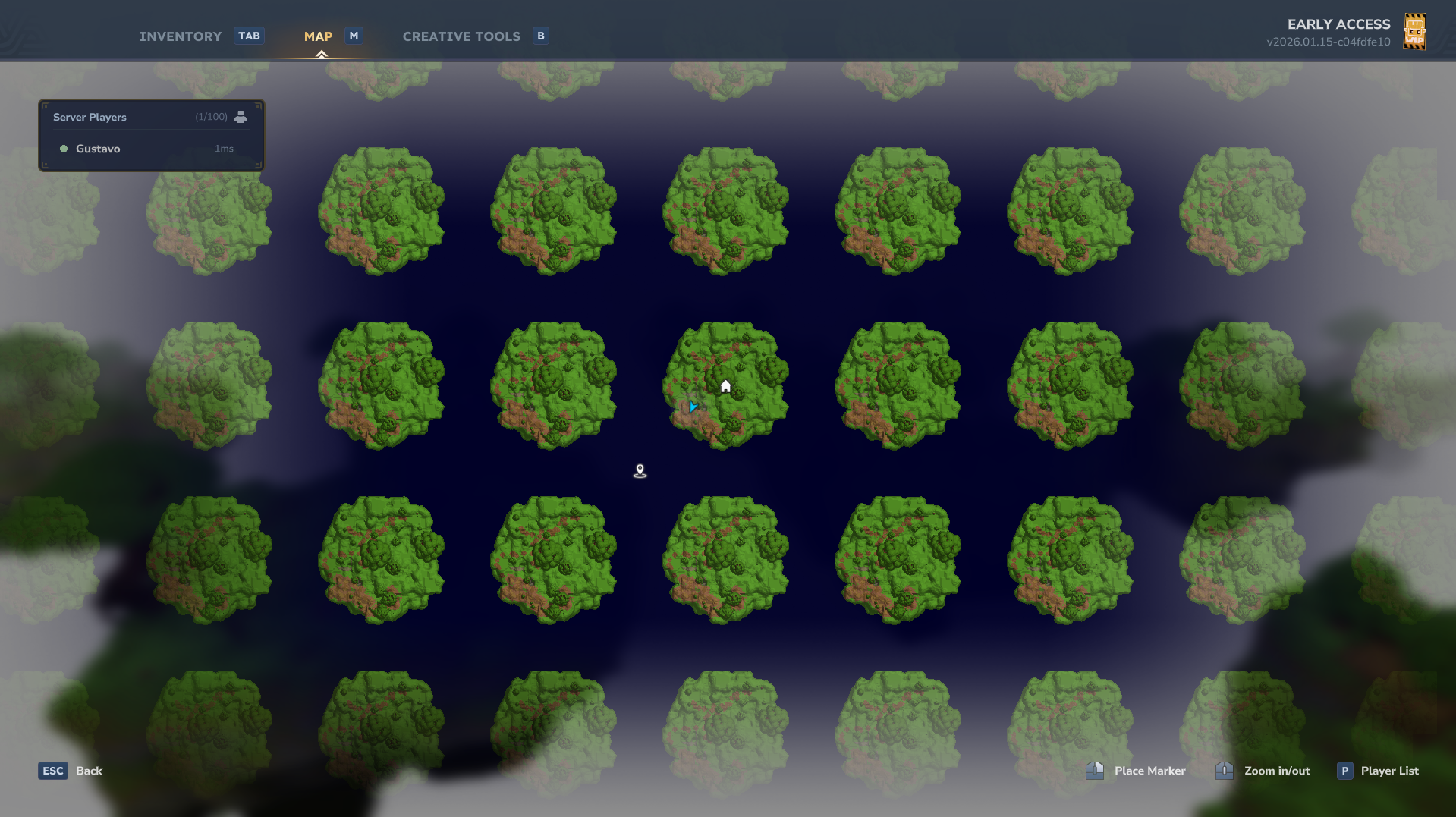
Here is an example of what you can achieve utilizing a custom prefab for the plot within our dynamic system. These floating islands were generated automatically using the grid system and protected with our granular masking logic.

A custom island plot structure generated from a prefab and perfectly integrated into the grid.

Top-down view showing how the plot prefab is distributed across the world.

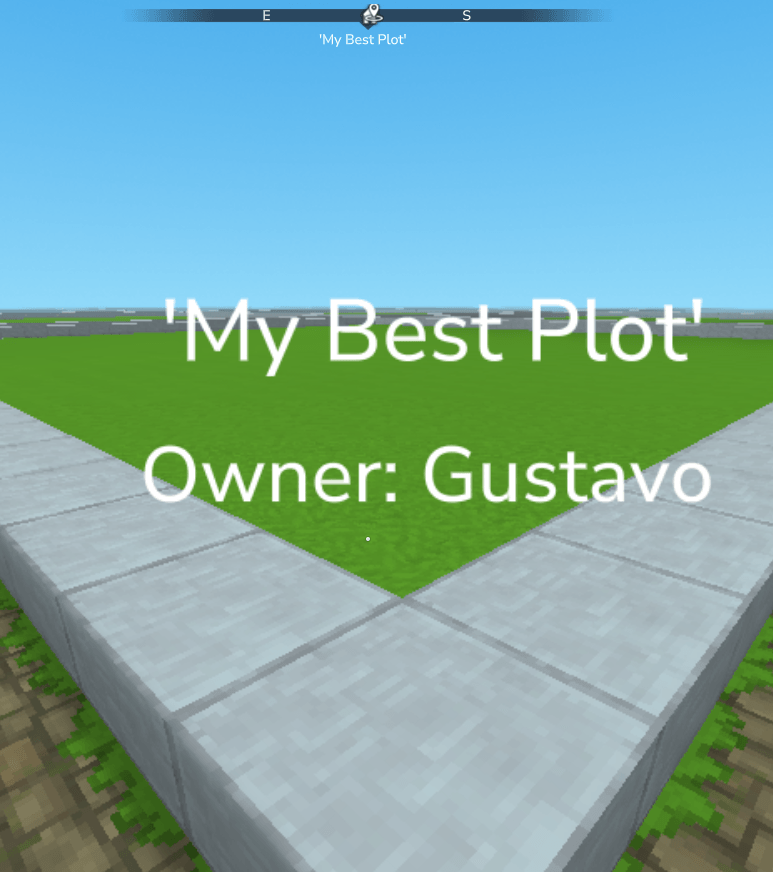
Plot holograms displaying plot names and owners.
Configuration
The config.json allows total control over your world. Below is a breakdown of the main settings:
General & World
- Language: The locale used for messages (default:
en_us). - PlotWorldName: The folder name for your dedicated plot world.
- DefaultWorldTime: The starting time of the world (e.g.,
midday,night).
Plots (Grid Settings)
- PlotSize: The internal building area of each plot.
- RoadSize: The width of the paths between plots. Set to
0for a gapless grid. - MaxPlotsDefault: How many plots a player can claim by default.
Blocks (Base Logic)
- Bedrock/Surface/Filling: Define the base materials for your world generation.
- Pro Tip: Set these to
EmptyorAirto create a technical "Void World" perfect for floating islands.
Prefabs (The Core)
- Road/Plot/Intersection: Links specific prefab designs to the grid.
- Important: Use the filename WITHOUT the
.prefab.jsonextension (e.g., usemy_islandformy_island.prefab.json).
Quick Start
/plot claim- Take ownership of the plot you are standing on./plot home- Takes you back to your construction./plot trust <player>- Give a friend permission to build with you./plot rename <name>- Give your project a unique name.
Commands
Players
| Command | Description |
|---|---|
/plot claim |
Claims the current plot |
/plot auto |
Finds and claims the nearest free plot |
/plot home |
Teleports to your primary plot |
/plot trust <player> |
Grants build permission to another player |
/plot untrust <player> |
Revokes build permission from a player |
/plot info |
Shows details about the plot you are in |
/plot list |
Lists all your owned plots |
/plot spawn |
Teleports to the plot world spawn |
Administration
| Command | Description |
|---|---|
/plot delete |
Removes a plot record (admins only) |
/plot reload |
Reloads configurations and prefabs |
/plot bypass |
Enables free-build mode for admins |
The Masking System
We created an advanced protection logic for creative servers:
- Vacuum Respect: If the space between islands isn't part of your original prefab, no one can build there. This maintains the "isolated island" look.
- Vertical Freedom: If a column already contains ground from your prefab, the player is free to build up or down, allowing for basements or towers.
- Lower Limit: Building below level 0 is automatically blocked to prevent visual clutter at the bottom of the map.
Permissions
Plots uses a granular permission system. You can assign these nodes to players or groups:
General Permissions
| Permission | Description |
|---|---|
plots.* |
Full administrative access (unlimited plots, bypass protection) |
plots.claim |
Allows claiming plots with /plot claim or /plot auto |
plots.delete |
Allows deleting owned plots with /plot delete |
plots.delete.* |
Allows deleting any plot (Administrator) |
plots.spawn |
Allows visiting the dedicated plot world with /plot spawn |
plots.list |
Allows listing owned plots with /plot list |
plots.info |
Allows viewing plot information with /plot info |
plots.rename |
Allows renaming plots with /plot rename |
plots.trust |
Allows managing trusted members with /plot trust |
Limit Permissions
| Permission | Description |
|---|---|
plots.limit.X |
Sets the maximum number of plots a player can own (e.g., plots.limit.5) |
Localization
We are committed to supporting as many languages as possible.
- Help us translate: Visit our Crowdin Project to contribute.
- Full message customization is available in the
lang/directory within the plugin folder.
Public API
Plots provides a comprehensive public API for external plugins to interact with the plot system programmatically.
Getting Started
import com.overworldlabs.plots.api.PlotsAPI;
// Get API instance
PlotsAPI api = PlotsAPI.getInstance();
Available APIs
PlotAPI
Query and manage plots:
// Get plot at location
Optional
// Check ownership
boolean isOwner = api.plot().isOwner(plot, playerUuid);
// Get trusted players
List
#### PlotEventAPI
Listen to plot events:
```java
api.events().onClaim(event -> {
Plot plot = event.getPlot();
UUID owner = event.getOwner();
// Handle claim event
});
api.events().onRename(event -> {
String oldName = event.getOldName();
String newName = event.getNewName();
// Handle rename event
});
Events
Available events:
ClaimEvent- Fired when a plot is claimedUnclaimEvent- Fired when a plot is unclaimedTrustEvent- Fired when a player is trustedUntrustEvent- Fired when a player is untrustedRenameEvent- Fired when a plot is renamed
Future Documentation
A more comprehensive and organized documentation site is currently under development. Stay tuned for advanced tutorials, API references, and design tips!
Data Architecture
Everything is saved in simple, lightweight formats:
mods/Hytale_Plots/
├── prefabs/ <- Your JSON designs
├── plots.json <- Registry of all ownerships
└── config.json <- General settings
Hylograms Integration
Enhance your server with dynamic Hylograms that automatically display plot information at the corner of each claimed plot.
- Dynamic Information: Automatically shows the Plot Name and Owner's Name.
- Localized Text: Uses your selected language for all hologram labels.
- Fully Configurable: Toggle holograms on/off or adjust their height offset in
config.json. - Instant Updates: Holograms update the moment a plot is renamed or transferred.
To enable this feature, simply include the hylograms.jar library in your server's libs or mods folder.