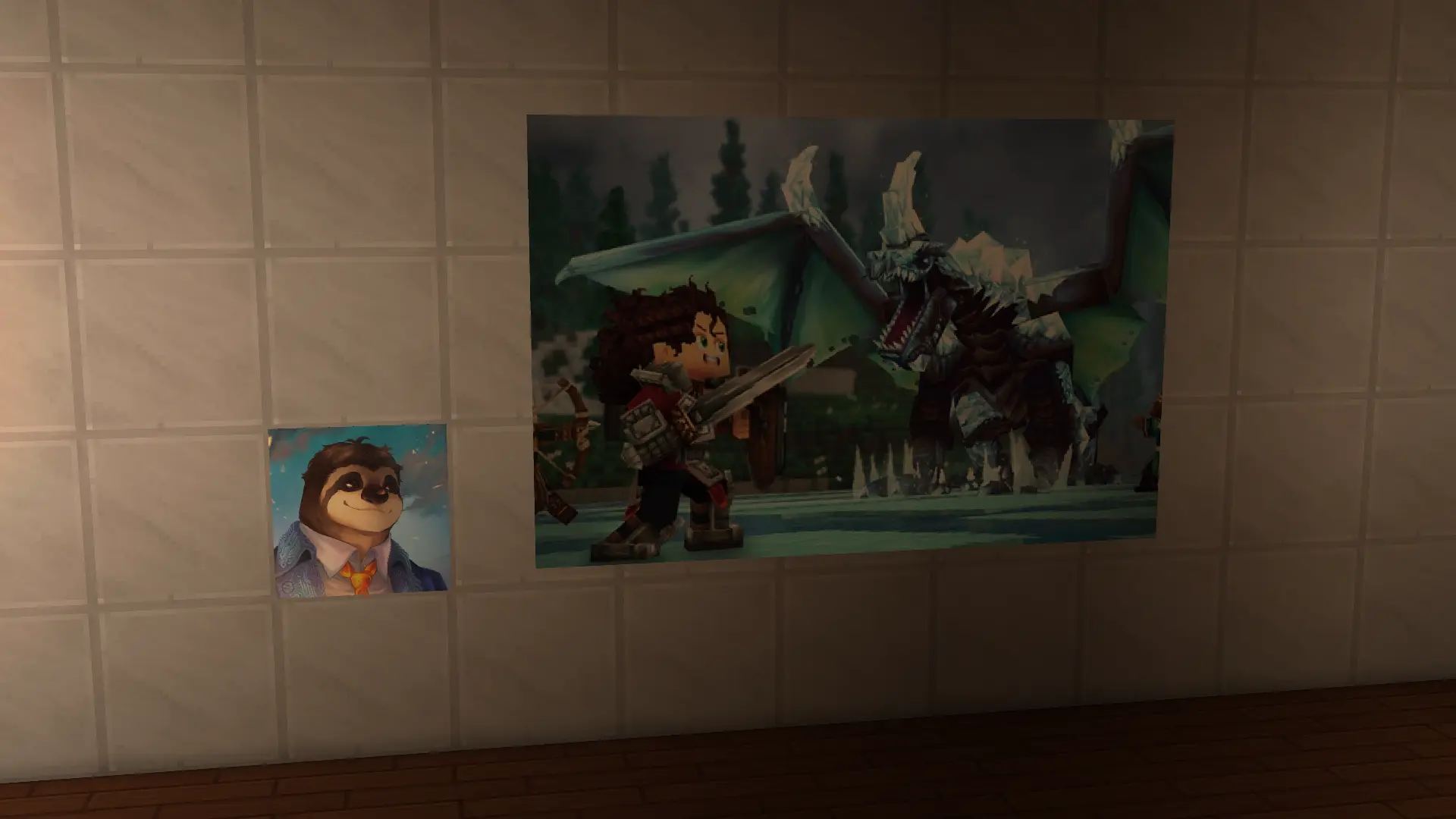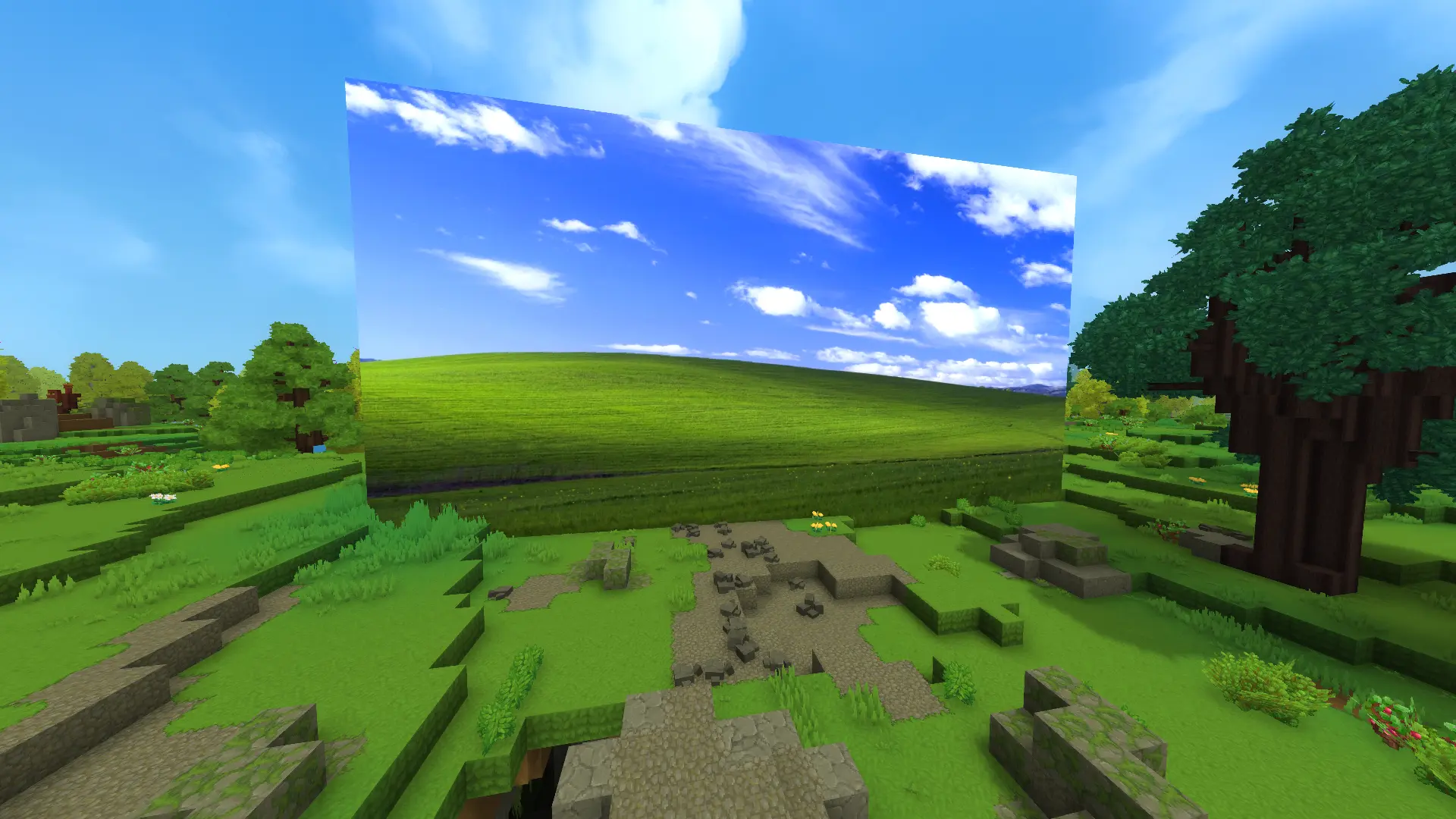

 Furniture
 Quality of Life
 Utility
 Blocks
Boffmedia Frames — Dynamic Full-Resolution Picture Frames for Hytale

Overview
Boffmedia Frames lets players display images from the internet on in-world frames. It now supports full-resolution image rendering (saved at native pixel dimensions and scaled to block sizes), per-instance metadata, and a global index for fast coordinate lookups.
Key features:
- Full-resolution image rendering and pixel-preserving scaling to requested block sizes.
- Automatic asset generation: textures, block models, and server item JSON are created when importing an image.
- Per-item metadata files: every generated item has
mods/BoffmediaFrames/Frames/<itemId>.jsoncontaining aframesarray of placed instances. - Global index:
mods/BoffmediaFrames/FramesIndex.jsonmaps item ids to instances for quick coord → item resolution and UI prefill. - Admin tools:
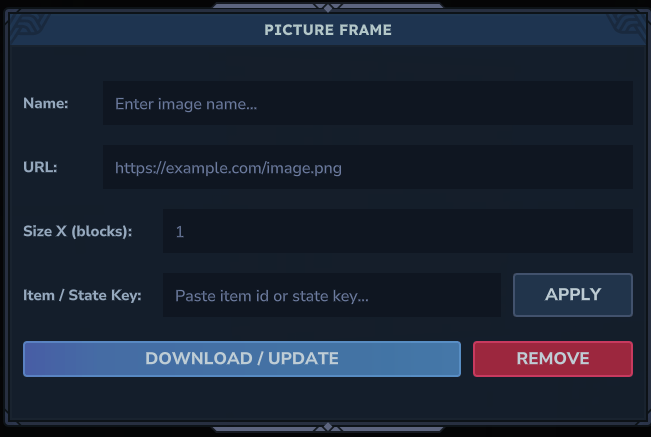
/listframesshows generated frames with a COPY button (copies item id to chat) and delete functionality that removes associated assets and metadata. - In-UI controls: simplified frame UI with Upload, Apply (by item id or state key), and Remove (drops a normal 1x1 frame and clears metadata for that coordinate).
How it works (summary)
- Player interacts with a frame and opens the Picture Frame UI.
- Upload a URL or paste an existing
Boff_Frame_<Name>id and use Apply. - For uploads: the mod downloads the image, creates a PNG texture, a matching blockymodel and an item JSON, writes per-item metadata and updates the global index.
- The mod then replaces the block (after a short delay) so the new item/state appears in-world.
- When applying an existing generated item, the mod removes any prior instance registered at the same coordinates (both from the index and the referenced per-item metadata) and writes the new instance — ensuring a single authoritative mapping per coordinate.
File layout (runtime)
mods/BoffmediaFrames/Frames/<itemId>.json— per-generated-item metadata (containsframesarray of instances).mods/BoffmediaFrames/FramesIndex.json— global index for coord → item lookups.mods/BoffmediaFrames/Common/Blocks/Frames/Images/— saved PNG textures.mods/BoffmediaFrames/Common/Blocks/Frames/*.blockymodel— generated models.mods/BoffmediaFrames/Server/Item/Items/Furniture/Frames/Boff_Frame_<Name>.json— generated server item JSON.
Admin & UI notes
/listframesopens an admin UI listing generated items. Use COPY to paste theBoff_Frame_<Name>id into chat for easy reuse.- Delete removes the item's metadata, generated item JSON, blockymodel, texture and removes any state definitions referencing the id.
- The Picture Frame UI now includes a Remove button which replaces the frame with a normal
Boff_Frame_1x1and clears metadata/index entries for that coordinate.
Alignment
The Picture Frame UI supports alignment options when the image's aspect ratio differs from the selected block size. The available alignment values are CENTERED, BOTTOM_LEFT, BOTTOM_CENTER, BOTTOM_RIGHT, TOP_LEFT, TOP_CENTER, and TOP_RIGHT. You can choose alignment from the dropdown in the UI when uploading.
Permissions
To allow a specific player to upload images (create new frame items) grant them the boffmedia.frames.upload permission. Example using the server permission command:
/perm user add [UUID] boffmedia.frames.upload
To restrict who can open the Picture Frame UI, use the boffmedia.frames.open permission. By default the UI is available to all players; use a negated permission to deny access to specific users (for example -boffmedia.frames.open).
Development notes
- The plugin writes asset files into
mods/BoffmediaFrames/so the server/client will load them; a server restart/save may be required on first use for assets to become available. - Metadata is stored as pretty-printed JSON using
org.bson.BsonDocumenthelpers to keep files human-readable. - The codebase includes helpers in
FileHelper.javafor image download, model/item generation, metadata writes, and index maintenance.
Troubleshooting
- If a generated asset does not appear immediately, ensure the world chunk is loaded and restart or save the server to force asset reload.
- If coordinates are duplicated, the Apply flow removes prior instances at the same coords before registering a new one.
Contributing
See the source repository for implementation details and feel free to open issues or PRs for improvements.
For quick reference, see src/main/java/es/boffmedia/frames/FileHelper.java for metadata/index behavior and src/main/java/es/boffmedia/frames/ui/ImageDownloadPage.java for the in-game UI flow.
Hytale Stable 5 / 0.5 compatibility patch
This fork keeps the original Online Picture Frames functionality and updates the plugin manifests to use a server-version-agnostic ServerVersion: "*", including the runtime mods/BoffmediaFrames/manifest.json copy. This avoids pinning the generated asset pack to the pre-Stable-5 server build used by the original source.
The Java API surface was audited against the current Hytale 0.5 server documentation; deprecated block accessors are retained where they are still present for compatibility.
2.6.15 Hytale 0.5 fix
Dynamic .blockymodel and PNG files are now registered as Hytale CommonAssets and sent to clients explicitly. This fixes the black/magenta missing-texture cube that remained after dynamic BlockType loading.