 Miscellaneous
 Gameplay
 Quality of Life
 Utility
🖱️ Naqevl's PickBlock Plugin
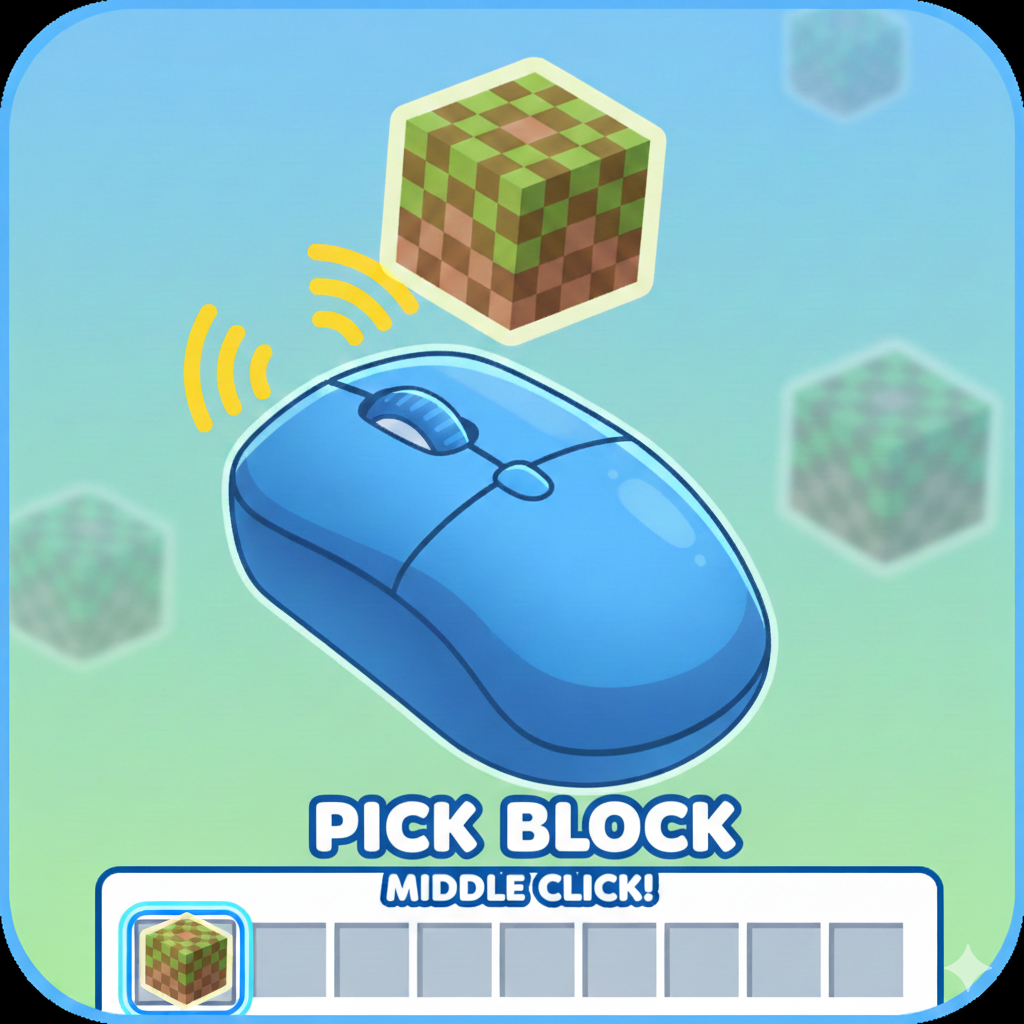
Allows you to pick the block you are looking at in Hytale by middle-clicking, just like in other sandbox games. If the block is in your inventory, it will be automatically moved to your hotbar.
⚙️ Configuration
The plugin can be configured via PickBlockConfig.json. Below are the available options:
| Option | Default | Description |
|---|---|---|
UseLeftMostHotbarSlot |
true |
If true, the picked block will be placed in the first (left-most) hotbar slot if it's not already in the hotbar. |
CanPullFromBackpack |
true |
If true, the plugin will also search for the block inside your backpack/containers if it's not in your main inventory. |
📜 License & Attribution
This plugin is free to use. You are welcome to include it in any modpacks without the need for attribution.
📦 Building your Plugin
To create a shareable .jar file for distribution:
- Open the Gradle Tab on the right side of IDEA.
- Navigate to
Tasks->build->build. - Your compiled plugin will be in:
build/libs/PickBlock-1.0.0.jar.
To install it manually, drop the JAR into %appdata%/Hytale/UserData/Mods/.