 Utility
 Blocks
 Furniture
 Miscellaneous
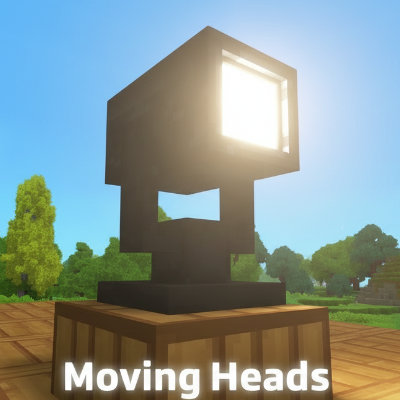
Moving Heads
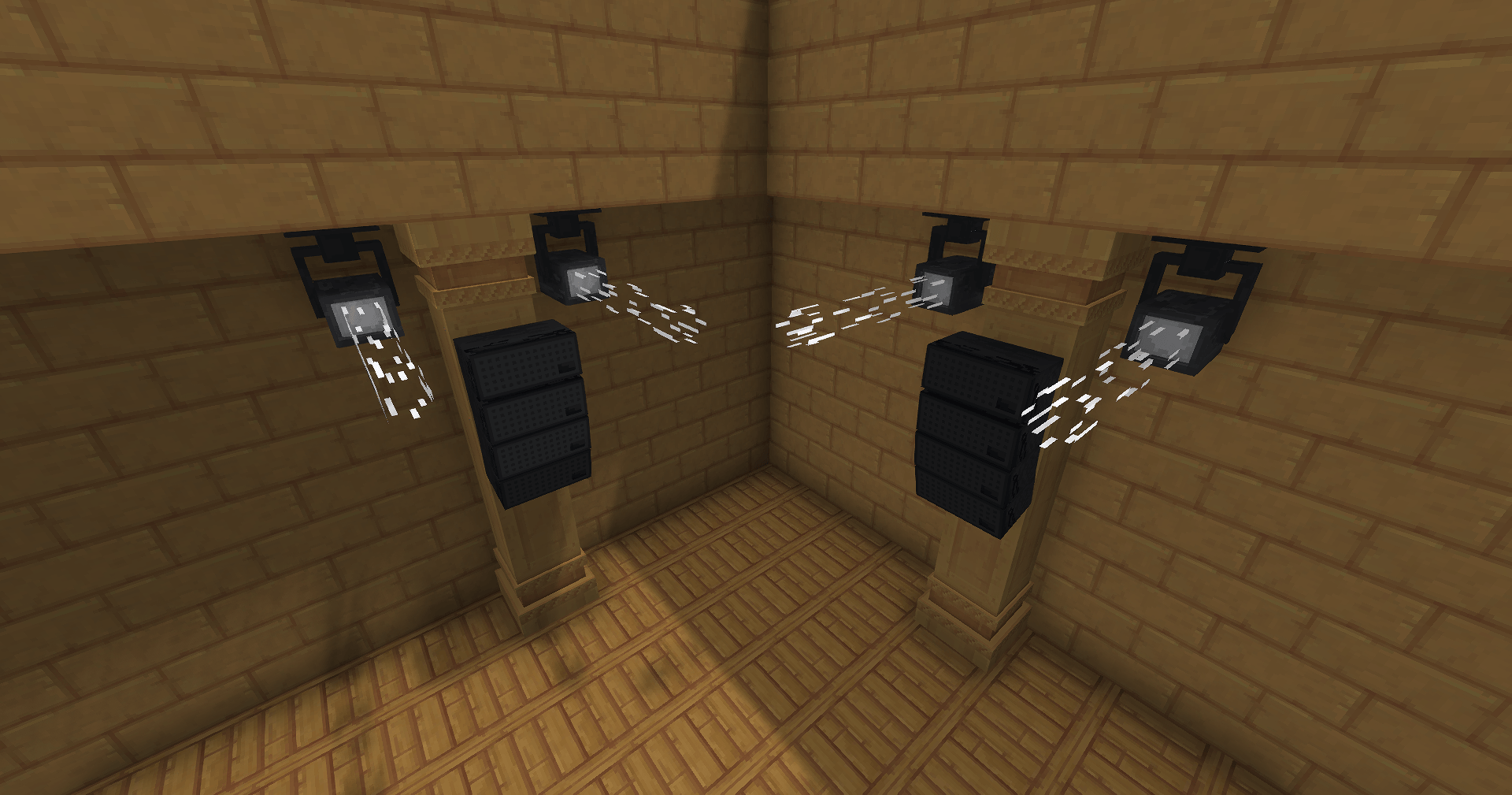
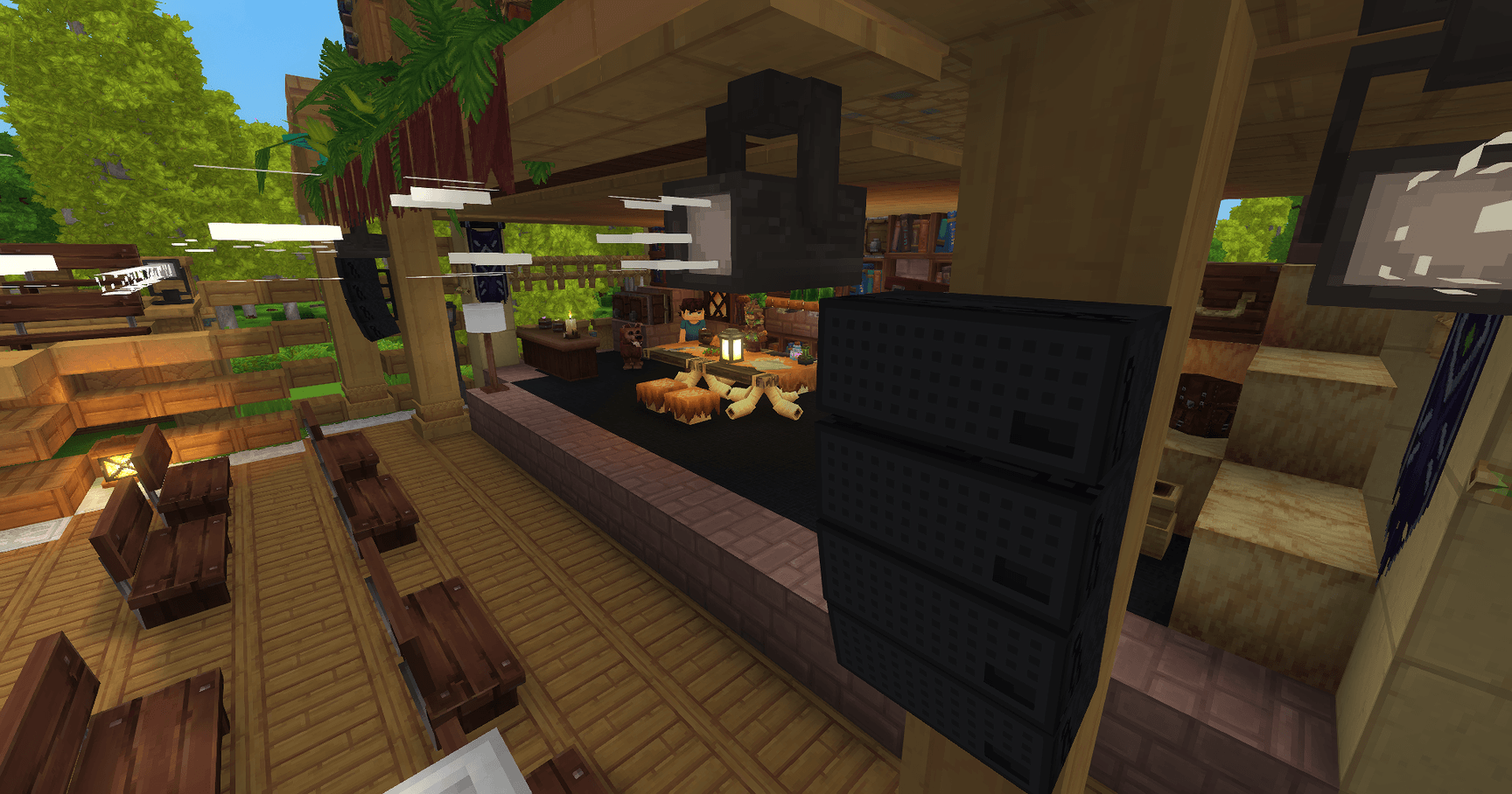
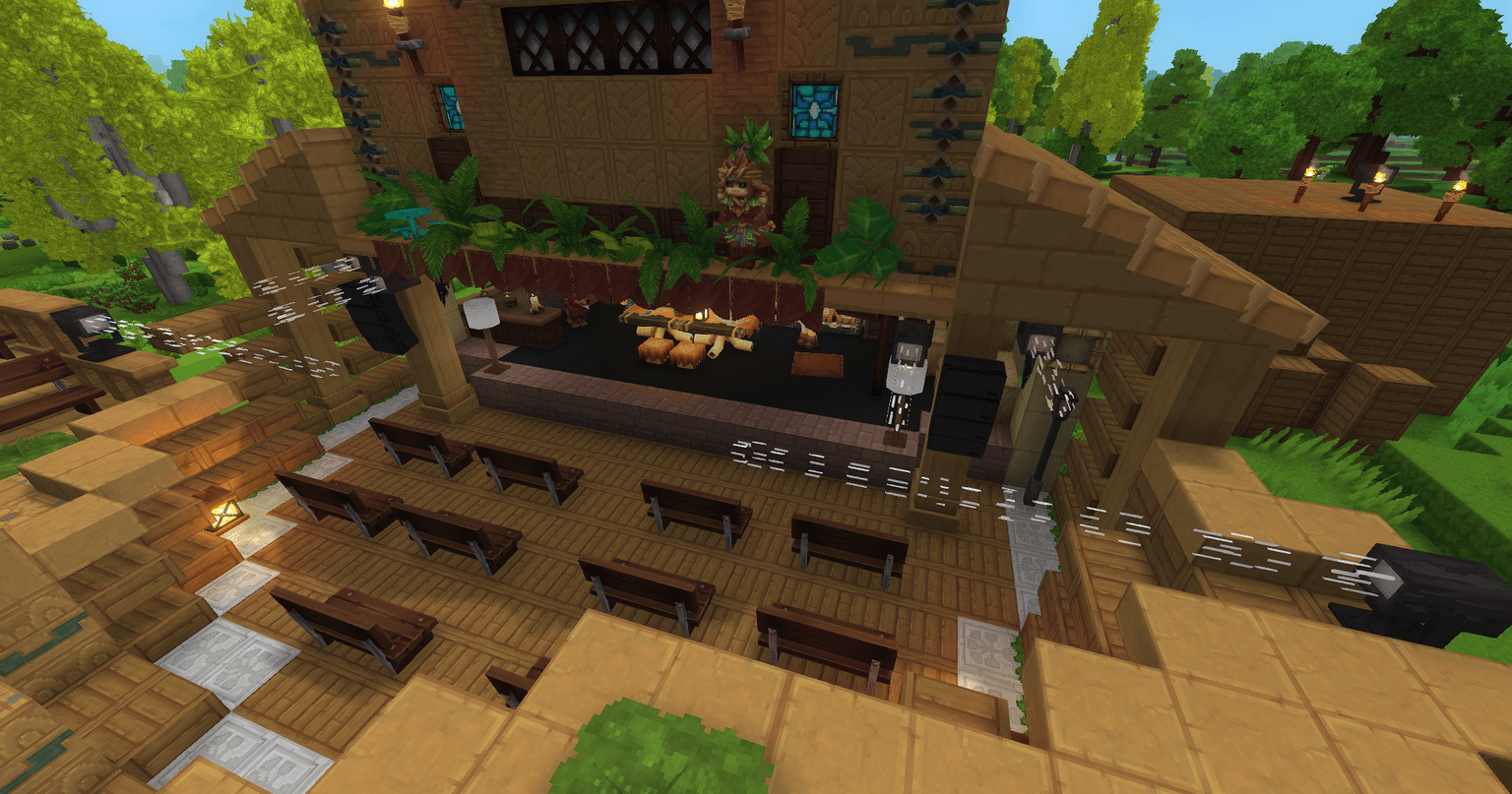
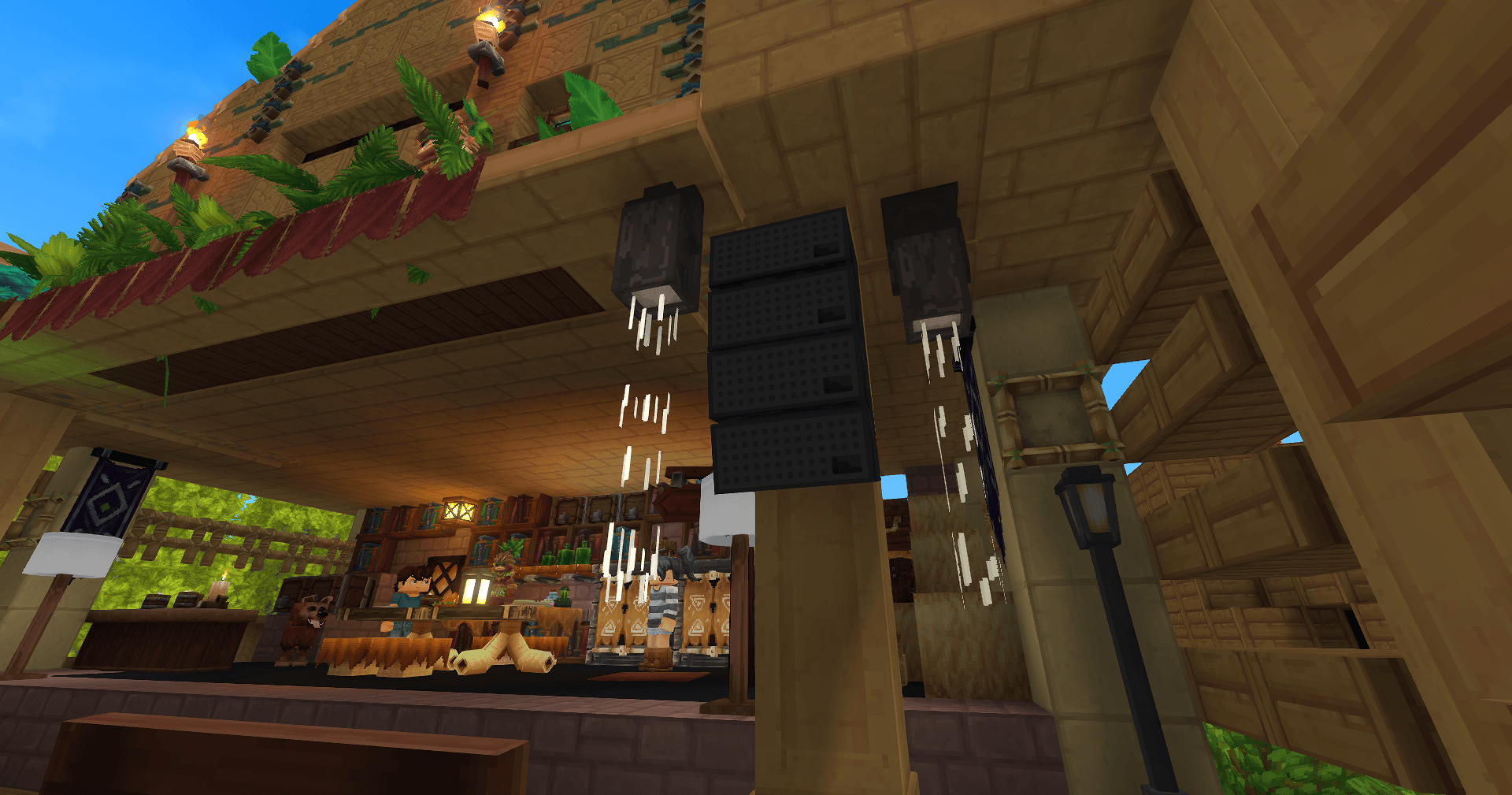
Working moving heads with configurable, customisable movement sequences
Description
This mod adds real, working moving heads to the game. You can use commands to build your own custom moving sequences
based on eight preset animations (more animations are expected to be released soon)! You can also add your own
custom music to the animation!
New: Create animations with ease using /mh gui
Demo-Video:

💎 Features
- 🏗️ Moving Heads
- 📏 Different beam ranges: 2, 4, 6, 12, 72 or 96 blocks
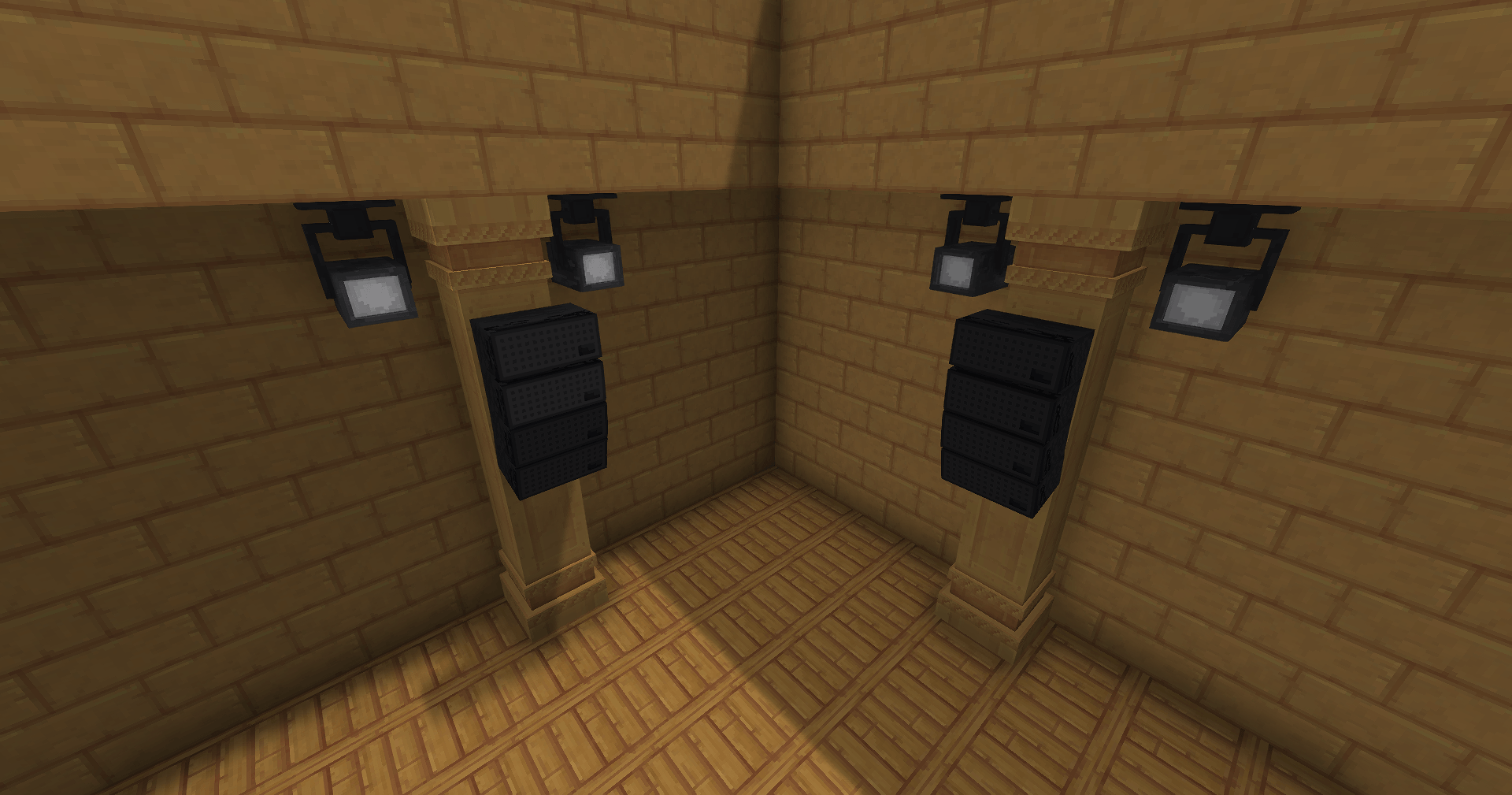
- 🔄 Two-sided spots: Left and Right. The animations for the left and right spots are mirrored. Place them accordingly on the left and right sides of your center area to create a mirrored scene (as shown in the video above).
- 🔊 Speaker: Decoration Block
- 🎬 Animations:
- 🎞️ 13 predefined Block-Animations: Combine them to create your own custom amazing shows!
- 🎵 Sound Integration: Play sounds to perfectly sync with your light sequences!
- 🌐 Available Languages: English, German
Usage
Create new Animation
This hierarchy is used to create custom animations of movement scenes. Each component is stored separately,
allowing you to reuse them in multiple animations.
AnimationTrack
│
├── name (String)
└── animationNodes
    │
    └── AnimationNode
        ├── name (String)
        ├── wait (Long?)
        ├── soundEvent (SoundEvent?)
        │   └── SoundEvent -> play your Custom Sounds!
        │       ├── soundName (String)
        │       └── blocks (Vector3i)
        │
        └── stateFrames
            │
            └── StateFrame
                ├── name (String)
                ├── state (String)
                ├── iterations (Int)
                └── sceneGroupName
                    │
                    └── SceneGroup
                        ├── name (String)
                        └── blocks (MutableList<Vector3i>?)
To create a new animation let's start from the uʍop ǝpᴉsdn 🔦🚲:
The main command to create animations is /mh gui. The four tabs/steps in the gui guide you trough the process creating a new animation.
Following guide shows only a small set of available commands for each step. Refer to the /help command to familiarise yourself with all the available commands.
1. Create new SceneGroup
A SceneGroup is a 'container' that can hold multiple blocks. For example, you could put all the spots on the stage in one group and put the rest in another 'side' group.
Create a new scene group directly in the gui clicking the "plus" button.
Next, we focus on each spot on the stage in turn and add them with the command /mh sc add stage. This command adds the block you are looking at to the group.
To view all added block type /mh sc show stage. All block will be shown up using blue particles.
Let's test! /mh sc play stage Up
2. Create a new StateFrame
A Stateframe combines states and SceneGroups. It determines which animation is played for each Scenegroup. You can create multiple reusable StateFrames, such as 'stageUp', 'stageDown' and 'stageParty1'.
If you want the animation repeat for X times make use of the "Iterations"-Property.
3. Create AnimationNode
An AnimationNode plays all the added StateFrames simultaneously. So let's create a new one and add the StateFrames that we have made using the dropdown on top of the Save-Button.
The selected will be set at the same time to their predefined SceneGroups.
Let's test! /mh annode play [name]
4. Create Animation
Almost done! Finally we have to define a new Animation.
Now add all the AnimationNodes you want. Animations play each node sequentially, while state frames within an AnimationNode are played in parallel. This allows for highly flexible animation combinations.
Let the party begin! /mh an play demo
Additional
Let's add some nice music to the animation: /mh annode addsound Custom_Music 10 10 10
Animations
The animations are initiated by block state changes. Currently we have 11 animations and 2 additional states without an animation.
- Off
- On
- IntroSide
- IntroSide2
- IntroStage
- OutroStage
- PartyOne
- PartyTwo
- Down
- Up
- UpDownOne
- Background_Center
- Round_One
- Forward_Backward
- Background_Show_One
- FrontShow
Installation
Place the release jar file into the mods folder of your server.
Contributing
Contributions are what make the open source community such an amazing place to learn, inspire, and create. Any
contributions you make are greatly appreciated.
If you have a suggestion that would make this better, please fork the repo and create a pull request. You can also
simply open an issue with the tag "enhancement".
Don't forget to give the project a star! Thanks again!
- Fork the Project
- Create your Feature Branch (
git checkout -b feature/AmazingFeature) - Commit your Changes (
git commit -m 'Add some AmazingFeature') - Push to the Branch (
git push origin feature/AmazingFeature) - Open a Pull Request
Build
- Clone the repository
- Build with the Gradle wrapper:
- Windows:
gradlew.bat build - Linux/macOS:
./gradlew build
- Windows:
The resulting plugin jar is created via the Shadow plugin and can be found in build/libs/.
License
Distributed under the MIT License. See LICENSE for more information.