 Gameplay
 Miscellaneous
 Utility
MediaRadio-Hytale
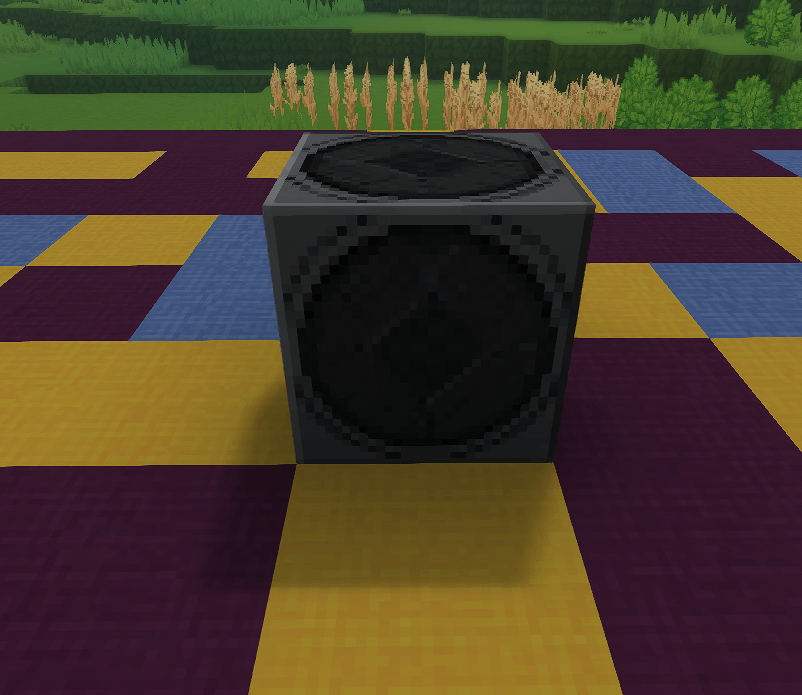
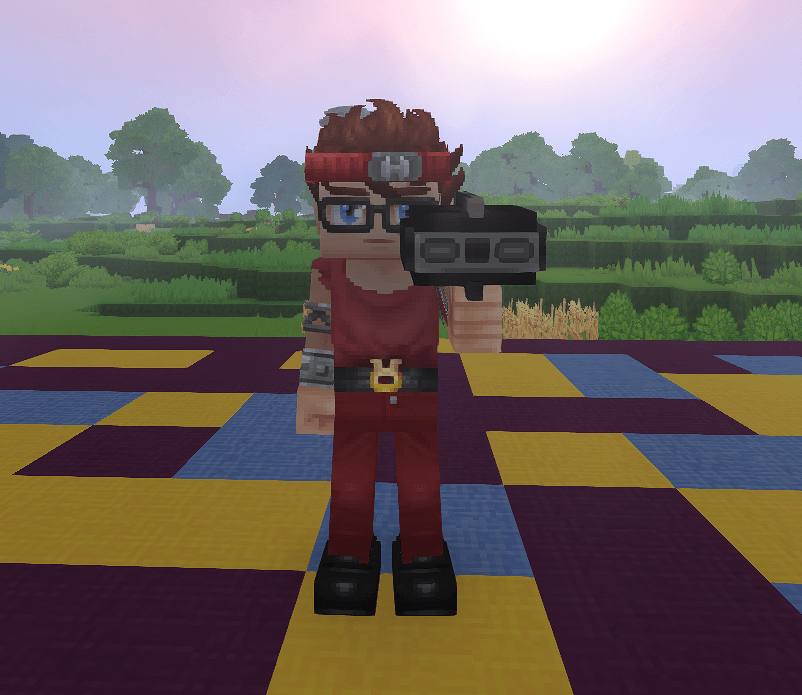
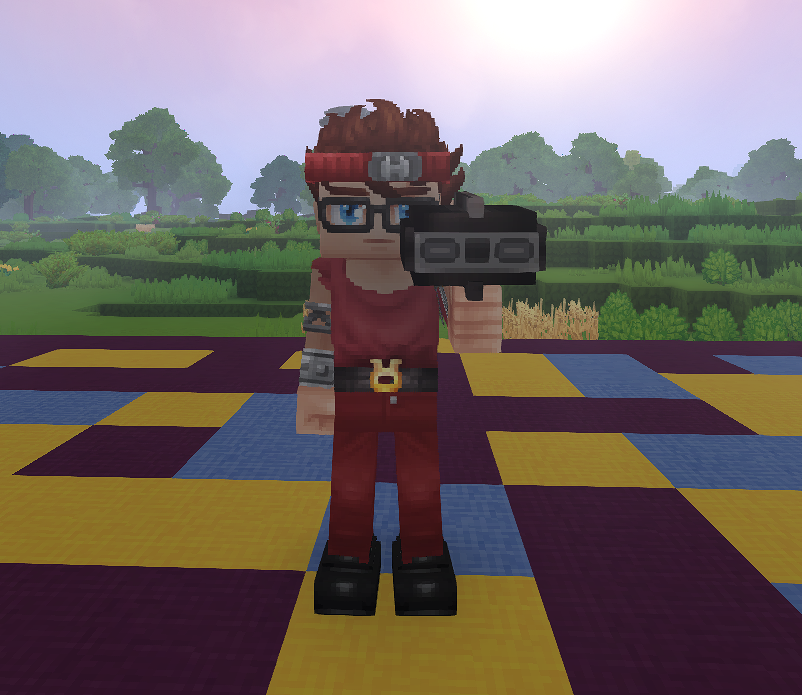
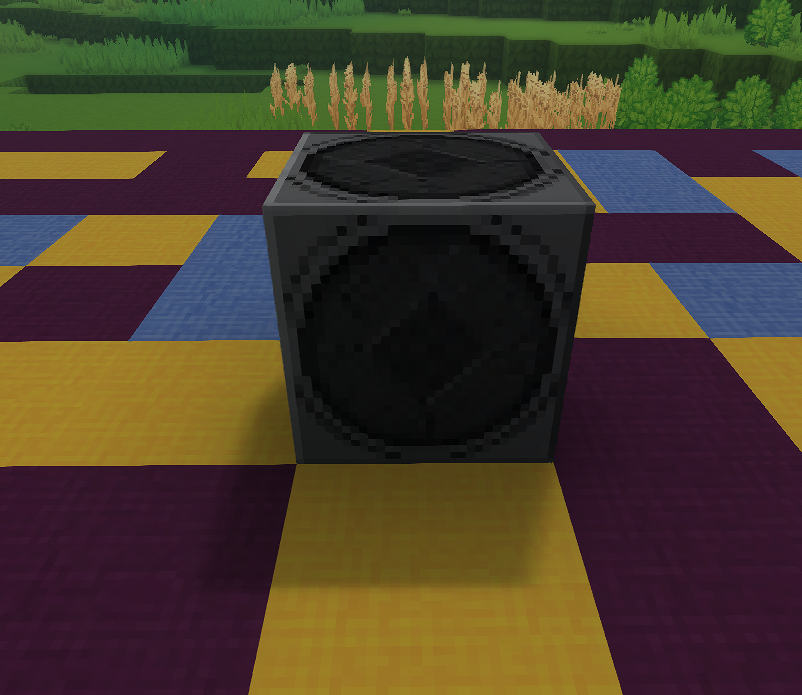
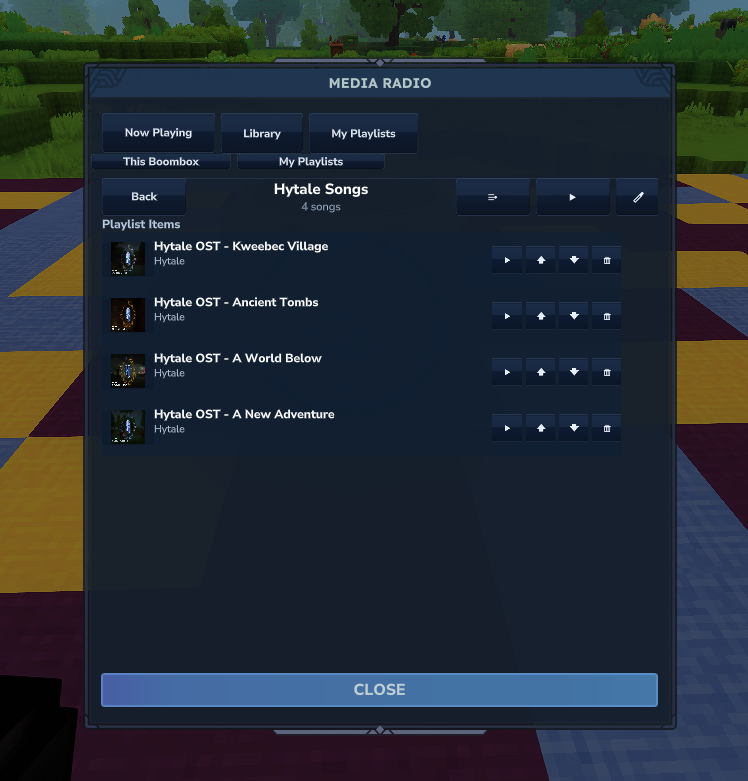
MediaRadio is a Hytale mod that lets players stream web audio through a Portable Radio (handheld)
or a placeable Boombox. Music only plays while the Portable Radio is held (main hand or offhand),
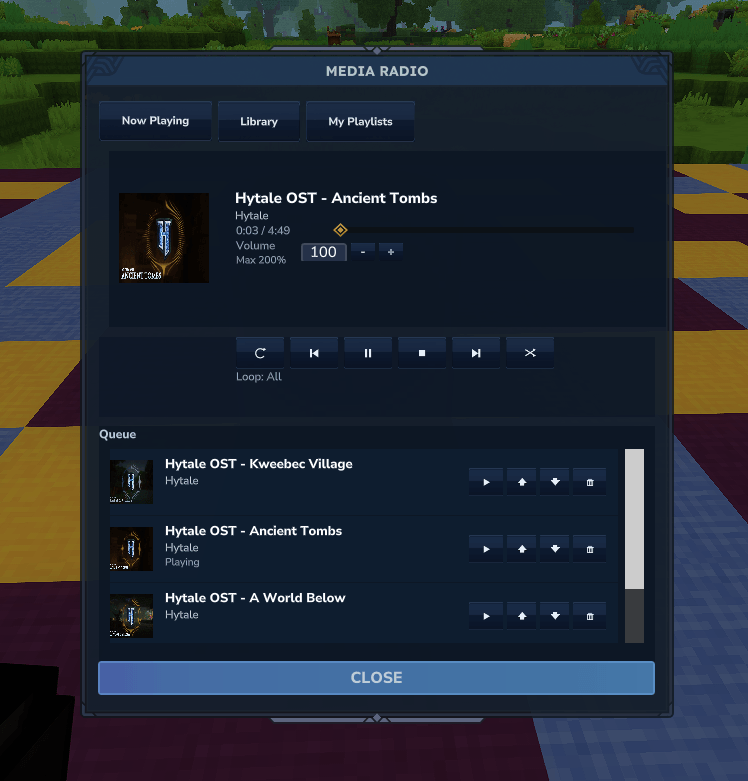
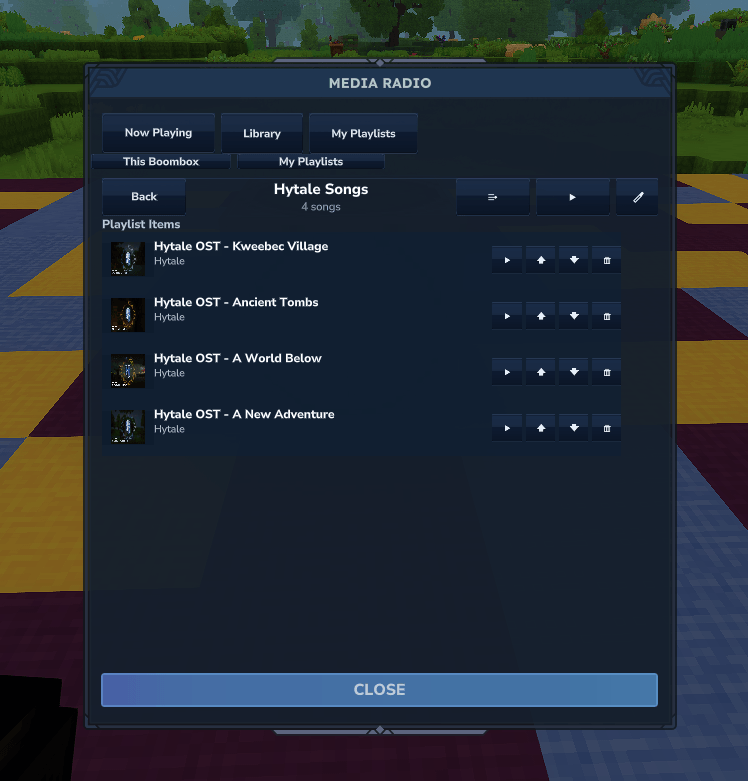
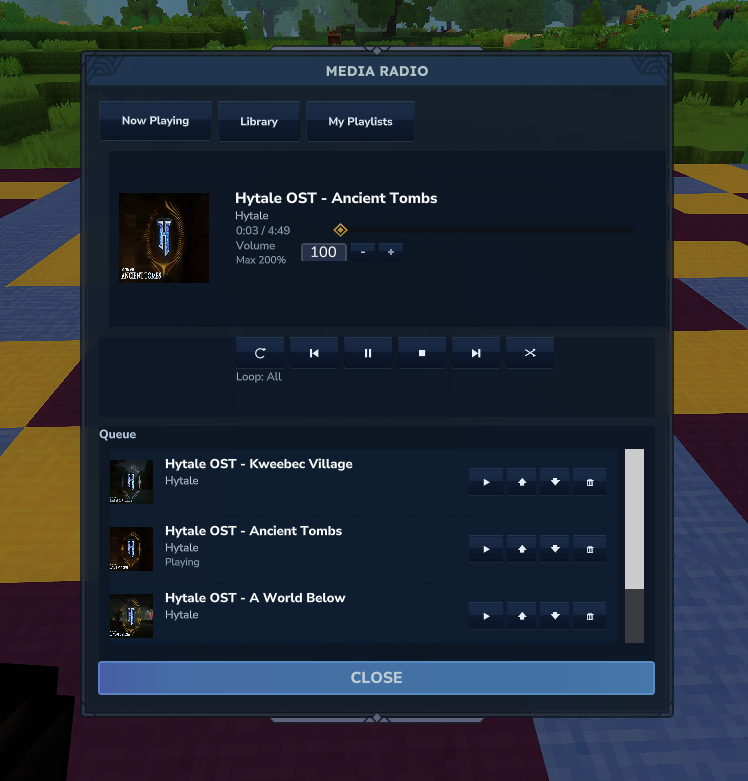
or while a Boombox is placed, and the UI provides a media-player style interface with
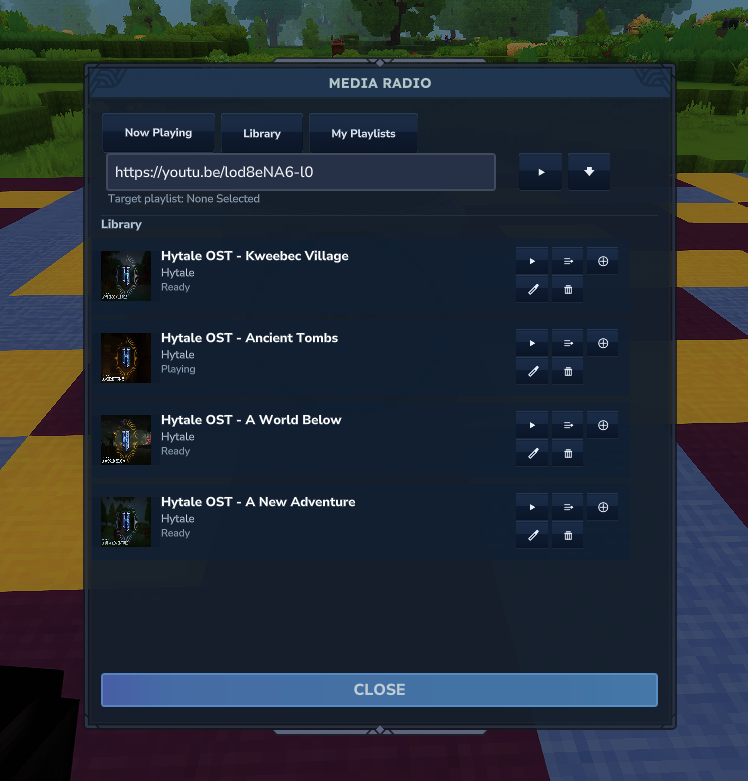
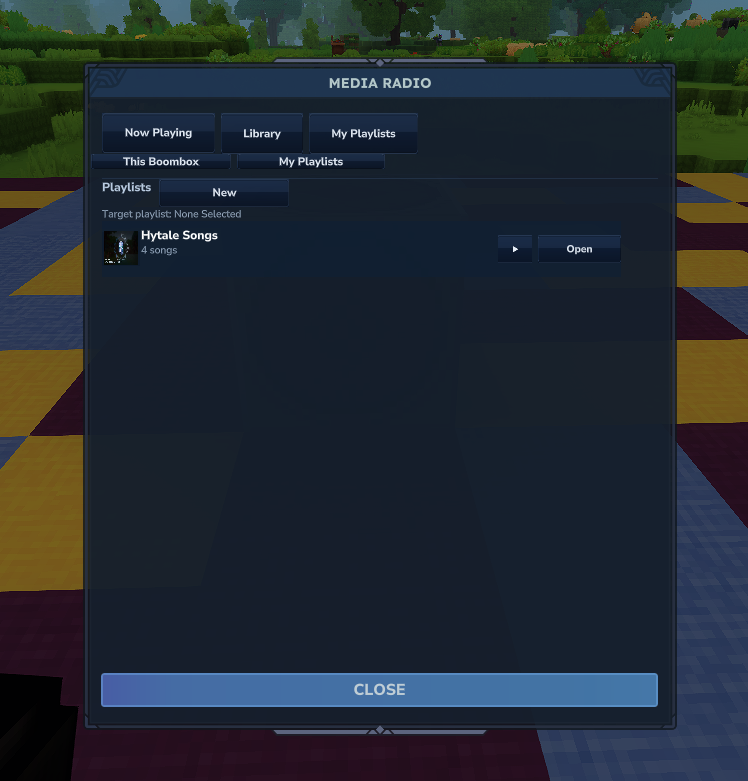
play/pause/stop, seek, looping, and a per-player library.
Features
- Plays web audio from supported URLs (YouTube, etc.) via the companion
media-toolsmod (yt-dlp + ffmpeg). - Audio is downloaded, converted to OGG, and chunked into Hytale
SoundEventassets for streaming. - Portable Radio (handheld) and Boombox (placeable) items.
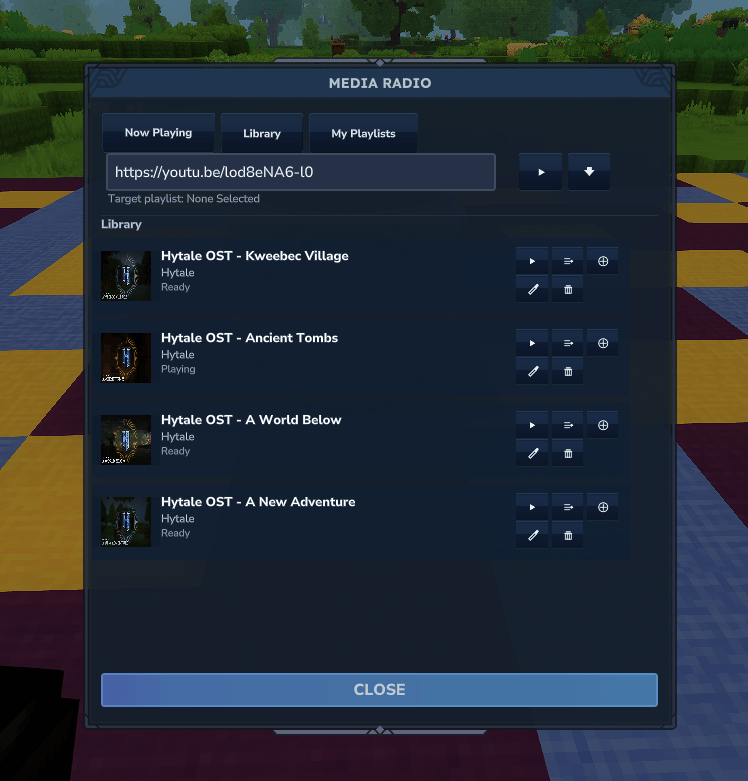
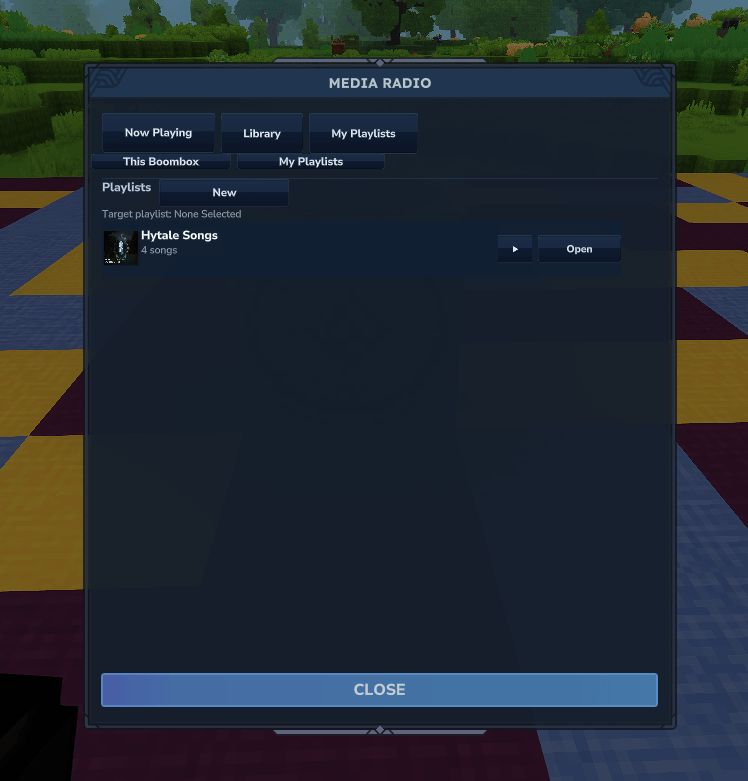
- Per-player libraries: each player only sees the songs they requested.
- Thumbnails are downloaded and registered as dynamic assets.
- Playback pauses automatically when the Portable Radio is not held.
- Portable Radio includes a proper model and animation set.
Notes
- UI: This project uses HyUI-style
.uipages for the in-game interface. If you are building from source or extending the UI, HyUI is required. (Docs are vendored inHyUI-Docs-main/.) - Embedded tools live in the
media-toolssubproject and are loaded from the classpath. - If you ship separate jars, include the MediaRadio jar and the
media-toolsjar together. - This mod uses runtime asset packs under
run/media_radio_assets. - For now, client-hosted/singleplayer worlds are not supported; the mod needs a dedicated server environment and access to external tools (sandboxing prevents this). Future support is planned.
Playback System
Playback is session-based and chunk-scheduled:
- A
MediaPlaybackManagermanages active playback sessions for handheld radios (per-player) and boomboxes (per-block position). - Tracks are played by scheduling chunked
SoundEventassets, and an audio-marker NPC is used to keep the audio source positioned correctly in-world.
Recipe
- Crafted at a Furniture Bench (Furniture Misc).
- Portable Radio and Boombox both cost 15 Iron Bars, 25 Copper Bars, and 5 Rubble.
Screenshots
Setup (Prebuilt)
- Download the latest MediaRadio mod binaries.
- Copy the mod binary (and the
media-toolsbinary if shipped separately) into your Hytale servermodsfolder. - Start the server and join a world.
- Give yourself the Portable Radio or Boombox and open the UI to start playback.
Build (From Source)
- Add platform binaries to
media-tools/src/main/resources/tools/<os>/<arch>/:<os>:windows,macos,linux<arch>:x86_64,arm64- Example:
media-tools/src/main/resources/tools/linux/x86_64/yt-dlp_linux - ffmpeg bundles should include full archive contents, e.g.
media-tools/src/main/resources/tools/windows/x86_64/ffmpeg/bin/ffmpeg.exe(Windows) or.../ffmpeg/ffmpeg(macOS/Linux)
- (Optional) Download the latest binaries automatically:
./gradlew downloadEmbeddedTools
- Build the mod:
./gradlew build
- Find the built mod binaries in
build/andmedia-tools/build/. - Copy the built mod binaries into your Hytale server
modsfolder. - Start the server and join a world.
- Give yourself the Portable Radio or Boombox and open the UI to start playback.