 Quality of Life
 Utility
 Library
Warning: This is an experimental debugging tool intended for local development servers only. Do not use on production or public servers. Use at your own risk.
Lait's Entity Inspector
Real-time entity debugging tools for Hytale modding.
What's New in v0.1.5
Live Instruction Inspector - A new Instructions tab in the component inspector shows the full instruction tree for any NPC entity. See which Instructions and InteractionInstructions are triggered, with a live event log feed of every sensor evaluation and action execution in real time.
- Rename nodes - Right-click any instruction row (or click the Rename text) to give it a custom name. Custom names show up in the event log and are applied per entity type, so all Sheep share the same labels. Persists across sessions.
- Collapse/expand - Click to collapse or expand instruction nodes. Alt+click to collapse or expand all sub-nodes at once.
- Resizable event log - Drag the handle between the instruction tree and event log to resize. Size is persisted.
- Fullscreen mode - Expand the component/instruction inspector to fill the entire viewport.
- Font scaling - Adjust instruction text size from 90% to 150% with a slider. Persisted.
Debug Feature Toggles - A new Debug tab in Settings lets you enable/disable individual inspector subsystems at runtime. Useful for isolating side effects during debugging or reducing overhead when you only need specific features.
| Toggle | What it controls |
|---|---|
| Position Tracking | Entity position polling each tick |
| Entity Lifecycle | Spawn/despawn event processing |
| On-Demand Refresh | Fresh data fetch before detail queries |
| Alarm Inspection | inspector_get_entity_alarms |
| Timer Inspection | inspector_get_entity_timers |
| Instruction Inspection | inspector_get_entity_instructions |
| Lazy Expansion | Field expansion requests |
| Asset Browser | Asset scanning and browsing |
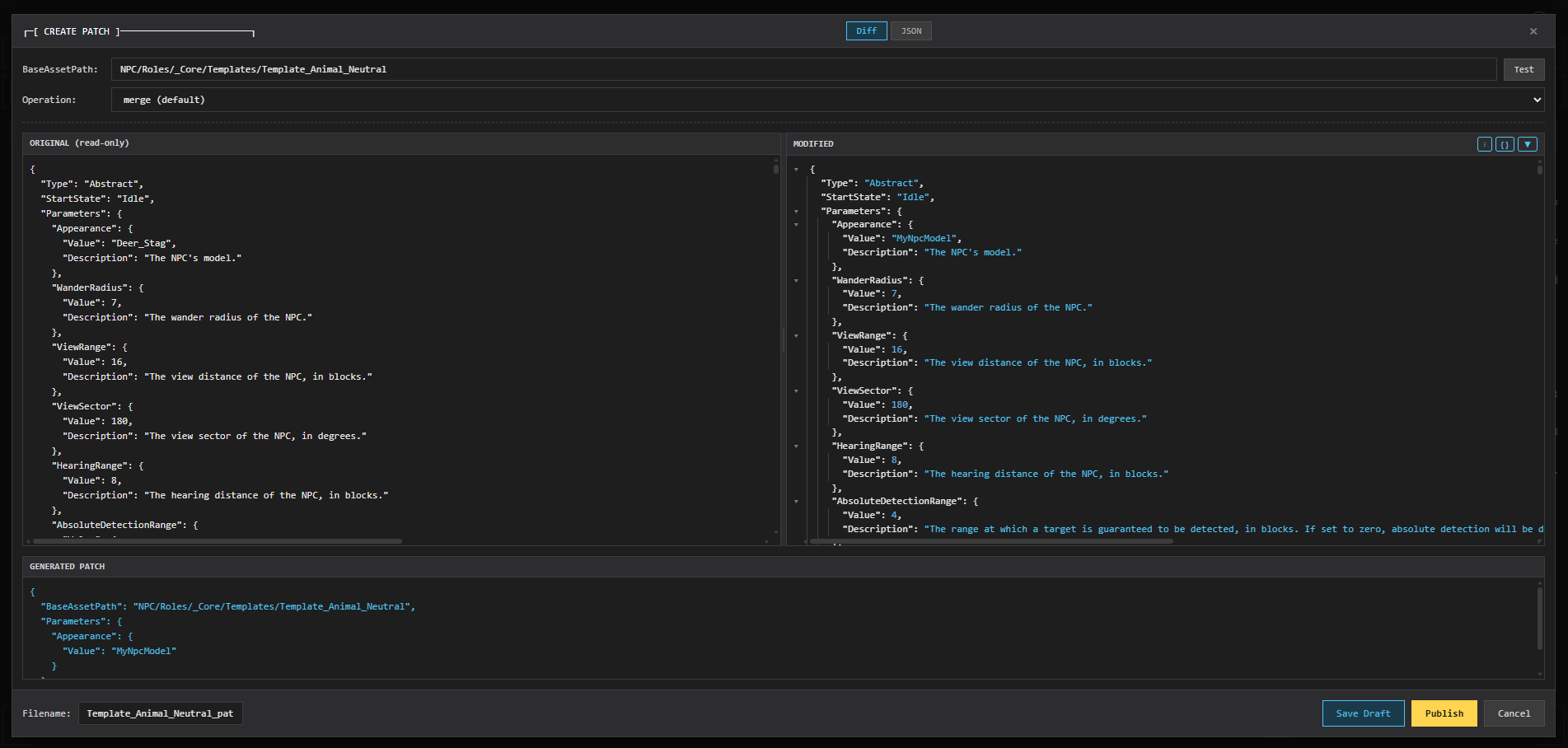
| Patch Management | Hytalor patch publish/draft/delete |
| Entity Actions | Surname changes, teleport |
All toggles default to on and persist to the config file.
Installation
- Clone the repo and run
laits-entity-inspector-gui/update.ps1(Windows) orupdate.sh(Linux/Mac) - Enable the mod in-game
- Open
laits-entity-inspector-gui/index.htmlin a browser
Run the updater again on new releases for auto-updating - you'll be notified on the dashboard.
Hytalor Integration: The inspector automatically detects when Hytalor is loaded, unlocking the Asset Browser and live asset patching — apply changes to game assets without restarting the server.
Features
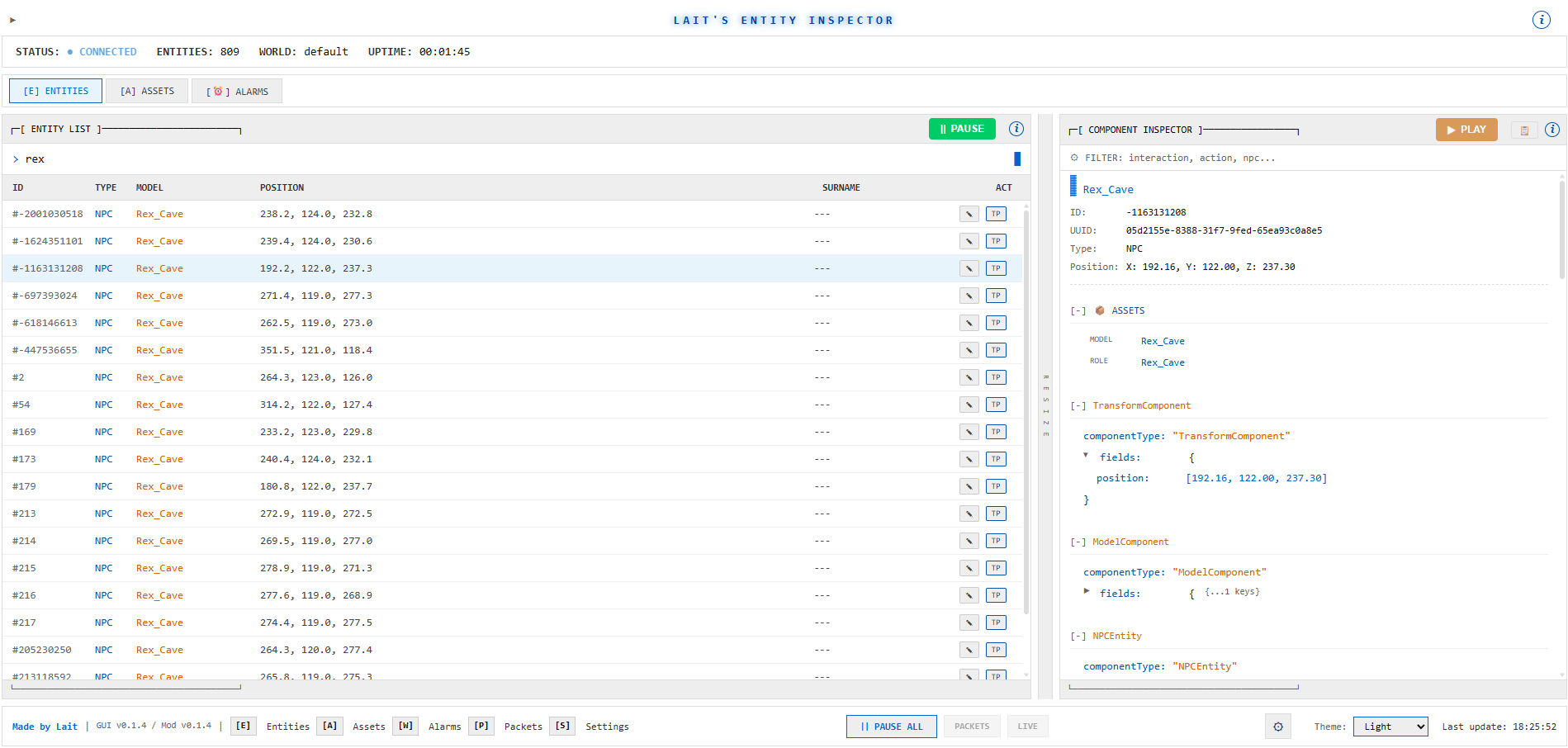
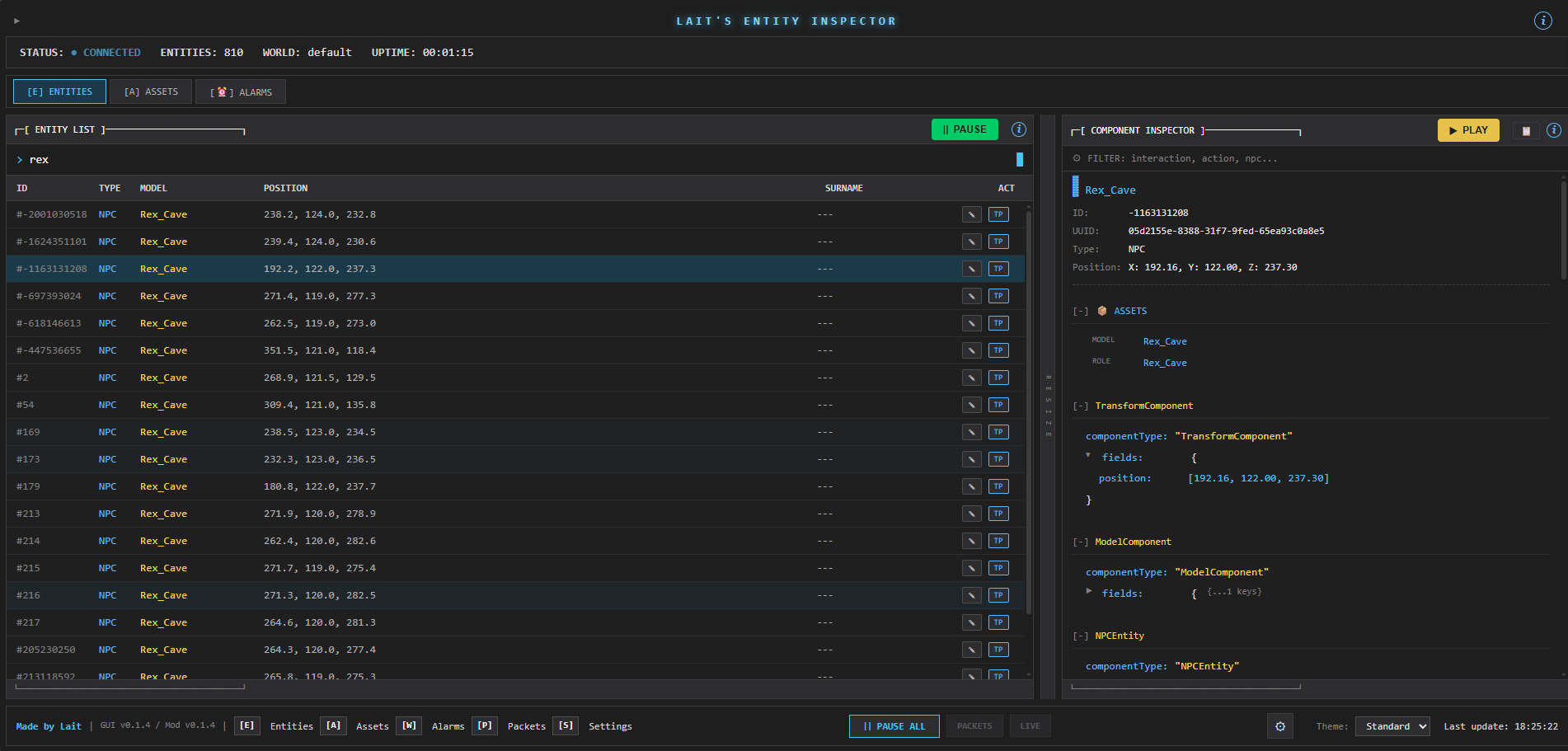
Entity Inspector
- Real-time entity tracking - Live spawn/despawn/update events
- Component inspector - Click any entity to inspect all component data
- Deep expansion - Click expandable fields to load nested data from server
- Search & filter - Filter entities by type, model, or ID
- Component filter - Filter components within the inspector panel
- Live changes panel - See which components are changing across all entities
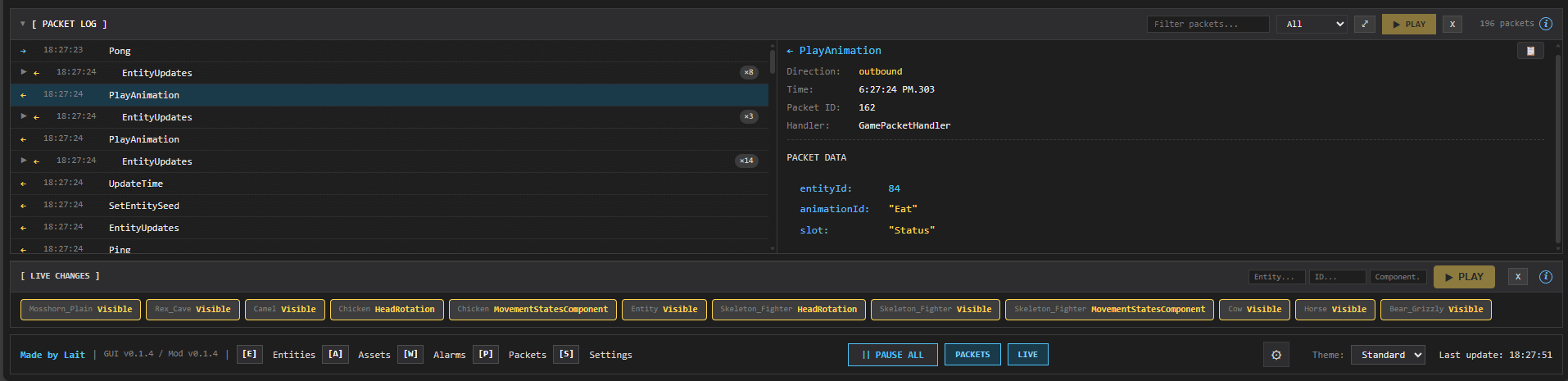
Packet Log
- Network packet capture - View all packets sent/received
- Direction filtering - Filter by inbound/outbound/all
- Packet inspection - Click packets to see full payload
- Expandable fields - Deep-expand complex packet data
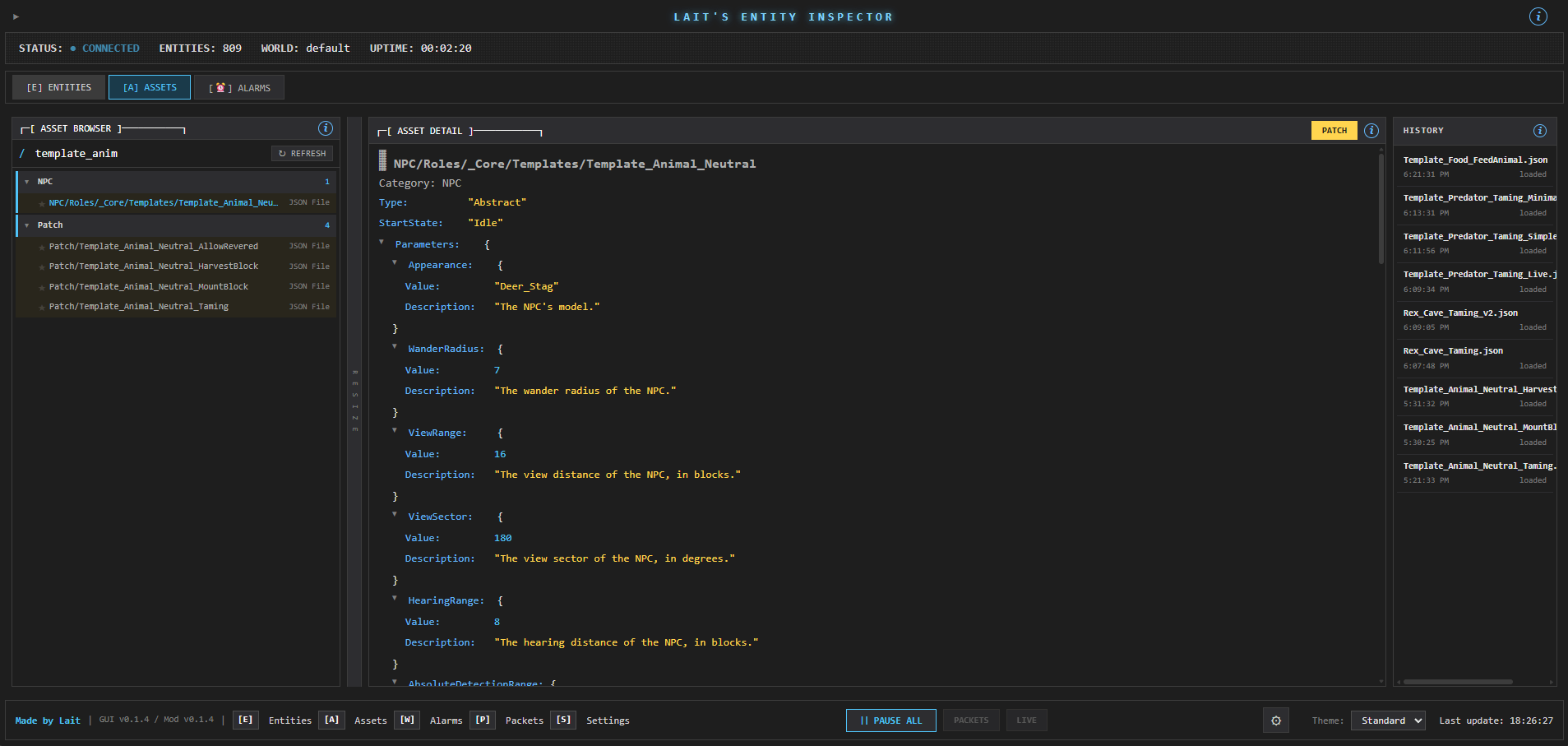
Asset Browser (requires Hytalor)
- Auto-detection - Automatically detects if Hytalor is loaded in-game
- Live asset patching - When Hytalor is present, publish patches that take effect immediately without restart
- Browse all game assets - Roles, Prefabs, Items, Blocks, etc.
- Search assets - Find assets by name across all categories
- View asset JSON - See the full asset definition
- Navigation history - Back/forward through viewed assets
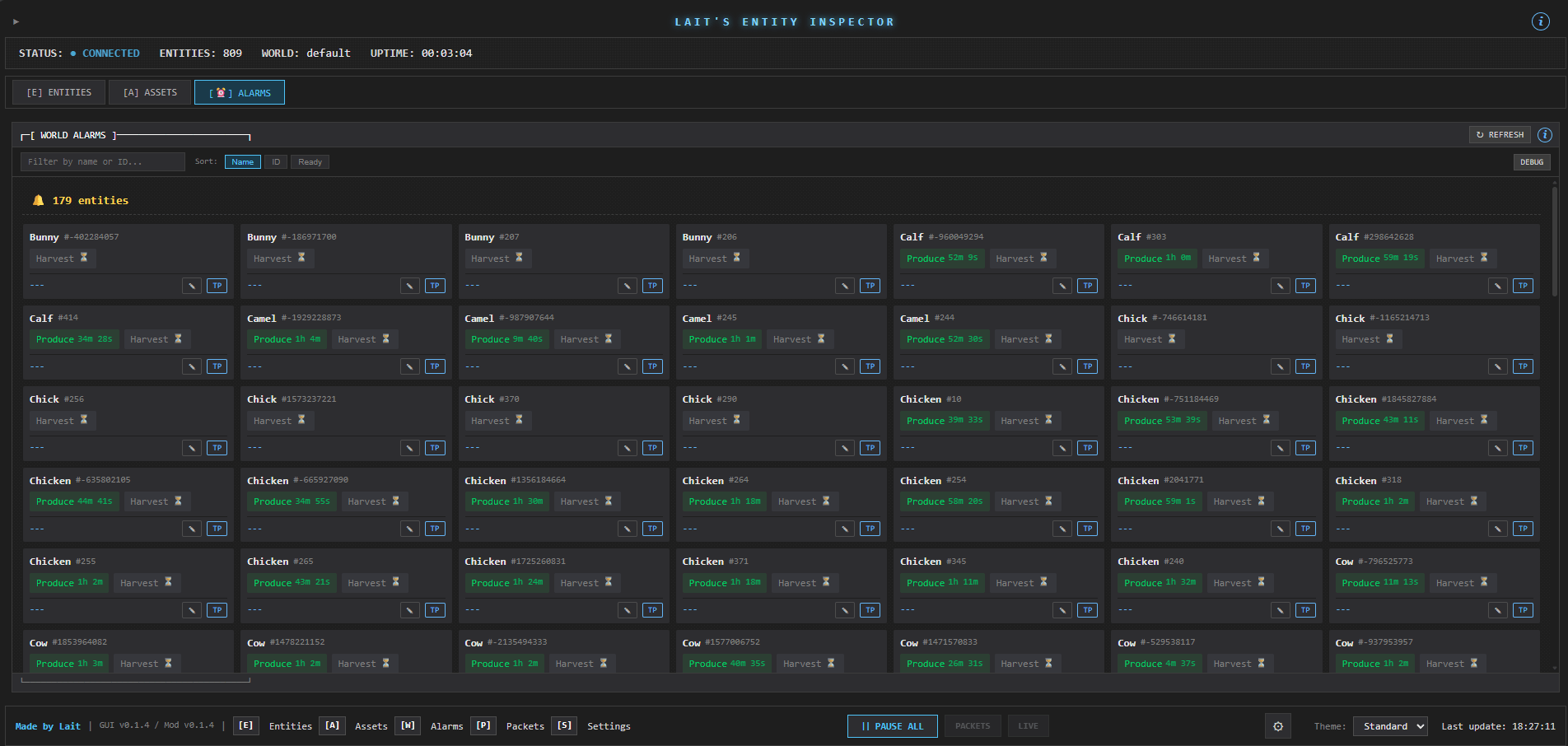
Alarms Panel
- Entity alarm tracking - See all alarms across entities
- Remaining time - Live countdown to alarm triggers
- Sort options - Sort by name, entity ID, or ready status
- Change detection - Highlights when alarms are modified
Settings Persistence (v0.1.1+)
- All UI settings survive page refresh (tab, filters, pause states, sort modes)
- Caches automatically clear on disconnect to prevent stale data
Keyboard Shortcuts
| Key | Action |
|---|---|
Space |
Toggle global pause (all panels) |
R |
Reconnect to server |
C |
Clear local caches |
Esc |
Deselect / clear search / close modal |
L |
Toggle event log |
P |
Toggle packet log panel |
S |
Toggle settings modal |
H |
Toggle header |
/ |
Focus search (context-aware) |
E |
Switch to Entities tab |
A |
Switch to Assets tab |
W |
Switch to Alarms (Watch) tab |
Server Commands
| Command | Description |
|---|---|
/inspector |
Show inspector status |
/inspector on|off |
Toggle inspector |
/inspector rate <ms> |
Set update interval |
/inspector pause|resume |
Pause/resume updates |
/inspector reload |
Reload config |
Configuration
Updater Config
On first run, update.ps1 creates updater-config.json:
{
  "modPath": "C:\\Users\\...\\Hytale\\UserData\\Mods",
  "autoCheck": true,
  "skipModInstall": false
}
modPath- Where to install the mod jarautoCheck- Check for updates automaticallyskipModInstall- Set totrueto only update GUI
Reconfigure anytime with: .\update.ps1 -Configure
Building from Source
cd laits-entity-inspector
gradle build -x test
Output: build/libs/laits-entity-inspector-<version>.jar
Screenshots
License
MIT