 Miscellaneous
 Gameplay
 Utility
 Blocks
ImageFrames
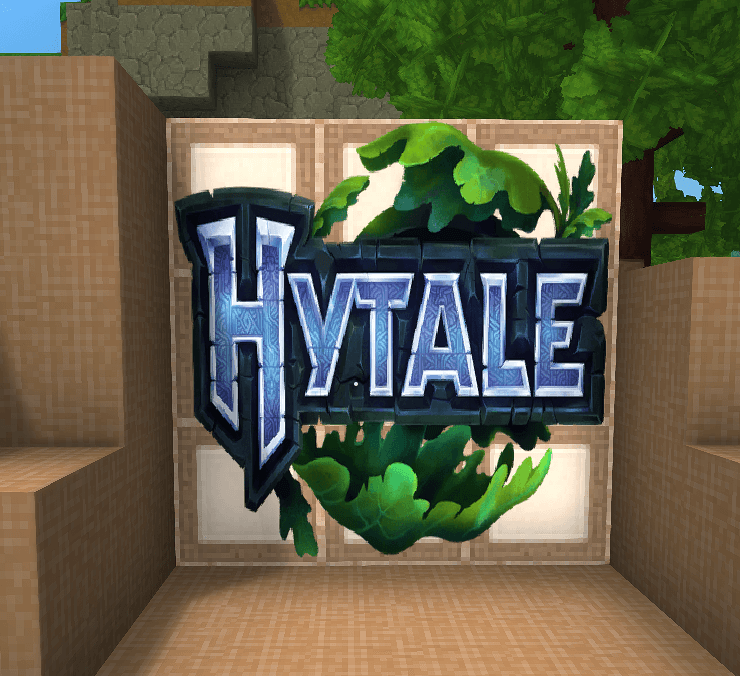
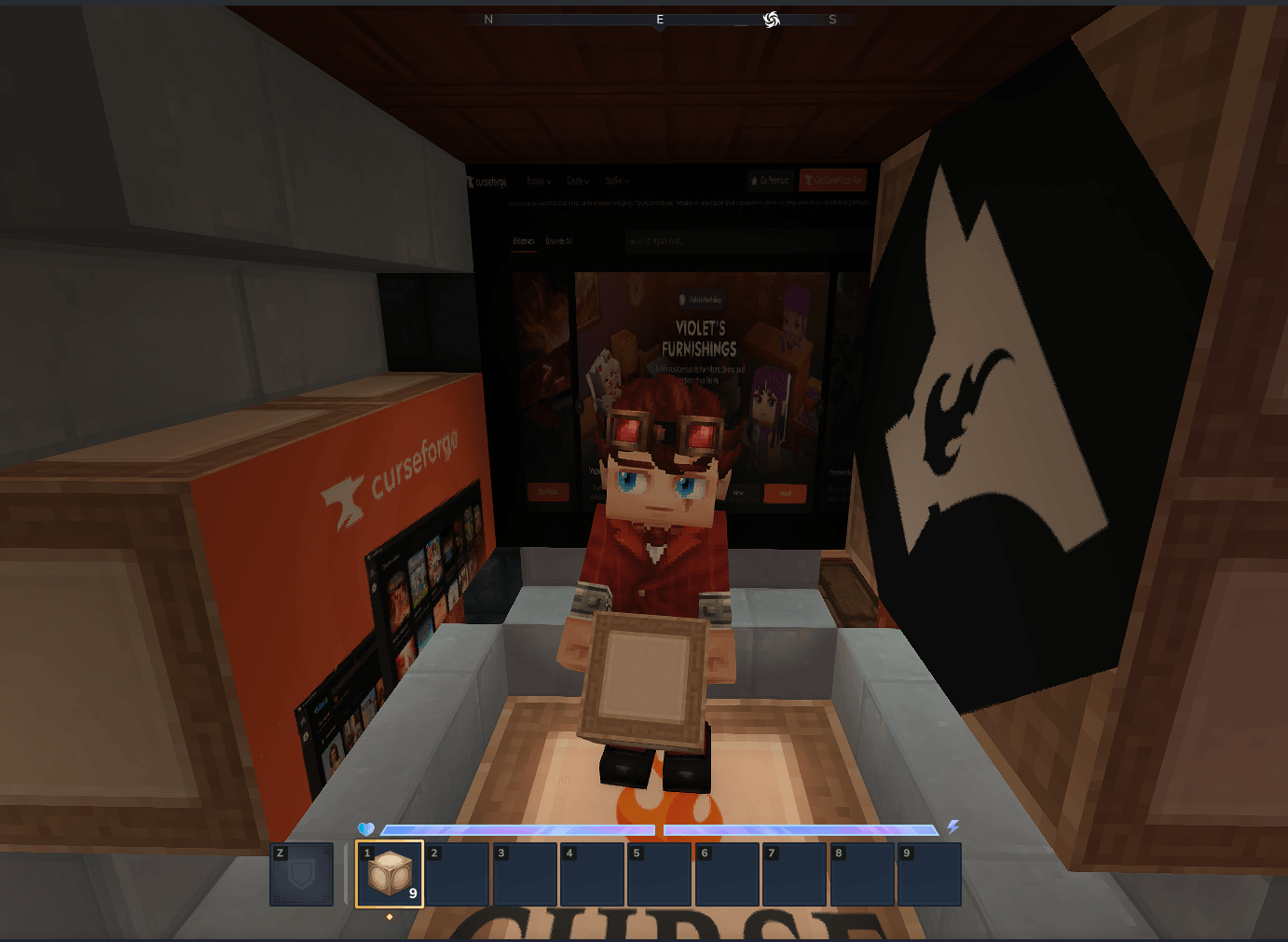
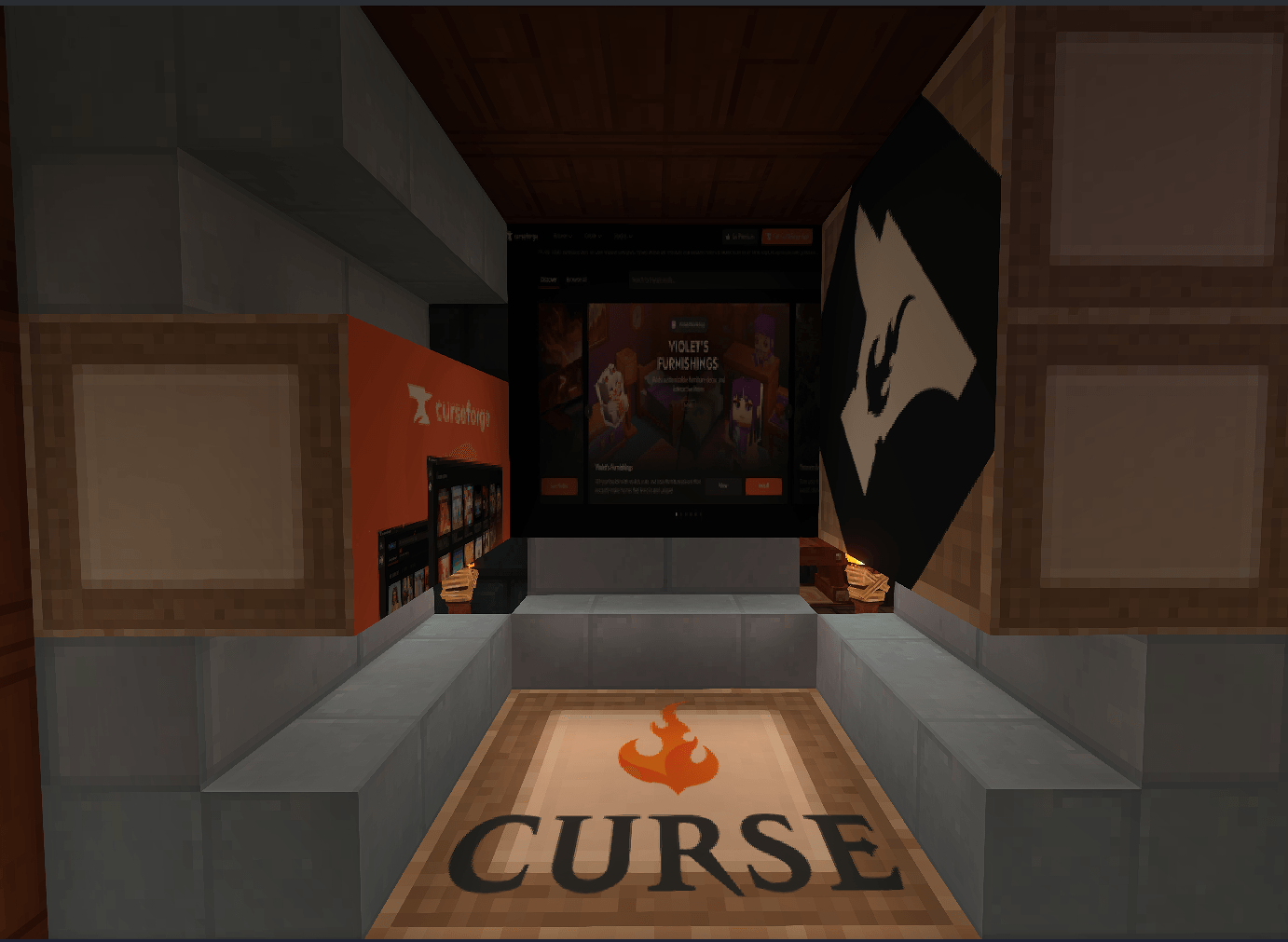
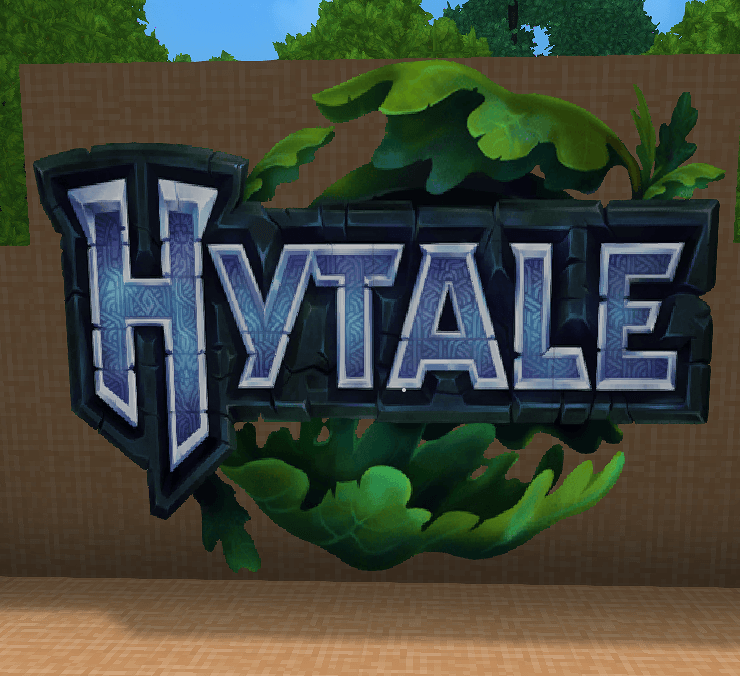
ImageFrames is a Hytale mod that facilitates the display of custom images on blocks within the game world. It allows players to define image sources (URLs), dimensions, and orientation for immersive decoration.
Features
- Custom Images: Load images via URL.
- Flexible Resizing: Supports
stretch,crop, andcontainfit modes. - Multi-Block Frames: Create large displays spanning multiple blocks (e.g., 2x2, 3x2).
- Intuitive Orientation:
- Smart Face Detection: Automatically determines the frame's facing direction based on the block face you interact with.
- Owner Locking: Prevents other players from modifying your frames (configurable).
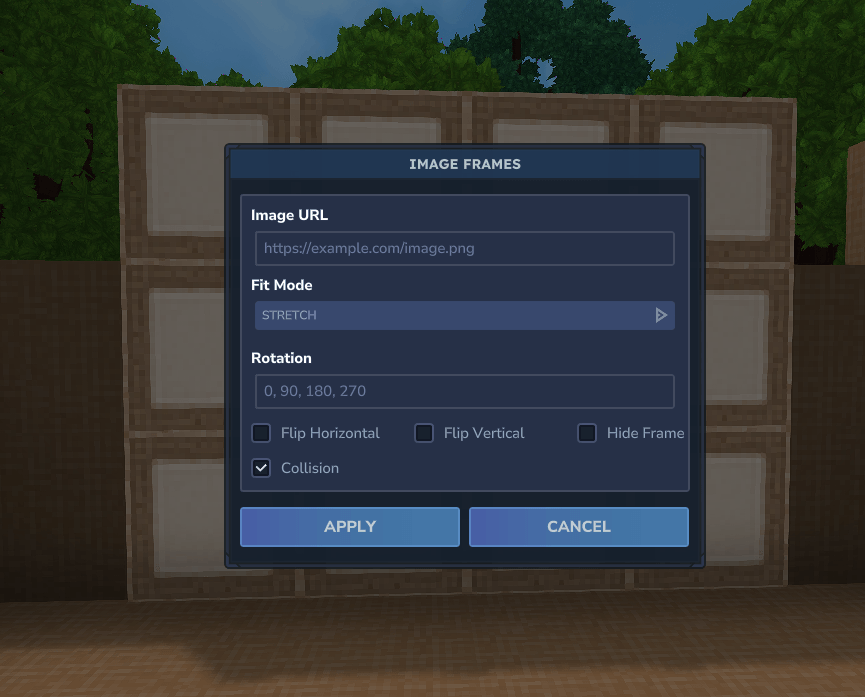
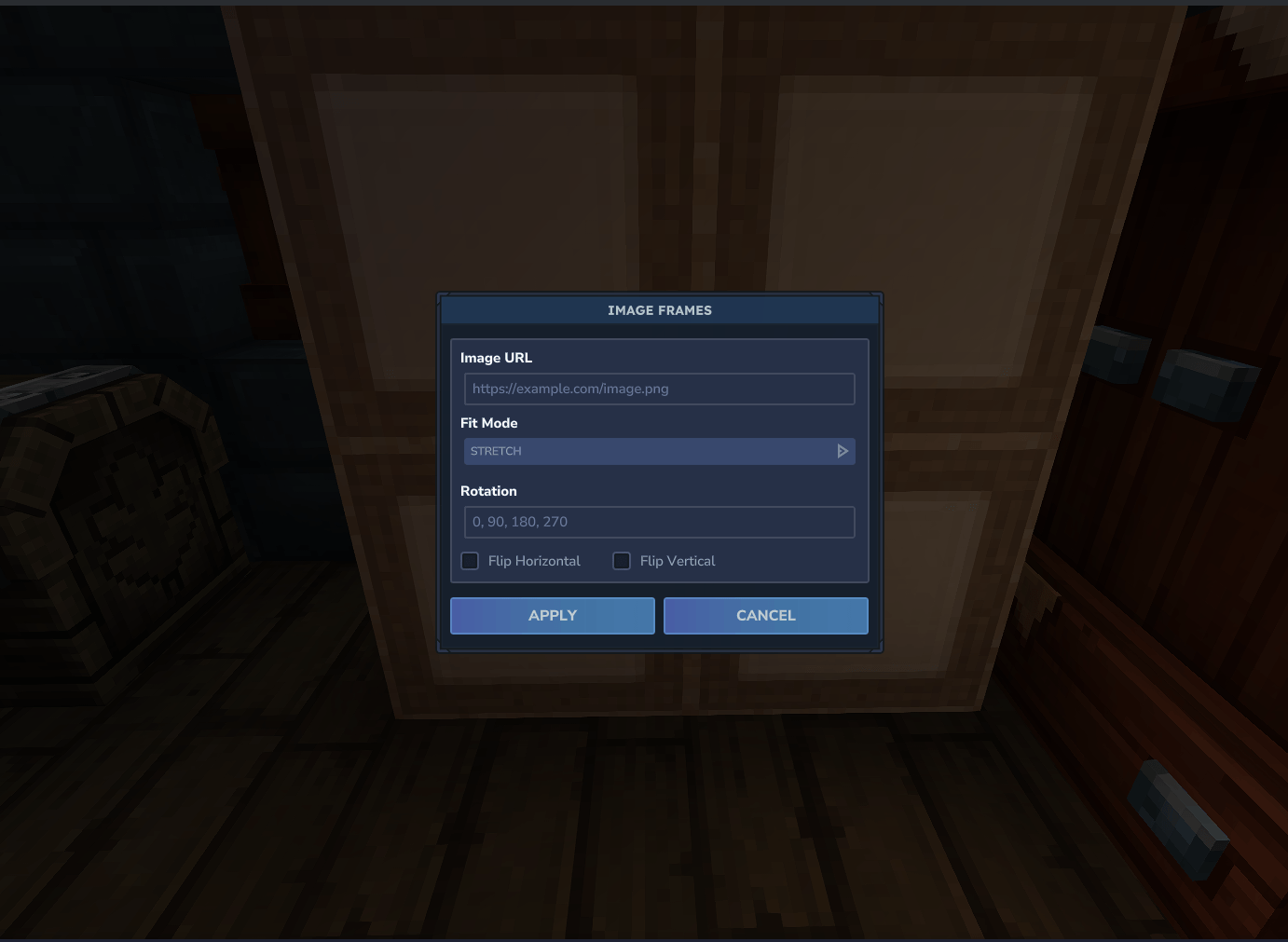
- Interactive UI: Easy-to-use configuration menu when interacting with frame blocks.
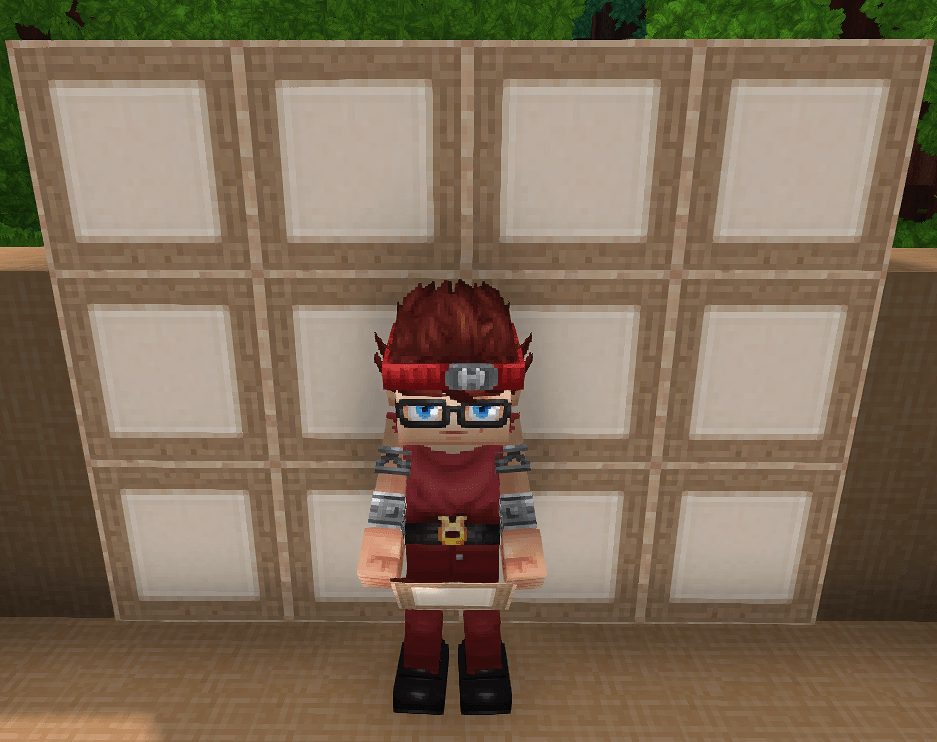
- Panels: Flat panels with optional hidden frame and togglable collision.
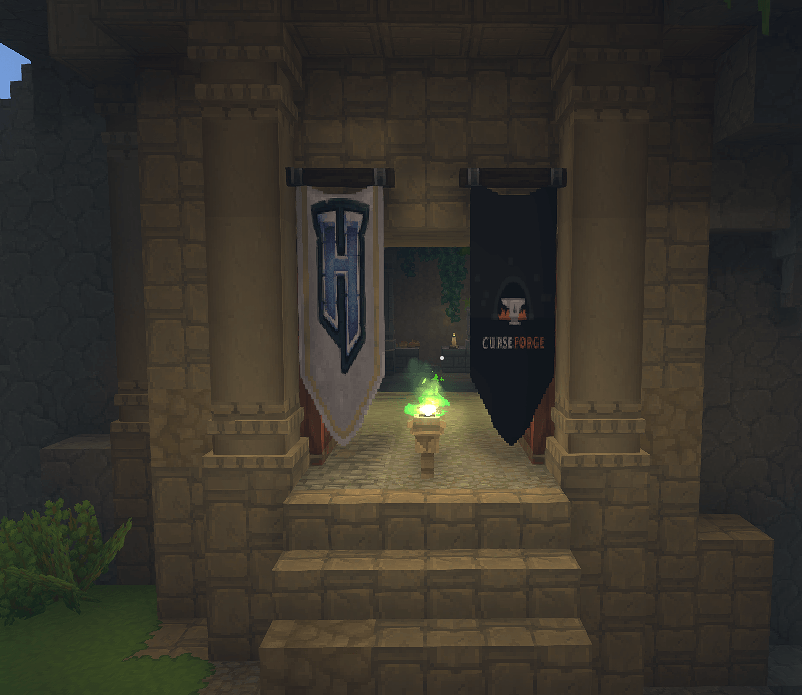
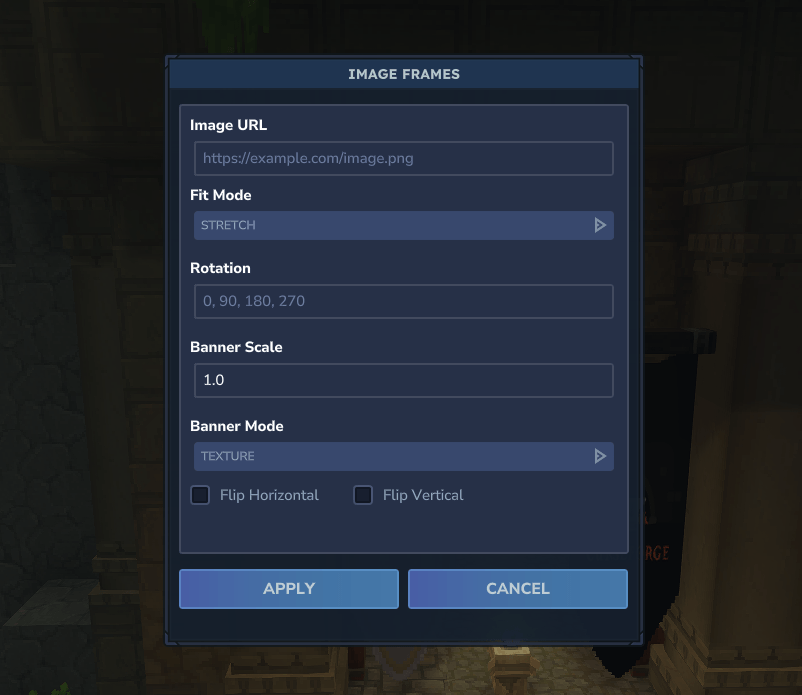
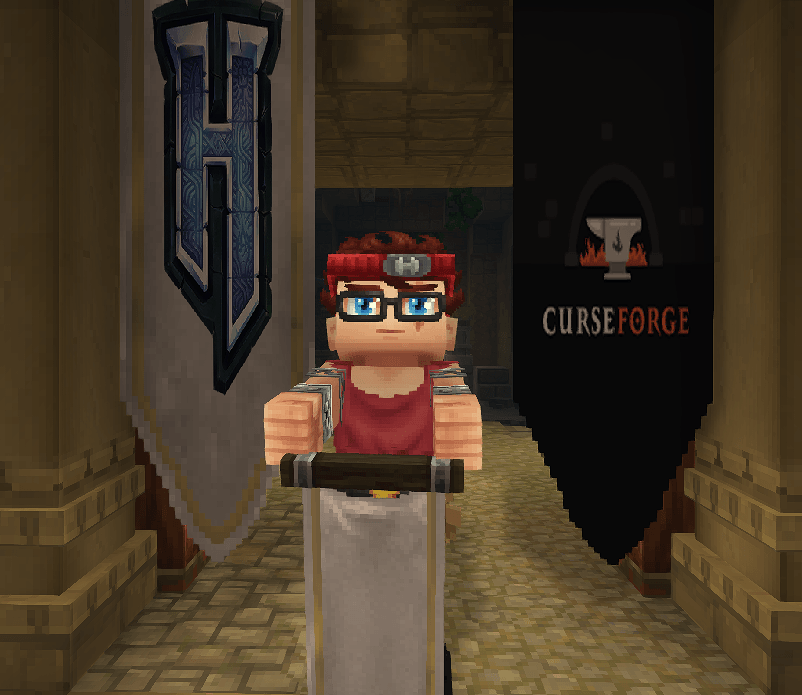
- Banners: Placeable banners with adjustable scale and display mode.
Usage
- Place Frame Blocks: Arrange the frame blocks in a rectangular shape (e.g., 1x1, 2x1, 2x2).
- Interact: Right-click the frame to open the configuration menu.
- Configure:
- URL: Enter the direct link to your image.
- Fit: Choose how the image fits the frame.
- Rotation: Rotate the image if needed.
- Flip: Flip horizontally or vertically.
- Panels: Toggle Hide Frame and Collision (panels only).
- Banners: Set Banner Scale (0.25 - 4.0) and Banner Mode (Texture or Area).
- Apply: Click "Apply" to render the image.
Resetting Frames
To reset an ImageFrame, simply break one of the frame blocks and rebuild the structure. This will clear the current configuration.
Panel Notes
- Panels can hide the frame and toggle collision from the UI.
- When collision is disabled, only the top-right panel tile can be broken to remove the whole panel.
This tile is prone to physics updates, so build with care.
Crafting
You can craft Image Frames and Panels at a Furniture Bench.
Recipe:
- Category: Furniture Misc
- 30x Life Essence
- 9x Wood Trunk (Any type)
Output: 9x Image Frames
Panel Output: 18x Image Panels
Banner Recipe:
- Category: Furniture Misc
- 10x Life Essence
- 3x Wood Trunk (Any type)
- 7x Rubble
Banner Output: 1x Image Banner
Screenshots

Showcase

Configuration Interface

Banner Configuration Interface

Panel Configuration Interface

Frame Block

Panels

Banner

Banner Held

Panel With Frame

Panel With Hidden Frame
Installation
- Build the project using
./gradlew build. - Place the generated JAR file into your Hytale's
modsdirectory.