

 Utility
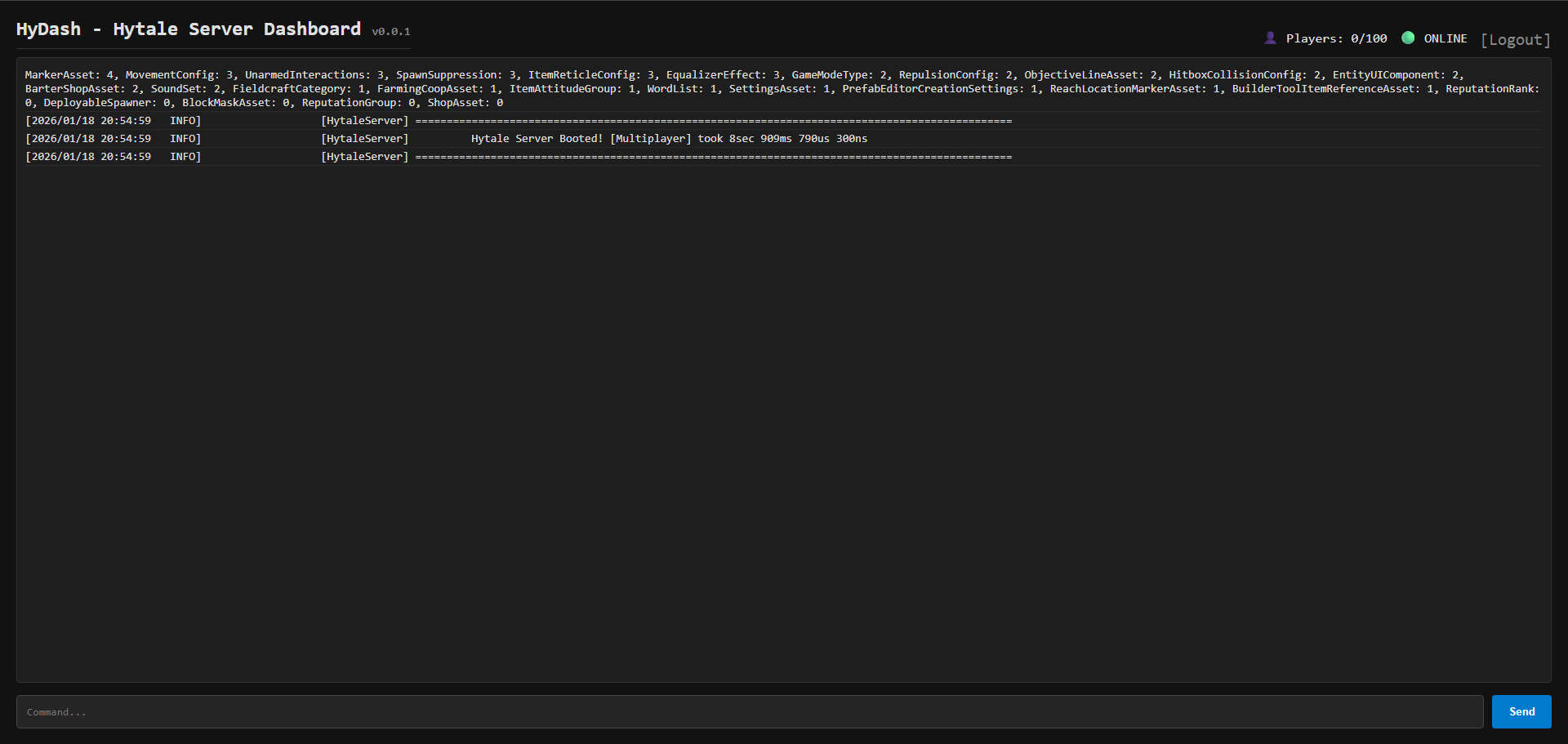
🚀 HyDash - Hytale Server Web Dashboard
HyDash is a lightweight, high-performance web interface for Hytale servers. It allows administrators to monitor their server via a browser, track logs in real-time, and execute commands remotely—from anywhere.



✨ Features
- 🖥️ Web-based UI: Modern dark-mode interface, runs directly in the browser.
- 🔴 Live Log Stream: View the server console in real-time (via Server-Sent Events).
- ⚡ Remote Commands: Execute commands (like
/kick,/stop) without being in-game. - 📊 Live Stats: Monitor current player count.
- 🔒 Token Auth: Simple protection via access tokens.
- 📱 Responsive: Works on mobile devices.
📥 Installation
- Download the latest
.jarfile fromreleases(or compile it yourself). - Stop your Hytale server.
- Place the
HyDash.jarinto your server'smodsfolder. - Start the server.
- The dashboard is now accessible on port
8888-> http://ip-of-your-server:8888/
⚙️ Configuration
Currently, the port and token are configured in the source code (hardcoded).
- Default port:
8888 - Default token:
ChangeMe123 - Default listing to:
0.0.0.0
To change these, edit the config.json file inside mods/Manu3lll_HyDash/config.json:
{
  "bindAddress": "0.0.0.0", //change listing to here
  "port": 8888, //change port, where webserver should run here
  "token": "ChangeMe123" //change token for login here
}
🔨 Contributing
Community contributions are welcome and encouraged. If you are a plugin developer and this plugin does not fulfill your needs, please consider contributing to this repository before building your own web dashboard implementation.
🔒 Security
If you believe to have found a security vulnerability, please report your findings via https://github.com/Manu3lll/HyDash/issues.
Thank you for your help und your support! ❤️
