 Quality of Life
 Miscellaneous
 Gameplay
 Library
 Utility
Voile for Hytale
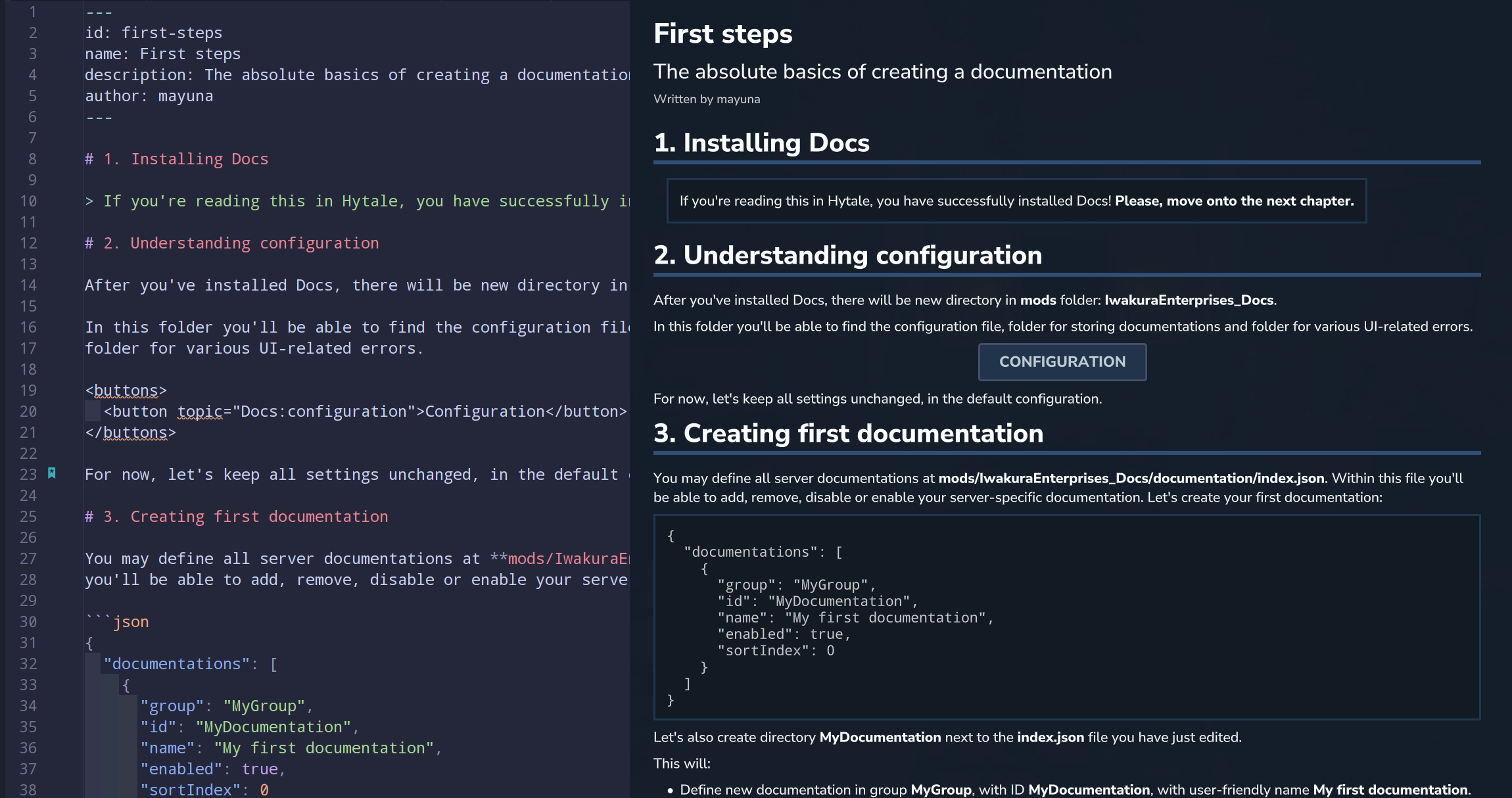
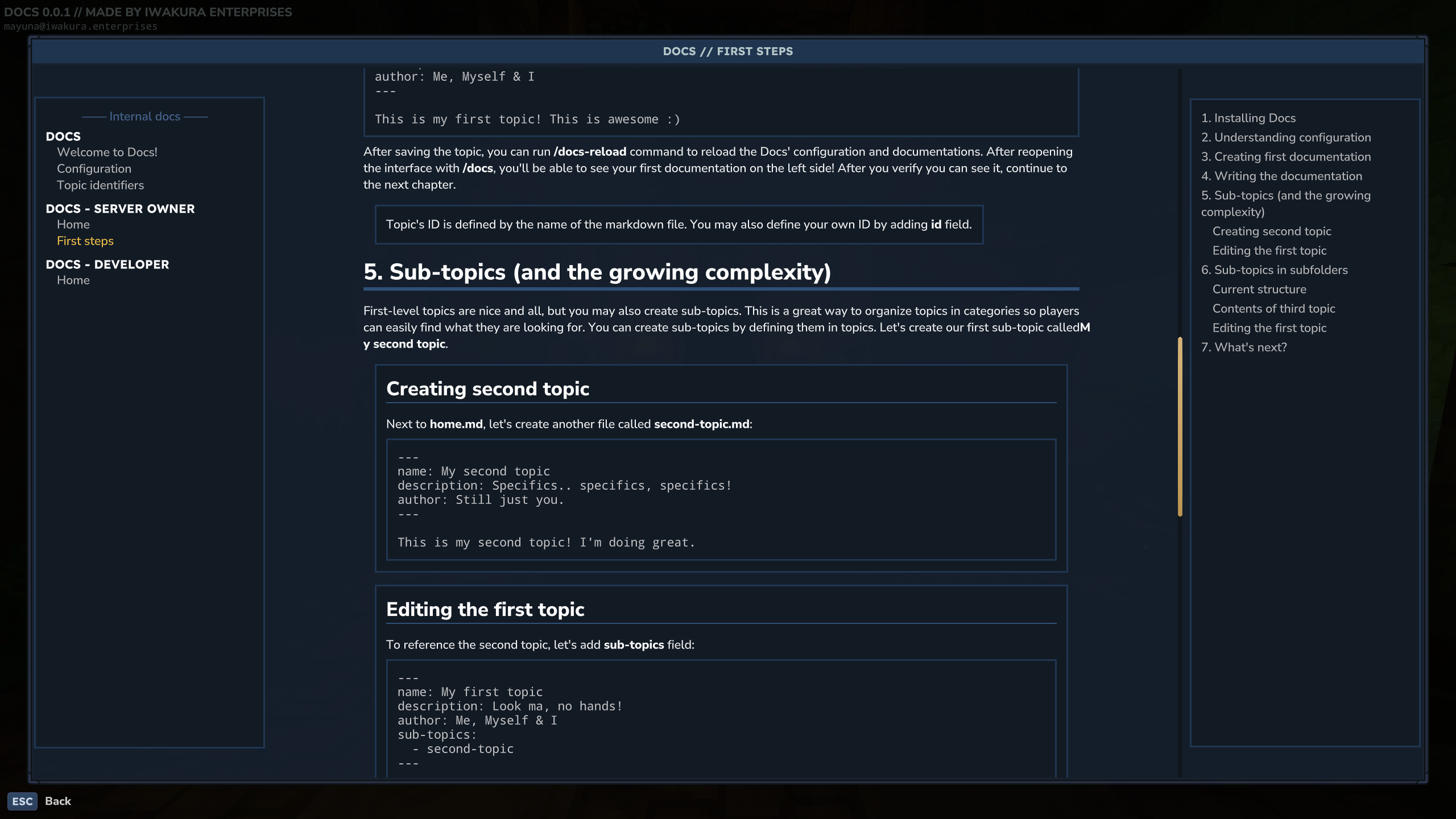
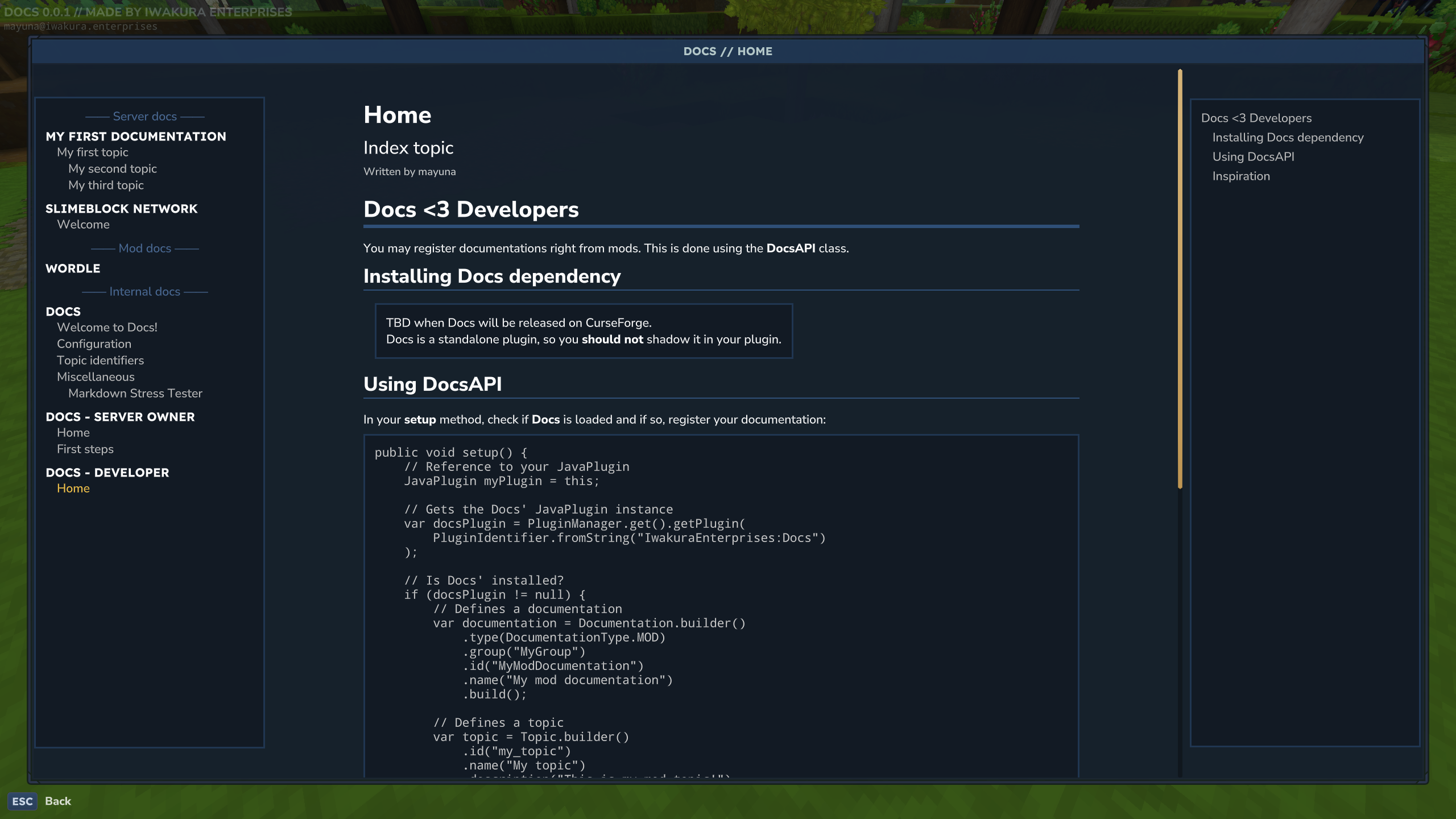
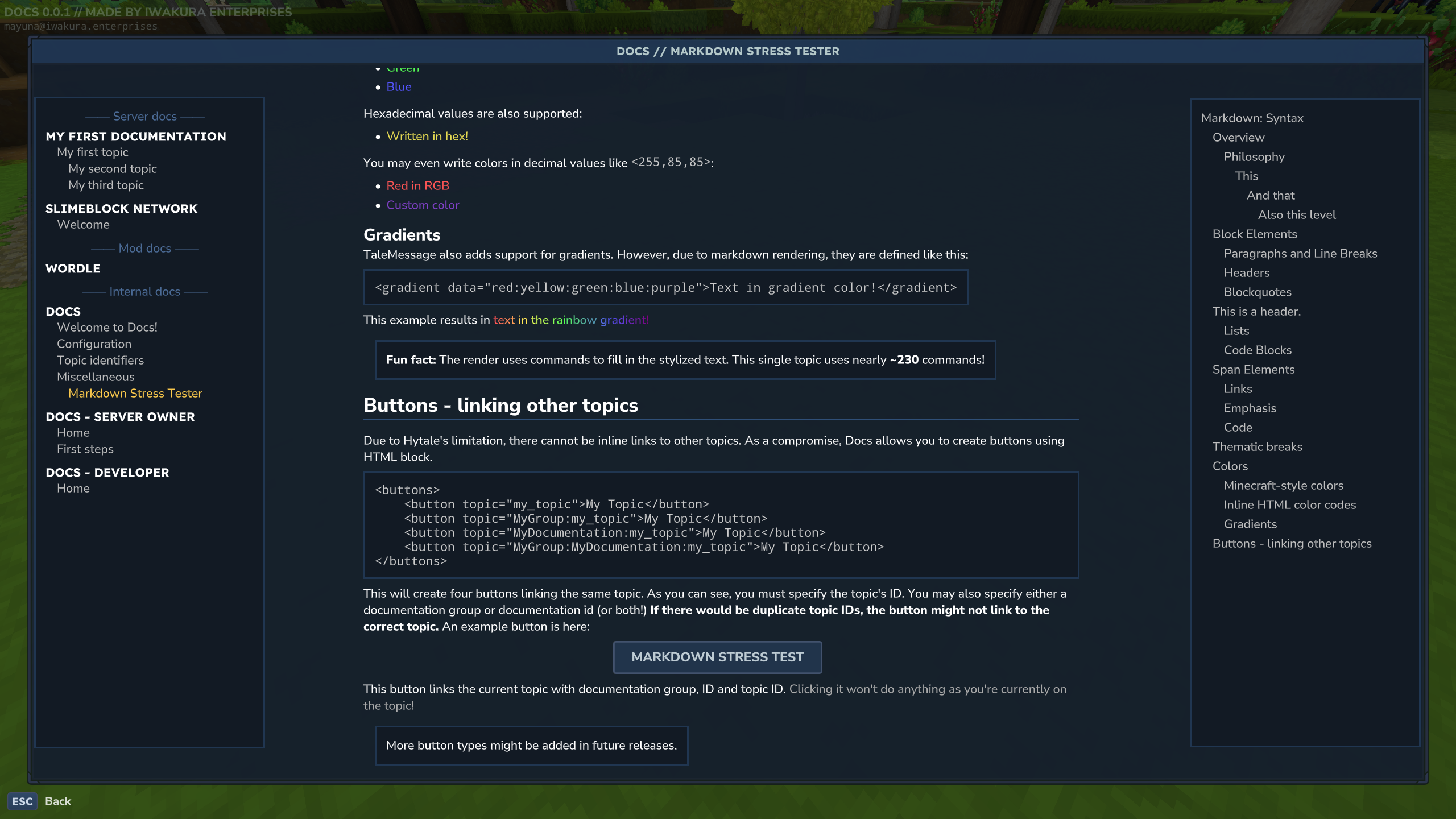
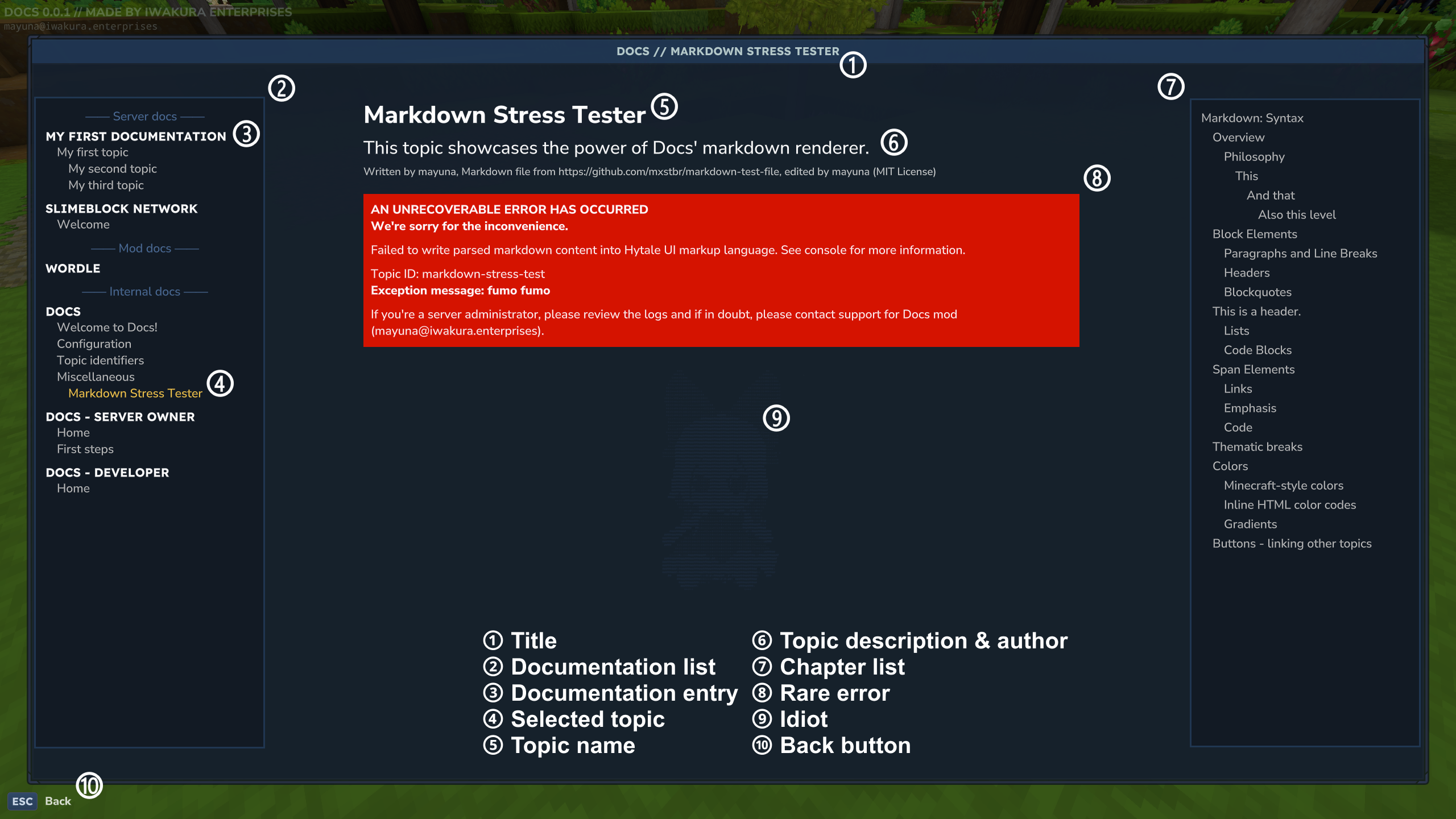
Create & read stunning documentation right in the game with markdown! A spiritual successor to Patchouli (Minecraft)
With Voile, you will be able to learn about your favorite mods straight from the game, without the need of looking up some guides online.
CurseForge: https://www.curseforge.com/hytale/mods/docs
Installing
After installing the mod inside the mods folder, you can use the command /voile to open the documentation interface.
Currently supported mods
...coming soon! Write me an e-mail if you wanted to be mentioned. (see Support & suggestions)
Documentation
You may find complete documentation at Iwakura Enterprises Documentations
Support & suggestions
You may create issues right here on CurseForge or contact me via e-mail: [email protected]
If your question will provide valuable information to other users, I'll share it in FAQ section!
Commands
/voile-> Opens the Voile's interface/docs-reload-> Reloads config & documentations..any other command-> Opens specific topic! (see command shortcuts for more info)
Permissions
iwakuraenterprises.docs.command.docs- /docs and all its command shortcutsiwakuraenterprises.docs.command.docs-reload- /docs-reload
Command shortcuts
Voile allows you to create command shortcuts. These commands allows you to open specific topics/documentations with a simple command.
For example, as a server owner, you may create command shortcut /rules that will open screen with rules. This can be done in config.json located in mods/IwakuraEnterprises_Voile in the commandShortcuts section:
"commandShortcuts": {
  "enabled": true,
  "commands": [
    {
      "name": "rules",
      "topicIdentifier": "server_rules"
    }
  ]
}
Future plans & development
You may learn about the future plans and on-going developemnt at Iwakura Enterprises' Voile YouTrack
Screenshots