 Miscellaneous
 Quality of Life
 Utility
BiomeDisplay
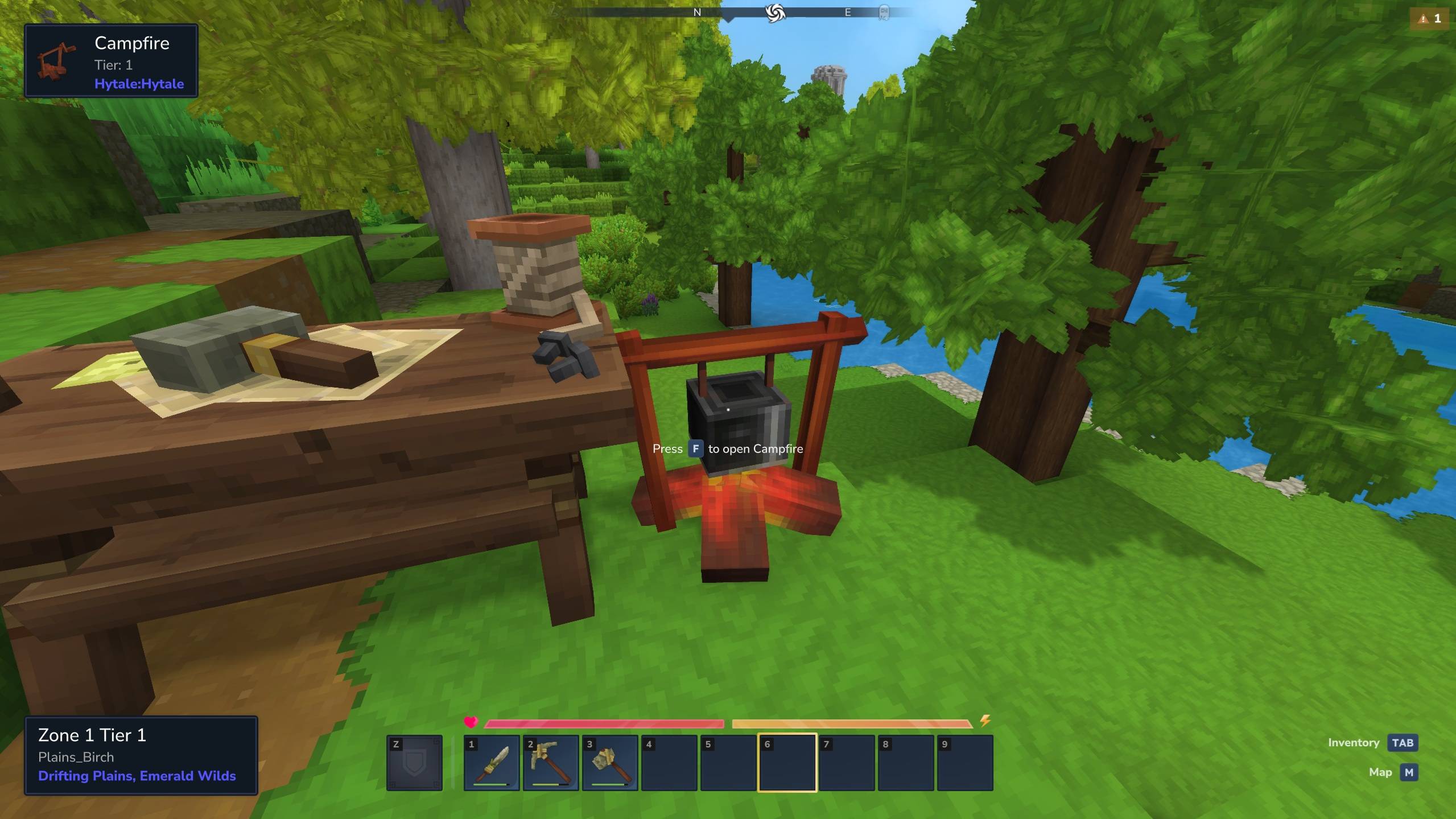
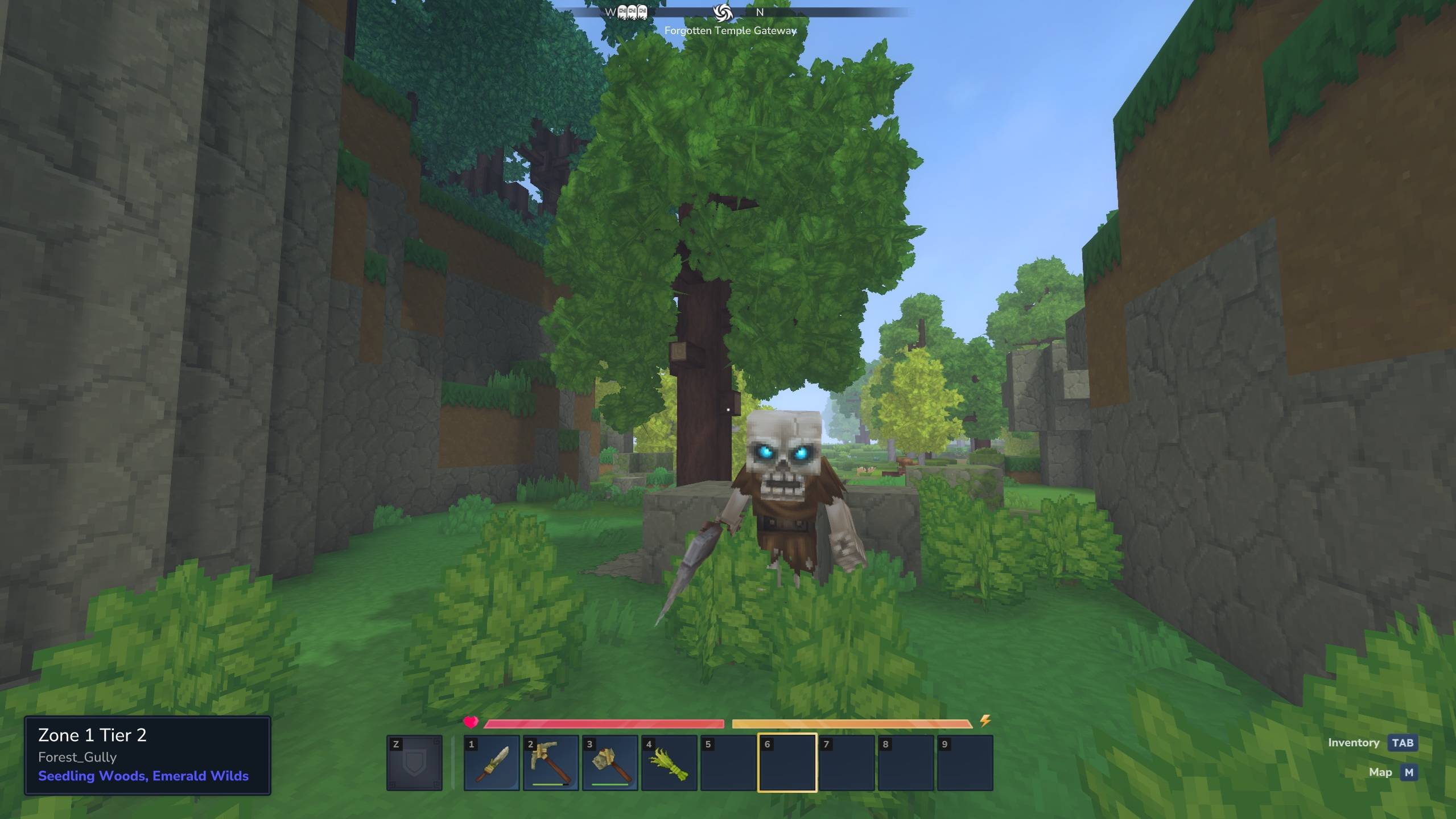
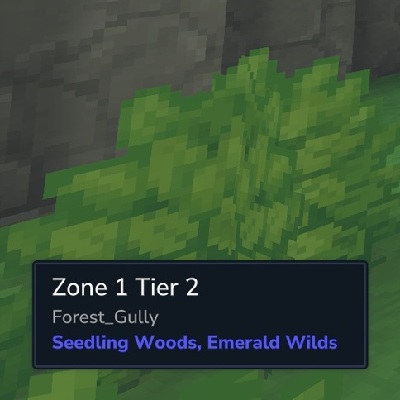
A mod for Hytale that displays the current biome information in the UI.
If the MultipleHUD mod is present, this mod can be used alongside other mods that support multiple custom HUDS (e.g. EyeSpy).
Usage
Hide or show the HUD
/biome toggle
Adjust the position of the HUD
/biome position top center
/biome position middle right
/biome position bottom left
Set the positional offset of the HUD
/biome offset 100 0
/biome offset -500 20
/biome offset 0 -120
Adjust the size of the HUD
/biome size small
/biome size medium
/biome size large
Make background semi-transparent
/biome transparent true
/biome transparent false
Config
A config file can be proved at
- Servers:
mods/n8chur_BiomeDisplay/config.json - Local:
%appdata%/Hytale/UserData/Saves/<world_name>/mods/n8chur_BiomeDisplay/config.json
This file will be created on first launch if one is not already provided.
The config file uses the following format:
{
  "DefaultHidden": true,
  "DefaultPosition": {
    "Vertical": "top",
    "Horizontal": "right"
  },
  "DefaultSize": "small",
  "DefaultIsTransparent": true
}
DefaultHidden: Whether the HUD is hidden to the user when they first join a server.- Values:
true,false - Default:
false
- Values:
DefaultPosition: The default position of the HUD element when a user first joins a server.Vertical- Values:
"top","middle","bottom" - Default:
"bottom"
- Values:
Horizontal- Values:
"left","center","right" - Default:
"left"
- Values:
DefaultOffset: The default positional offset of the HUD element when a user first joins a server.X- Values: Integer (e.g. -100, 0, 64)
- Default: 0
Y- Values: Integer (e.g. -100, 0, 64)
- Default: 0
DefaultSize: The default size of the HUD element when a user first joins a server.- Values:
"small","medium","large" - Default:
"medium"
- Values:
DefaultIsTransparent: Whether the background of the HUD element is semi-transparent when a user first joins a server.- Values:
true,false - Default:
false
- Values: