 Utility
 Miscellaneous
 Gameplay
 Library
AquaCommands - Custom Commands System for Hytale
AquaCommands allows you to easily create and manage custom chat commands directly in-game using a user-friendly interface. Create shortcut commands, information displays, social links, and more without editing config files manually.
Now fully compatible with LuckPerms!
🌊 Features
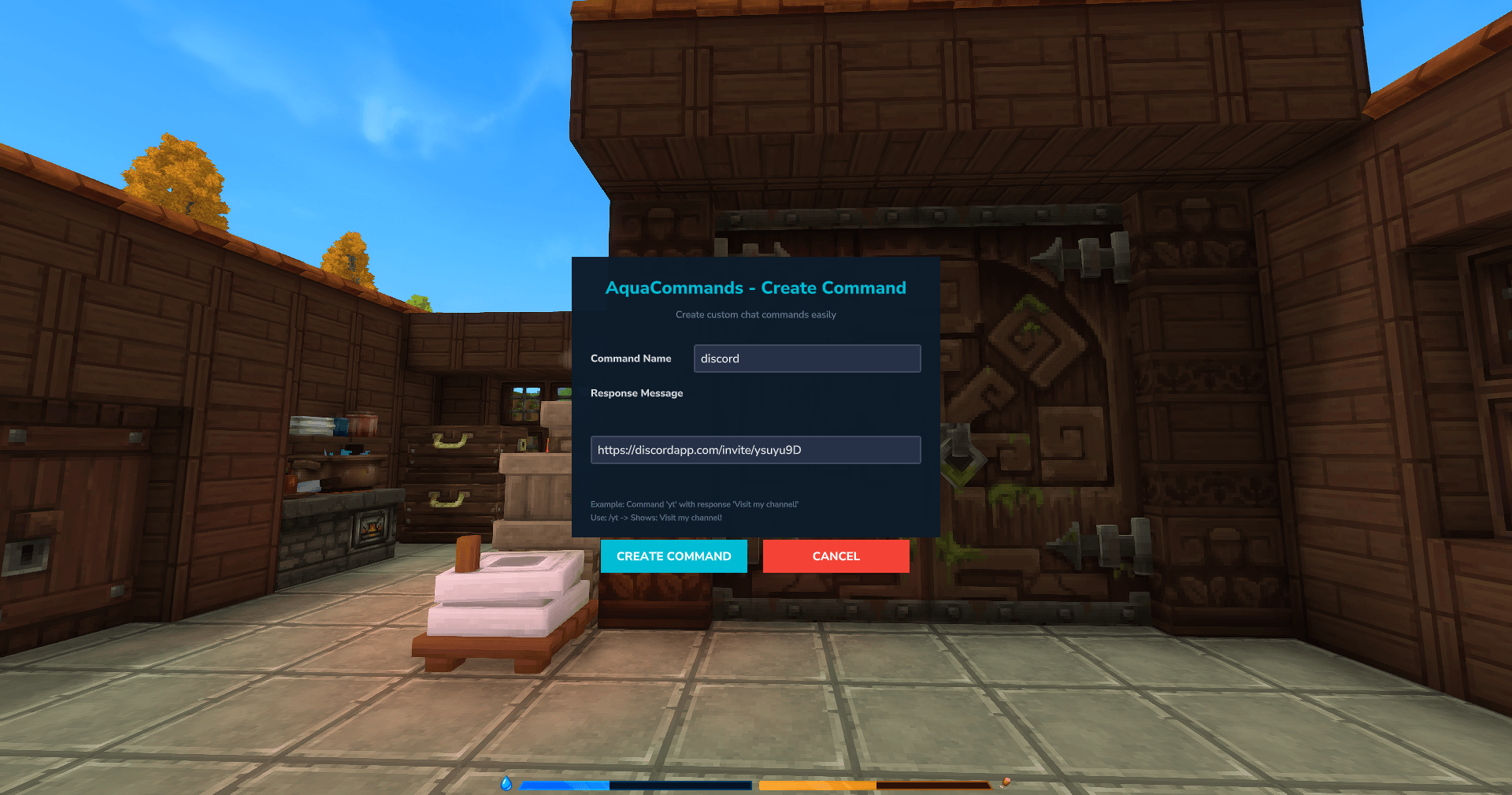
- In-Game GUI: Create, edit, and delete commands visually (
/aquacmd). - Hot Reload: Apply changes instantly without restarting (
/aquareload). - Permission Integration: Full support for LuckPerms contexts and groups.
- Smart Links: URLs in command responses are automatically clickable.
- Persistent Storage: Commands are saved safely in
commands.json.
🚀 Installation
- Download
AquaCommands-1.3.0.jar. - Place it in your server's
mods/orplugins/folder. - Restart the server.
(Optional but recommended: Install LuckPerms-Hytale for permission management)
📋 Commands & Permissions
| Command | Description | Permission Node |
|---|---|---|
/aquacmd |
Open the Creator UI to add/edit commands | aquacommands.manage |
/aqualist |
View all custom commands in a list | aquacommands.manage |
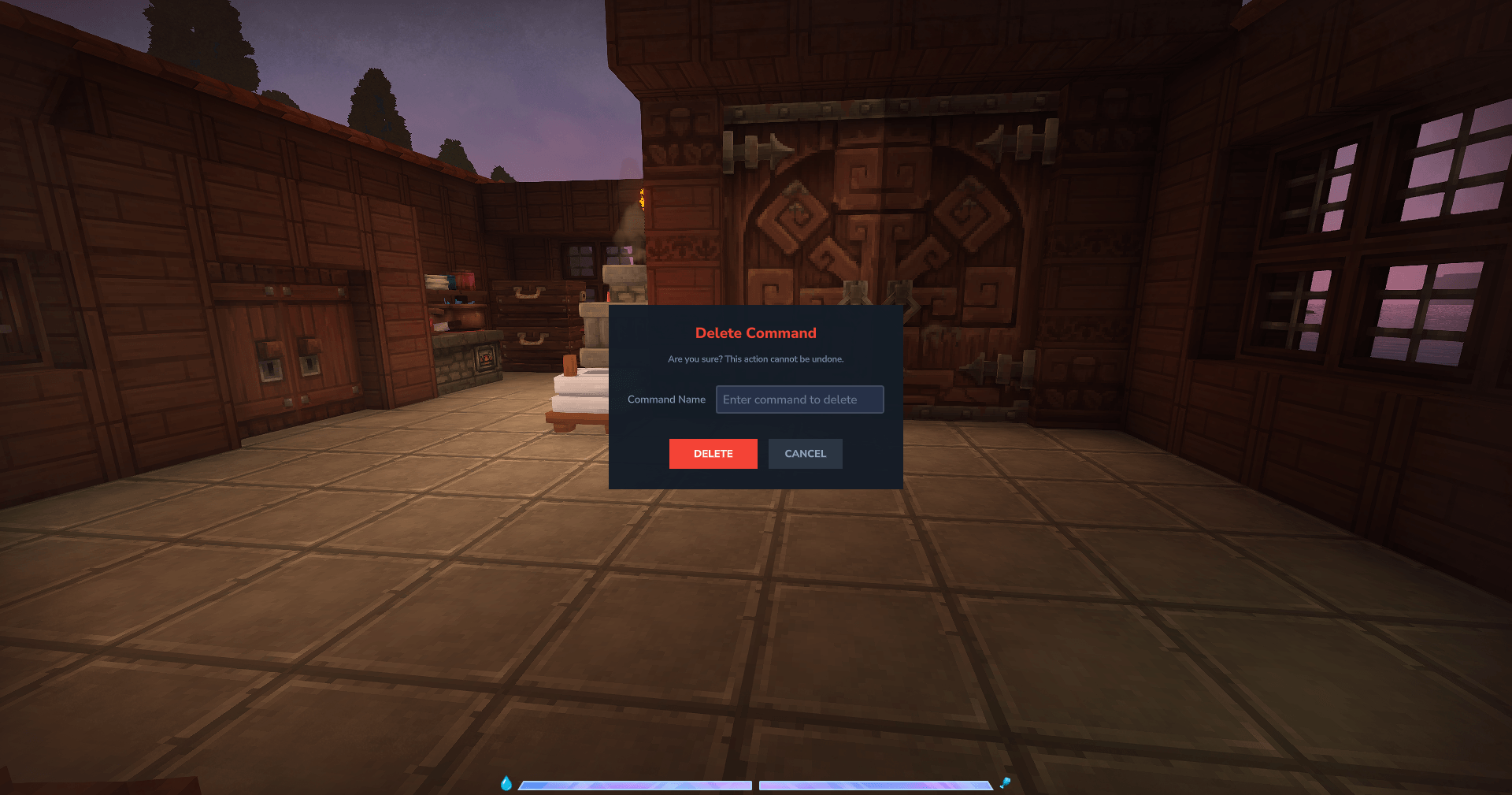
/aquacmdremove |
Delete an existing command | aquacommands.manage |
/aquareload |
Reload configuration from disk | aquacommands.reload |
Custom Commands Permissions
When you create a custom command (e.g., /discord), permission nodes are automatically generated following this simple format:
aquacommands.<command_name>
Examples
-
To allow a player to use
/discord:
aquacommands.discord -
To allow a player to use
/rules:
aquacommands.rules -
To allow access to ALL custom commands (e.g., for admins or VIPs):
aquacommands.*
Note: If LuckPerms is not installed, all players can use custom commands by default, but only OPs can manage/create them.
🎮 How to Use
-
Create a Command:
Type/aquacmd. Enter the command name (e.g.,vote) and the message/response. Click Create. -
List Commands:
Type/aqualistto see what's available. -
Delete a Command:
Type/aquacmdremoveand select the command to delete.
📝 Configuration File
Commands are stored in mods/AquaCommands/commands.json. You can edit this file manually if preferred:
{
  "discord": "Join our community: discord.gg/example",
  "map": "View the world map at: map.example.com"
}
Run /aquareload after manual edits to apply changes.
🤝 Credits
- Authors: jume, Antigravity
- Platform: Hytale